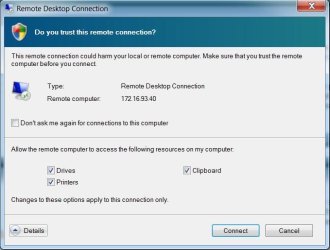
I have several Windows 7 and Windows XP users using RDC to log in to a Windows Server 2008 machine. Their local printer is a network attached Dell 3110cn. I had to manually install a driver for the 3110 on the Windows Server box.
I have to choose from a tsxx port from the list of ports to get the remote printing working. However, every time a user logs out and logs back in, the mapping of the ts port changes and disables printing. I really need this to not happen. Does anyone know of a solution?
I have to choose from a tsxx port from the list of ports to get the remote printing working. However, every time a user logs out and logs back in, the mapping of the ts port changes and disables printing. I really need this to not happen. Does anyone know of a solution?
My Computer
- OS
- Windows 7 64-bit