Hi.
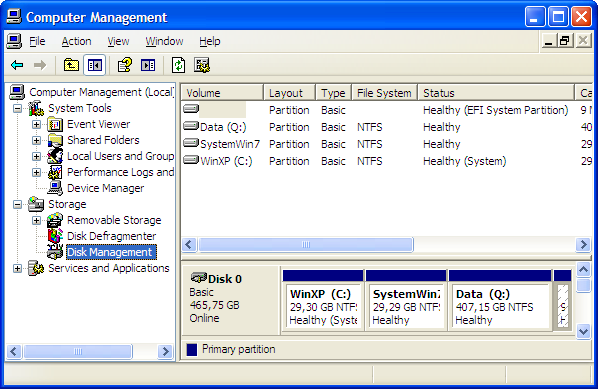
On my system (ASUS A6Va laptop) I have trouble with sleep and hibernation. Computer can enter sleep mode normally, but when I wake it up I get the black screen and have to hard reset. Now I know this a somewhat common problem with no universal solution, but the more interesting (and maybe related?) problem I have is with hibernation. When I choose hibernate option computer tries to go to hibernate mode but after some time (not longer than 20 seconds) it just gets back to login screen with my session active. The interesting part of all that is that my hiberfil.sys file is smaller than my RAM. It is only 1.4 gigs in size, when I have 2 gigs of RAM. I tried disabling and enabling hibernation but it's still only 1.4 gigs big. Is anyone else having a similar problem?
On my system (ASUS A6Va laptop) I have trouble with sleep and hibernation. Computer can enter sleep mode normally, but when I wake it up I get the black screen and have to hard reset. Now I know this a somewhat common problem with no universal solution, but the more interesting (and maybe related?) problem I have is with hibernation. When I choose hibernate option computer tries to go to hibernate mode but after some time (not longer than 20 seconds) it just gets back to login screen with my session active. The interesting part of all that is that my hiberfil.sys file is smaller than my RAM. It is only 1.4 gigs in size, when I have 2 gigs of RAM. I tried disabling and enabling hibernation but it's still only 1.4 gigs big. Is anyone else having a similar problem?
My Computer
- OS
- Windoows 7 build 7000