
You are using an out of date browser. It may not display this or other websites correctly.
You should upgrade or use an alternative browser.
You should upgrade or use an alternative browser.
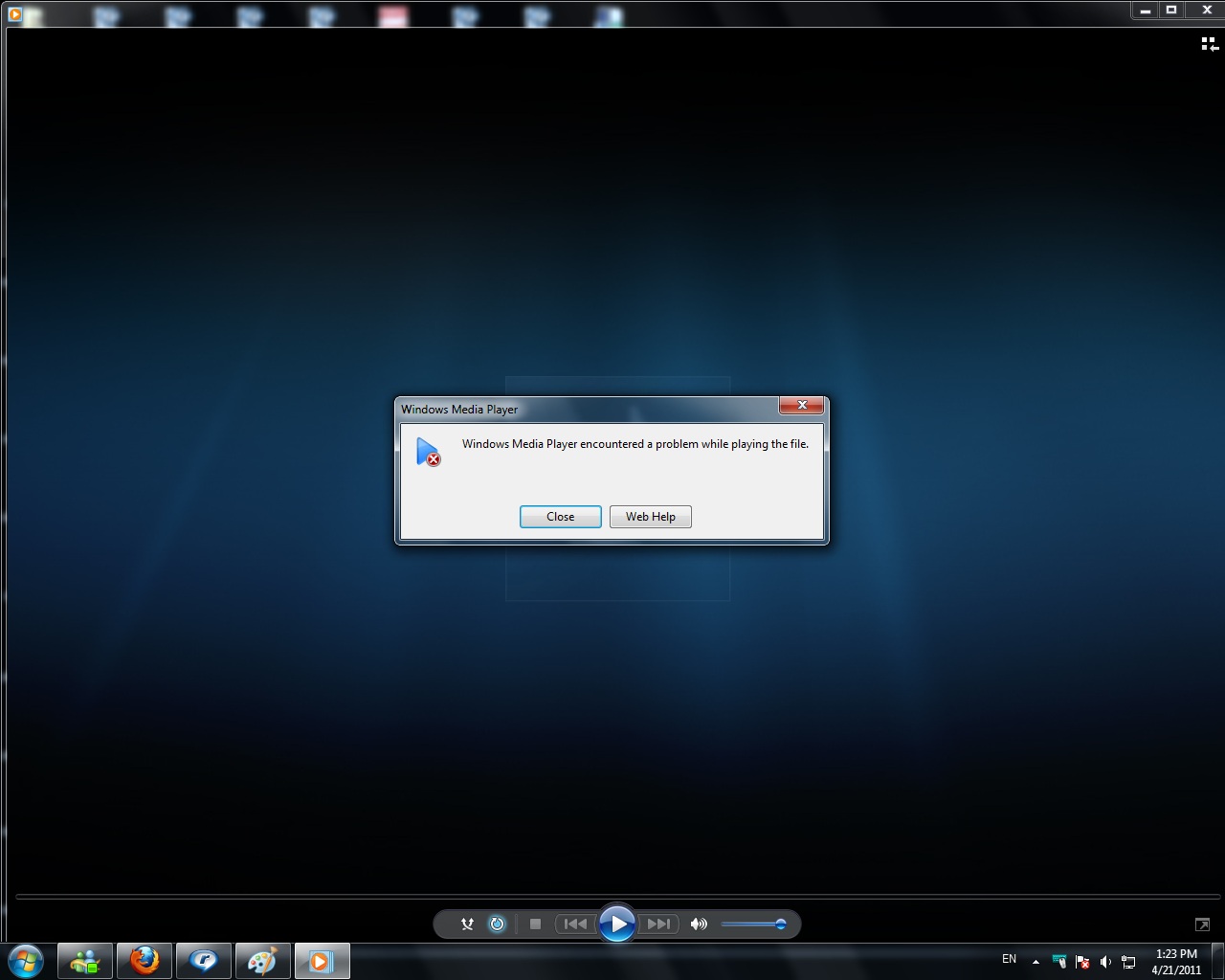
Problem with windows media player..
- Thread starter alaaden
- Start date

What sort of file are you attempting to open with Windows Media Player?
My Computer
- Computer Manufacturer/Model Number
- Acer Aspire TimelineX AS4820T-6645
- OS
- Windows 7 Home Premium 64bit
- CPU
- Intel Core i3 380M(2.53GHz)
- Memory
- 4GB DDR3 1066
- Graphics Card(s)
- Intel HD Graphics 128MB VRAM
- Screen Resolution
- 1366x768
- Hard Drives
- 640GB 5400RPM SATA

Just to make sure that files are not corrupted or something.. try to open it with other player?
My Computer
- Computer type
- PC/Desktop
- Computer Manufacturer/Model Number
- Custom Build
- OS
- Windows 10 Pro x64
- CPU
- Intel Core i5 4440 @Stock
- Motherboard
- Gigabyte Z97 D3H
- Memory
- 4 x 4GB HyperX Fury DDR3
- Graphics Card(s)
- Gigabyte GTX 1050Ti O4G
- Sound Card
- Integrated
- Monitor(s) Displays
- Dell P2417H
- Screen Resolution
- 1920 x 1080
- Hard Drives
- Samsung EVO 850 120GB / Toshiba DT01ACA050 1TB 7200prm 32MB
- PSU
- Riotoro Onyx 750W
- Case
- NZXT H500 Black-Red
- Cooling
- Stock CPU + NZXT 120mm + 2x120mm red fans
- Keyboard
- Modecom Volcano Lanparty
- Mouse
- Asus ROG Gladius / DeepCool E-Pad Plus
- Internet Speed
- DOCSIS 50/3 Mbit
- Browser
- Google Chrome
- Other Info
- Asus K55VJ(i5 3210M, GT635M / 2GB, 8GB DDR3, 500GB HDD)

My Computer
- Computer Manufacturer/Model Number
- HP, Dell, Gateway, Toshiba - 4 laptops and 2 desktops
- OS
- Vista, Windows7, Mint Mate, Zorin, Windows 8
- CPU
- from 1.6GHz Duo to i7
- Monitor(s) Displays
- 2x HP w2207
- Hard Drives
- 5x HDD, 7x SSD, 12x Externals
- Keyboard
- with trackball - no mices
- Mouse
- Trackball mice
- Internet Speed
- DSL 6000
 !!
!!
Do they work if you start them directly from the Music folder and not from WMP?
My Computer
- Computer Manufacturer/Model Number
- HP, Dell, Gateway, Toshiba - 4 laptops and 2 desktops
- OS
- Vista, Windows7, Mint Mate, Zorin, Windows 8
- CPU
- from 1.6GHz Duo to i7
- Monitor(s) Displays
- 2x HP w2207
- Hard Drives
- 5x HDD, 7x SSD, 12x Externals
- Keyboard
- with trackball - no mices
- Mouse
- Trackball mice
- Internet Speed
- DSL 6000