mr bluesky
New member
- Local time
- 6:00 AM
- Messages
- 32
i have 2 computer older is win xp based and newer is windows 7 home premium 64bit machine-and it work almost perfectly.
My router is d-link dir-600,firmware is v2.01-hardware version is B1.
And my connection to internet is cabled,not wireless.
My modem is 4 year old WebStar-it is from my internet service provider(Com Hem)
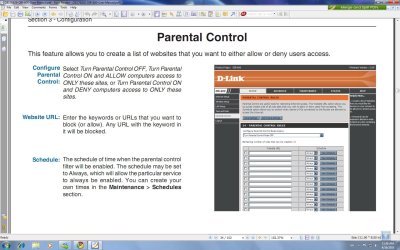
Problem is:When i turn on Parental Control with schedule(from router) my internet connection stops working-from both computers.and when i turn off Parental Control-there is no problems.
this is very stupid problem.is my modem too old for my new system?or something else??


My router is d-link dir-600,firmware is v2.01-hardware version is B1.
And my connection to internet is cabled,not wireless.
My modem is 4 year old WebStar-it is from my internet service provider(Com Hem)
Problem is:When i turn on Parental Control with schedule(from router) my internet connection stops working-from both computers.and when i turn off Parental Control-there is no problems.
this is very stupid problem.is my modem too old for my new system?or something else??
Last edited:
My Computer
- OS
- windows 7 home premium
- CPU
- intel q8200
- Motherboard
- gigabyte ep45-ud3lr
- Memory
- 12gb ddr2 800mhz
- Graphics Card(s)
- Gigabyte GeForce GTX470
- Sound Card
- onboard
- Monitor(s) Displays
- Samsung SyncMaster XL2370
- Screen Resolution
- 1920x1080
- Hard Drives
- 2x1TB Samsung Spinpoint F3 23mb cache
- PSU
- Cooler Master GX 750W PSU
- Case
- Cooler Master HAF 912+
- Cooling
- zalman
- Keyboard
- Saitek
- Mouse
- Usual Microsoft
- Internet Speed
- 10mb/s