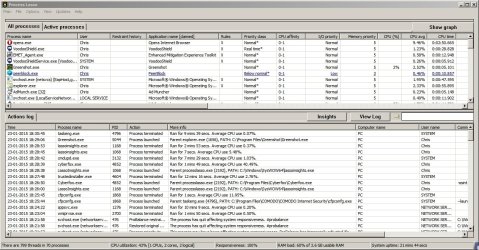
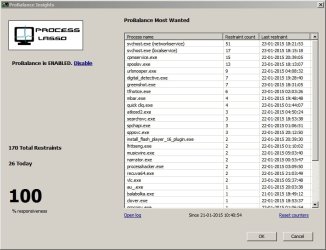
My laptop is running slow and the battery drains too fast, and the hard drive just starts going constantly sometimes; it's half-full (out of 320GB), I've already cleaned up, defragmented, run virus scans with various anti-virus products, and something is just dragging it down. I can't tell if the hard drive is dying or a bunch of programs are sucking up resources (like anti-virus).
I only know how to use Task Manager, and I'm not seeing how to track usage over a day or so.
Is there something I can use? What would be the best and what are some other good ones?
(Note: I've used Process Explorer but I'm not getting much more valuable information out of it)
I only know how to use Task Manager, and I'm not seeing how to track usage over a day or so.
Is there something I can use? What would be the best and what are some other good ones?
(Note: I've used Process Explorer but I'm not getting much more valuable information out of it)
My Computer
At a glance
Windows 7 Pro 64-bit
- Computer type
- PC/Desktop
- OS
- Windows 7 Pro 64-bit