- Local time
- 9:51 AM
- Messages
- 1,741
If you install comodo after you have all your software installed, choose a preconfigured policy,set everything to safe mode and leave it alone, it doesn't get much simpler.. people who like to constantly change settings are the ones who have the most trouble with their computers.All I want is nice, simple list of the programs I have that connect to or try to connect to the internet. Comodo used to have such a critter, which is why I started using it in the first place.
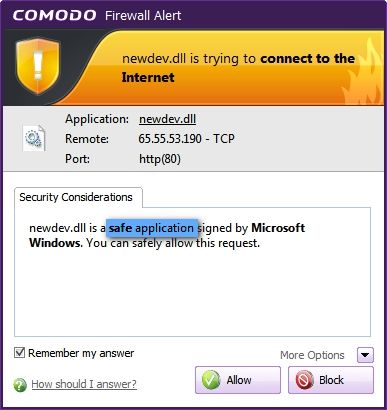
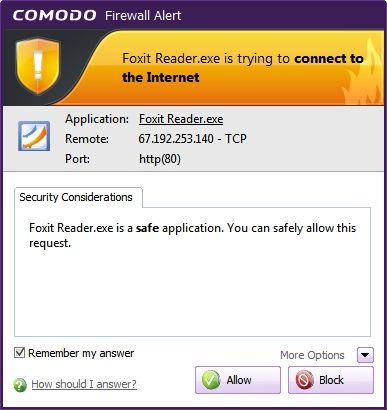
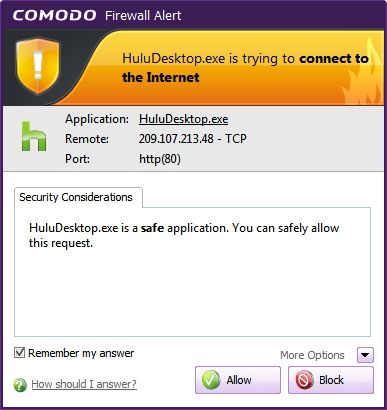
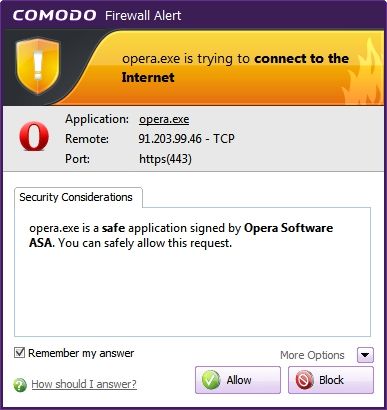
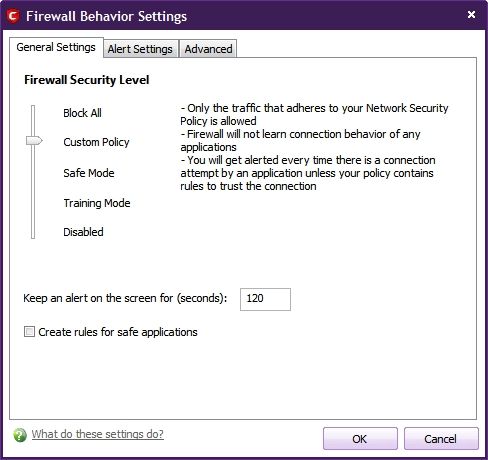
Carl- The Comodo Firewall in default Safe Mode will not make rules for individual programs, but if you set the Firewall to Custom Policy Mode it will ask you how to set the permissions for each program that tries to access the Internet. You also have the option of manually customizing the Firewall rules for any program on your computer for any additional rules that you want to set.
~Maxx~
.
Thanks, Maxx; I will give this a try. But I still want a list of the programs to show in one place - as Comodo used to do.
Hopefully Comodo won't follow in the path of most other software companies by "streamlining the user interface" (moronizing by removing features)
People sure are interesting. Over on the Comodo Forums there is a group of very vocal Members who contend that the new CIS v5.0 which now includes State of the Art Automatic Sandboxing of unrecognized programs, Cloud Based Malware scanning and Cloud Based Behavior Blocker has way too many features already...go figure!
~Maxx~
.
I tend to agree. There is nothing wrong with the features; I just want easy, upfront choices as to whether to use those features or not.