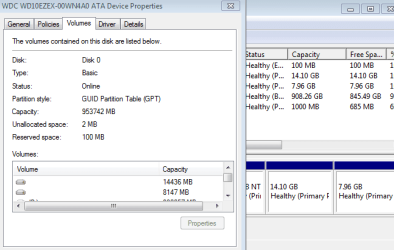
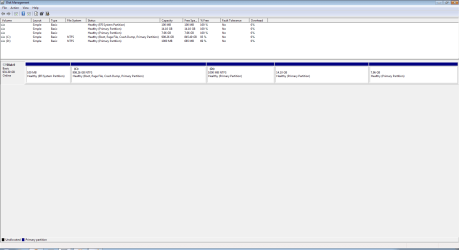
I installed Ubuntu to get Windows working on my PC and now am looking to uninstall it. I've tried:
bootrec /fixmbr
bootrec /fixboot
It gives me the success message but nothing changes and it still boots GRUB.
I've looked at the tutorial http://www.sevenforums.com/tutorials/20864-mbr-restore-windows-7-master-boot-record.html although I'm using a USB boot and that doesn't show up. Are there any other methods I can try before going for the whole clean install?
EDIT: I got lazy/impatient and just clean installed. Thanks for the help though, I've learned some stuff.
bootrec /fixmbr
bootrec /fixboot
It gives me the success message but nothing changes and it still boots GRUB.
I've looked at the tutorial http://www.sevenforums.com/tutorials/20864-mbr-restore-windows-7-master-boot-record.html although I'm using a USB boot and that doesn't show up. Are there any other methods I can try before going for the whole clean install?
EDIT: I got lazy/impatient and just clean installed. Thanks for the help though, I've learned some stuff.
Last edited:
My Computer
- Computer type
- PC/Desktop
- OS
- Select One