Sorry, my last post referred to LMiller7, thanks again.
Windows 7 releases all drives and devices on shutdown is my main point possibly with the exception to drives used in a raid.
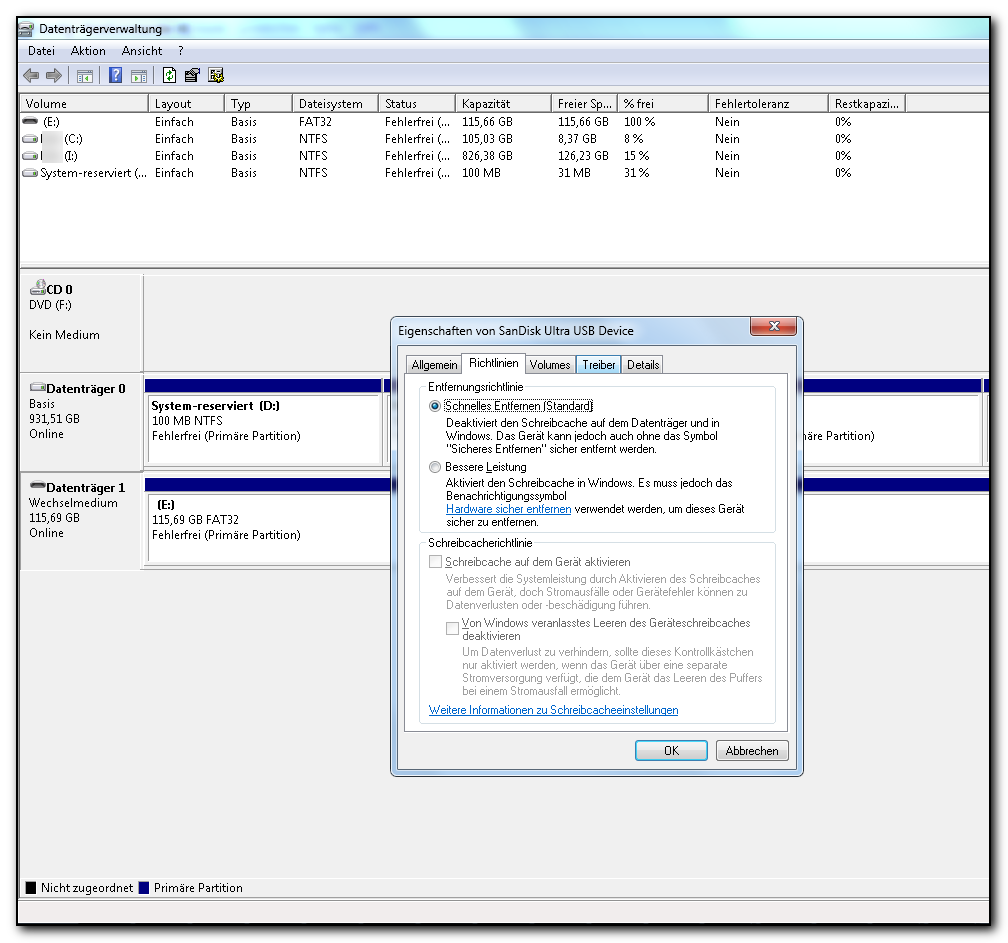
Actually it appears to be quite inconvenient, but often it seems to be the only way to properly / safely get a drive removed since it is often not possible to get rid of it by using that safely remove icon although there is not shown any process accessing that drive. So it is often much more inconvenient to search for such a process.
Of course win-10 is also an exception because it uses fake shut down that is hibernation on steroids unless inside win-10 a user disables fast startup
I've had a couple drives with nothing really on them except transfer files from 7 to 10
One drive always prompted check disk to initialize it before use or check for errors commonly caused by not disconnecting it properly = fake shut down in win-10
Second time it turned a transfer drive in to RAW
I do not have any idea of anything, but that does not sound very good. So what does that mean? What should one do to safely remove drives (I am also using Win 10 since some weeks).
I think the first thing one might think on is hibernation needed or just wanted.
Well, it is easier to handle, you can go on where you stopped working, no need to reopen windows, programs, mount drives, etc.
That eliminates hibernation problems.
What kind of problems?
Today's computers boot in less than 60 seconds.
My last Notebook needed about 15, 20 minutes to boot including opening all of the programs. The Notebook I use now, it has an SSD, needs - still (I guess it will become slower after some time) - about 10 seconds to start from hibernation, the programs I need already being opened. I could not recognize any problems caused by hibernation, may be there have been some, I do not know.