Screen Has Bright Marks Behind Front Bezel

Vaughn Whynot

The Bearded Basterd
Member
VIP
Local time
4:54 PM
Messages
106
Location
Nova Scotia
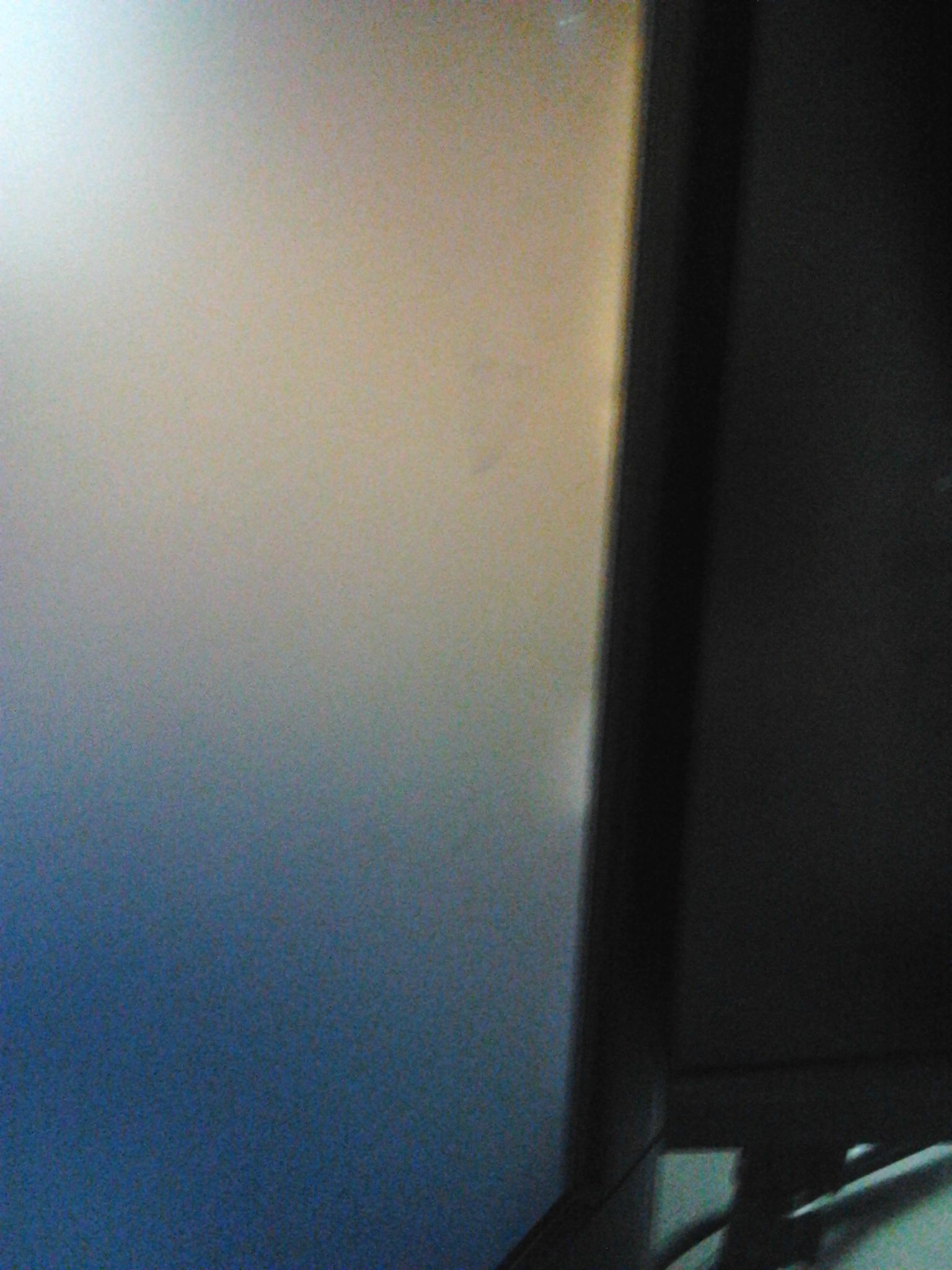
I know this is not really a W7 issue but you guys are pretty helpful. Well I noticed that i had "Bright Marks" coming from the under the front bezel of my screen. I thought it was light reflection but once i when to watch a movie, i saw them even more.

Is my screen "Bleeding" and on it's way to the screen graveyard?

Here are 2 horrible photos lol

3zzwUlD.jpg


bqZahd9.jpg


Vaughn
 

My Computer

Computer type
PC/Desktop
Computer Manufacturer/Model Number
Acer Aspire M3970
OS
Microsoft Windows 7 Ultimate 64-bit SP1
CPU
Intel Core i3 2120 @ 3.30GHz
Motherboard
Acer AM3970
Memory
6.00GB Dual-Channel DDR3 @ 665MHz (9-9-9-24)
Graphics Card(s)
1024MB ATI AMD Radeon HD 5700 Series
Sound Card
Realtek High Definition Audio
Monitor(s) Displays
Acer X223W & HP 2511
Screen Resolution
(1920x1080@60Hz) & (1680x1050@60Hz)
Hard Drives
466GB Seagate ST3500320AS ATA Device (SATA)
932GB Seagate ST31000524AS ATA Device (SATA)
PSU
600 Watt ATX Diablotek DA Series
Case
Acer M3970 Default Case
Cooling
CoolerMaster Hyper 101i
Keyboard
Logitech G5
Mouse
Razer Black Widow Ultimate
Internet Speed
20d/2u
Antivirus
Windows Security Essentials & Malwarebytes Anti-Malware
Browser
Firefox
Odd problem, I would contact the monitor manufacturer. It does not look like any driver artifact I have ever encountered.
 

My Computer

Computer type
PC/Desktop
Computer Manufacturer/Model Number
Custom, Dell and Lenono LT's
OS
Win8/8.1,Win7-U64, Vista U64, uncounted Linux distor's
CPU
AMD and Intell, 9590, 8350, i5 3570k
Motherboard
CFVFZ, GA990FXA, Z77e-itx
Memory
Corsair G Skill
Graphics Card(s)
Crossfired Sapphire HD 7950 Vapor-X, ASUS R9 280X TOP
Sound Card
Realtek ALC889
Monitor(s) Displays
ViewSonic VX2770SMH 27" / ViewSonic VX2433 LCD 24"
Screen Resolution
1080i HD
Hard Drives
Samsung SSD 840 Pro
OCZ Agility 3's
OCZ Vector's
WD's Blue, red, green, Velociraptors
Seagate USB3 & Hybrid's
ASUS Blu-Ray
ASUS DVD
PSU
Corsair AX1200i, Seasonice 850 Gold
Case
Cooler Master HAF 922 & HAF 932, Lian Li Train case.
Cooling
Air, Glacer 240L expanded, custom EK loop with duel D5's
Keyboard
Microsoft SideWinder X4 USB Keyboard / Logitech 250 PS2
Mouse
Logitech G500 / MS wireless 5000
Internet Speed
Best of 5ms / 75+ dn / 12+ up More or less.
Antivirus
MS esentials-MalwareBytes
Browser
Firefox Chromebook
Odd problem, I would contact the monitor manufacturer. It does not look like any driver artifact I have ever encountered.

yea, had the screen for 3 years now and just noticed it... hmmmm
 

My Computer

Computer type
PC/Desktop
Computer Manufacturer/Model Number
Acer Aspire M3970
OS
Microsoft Windows 7 Ultimate 64-bit SP1
CPU
Intel Core i3 2120 @ 3.30GHz
Motherboard
Acer AM3970
Memory
6.00GB Dual-Channel DDR3 @ 665MHz (9-9-9-24)
Graphics Card(s)
1024MB ATI AMD Radeon HD 5700 Series
Sound Card
Realtek High Definition Audio
Monitor(s) Displays
Acer X223W & HP 2511
Screen Resolution
(1920x1080@60Hz) & (1680x1050@60Hz)
Hard Drives
466GB Seagate ST3500320AS ATA Device (SATA)
932GB Seagate ST31000524AS ATA Device (SATA)
PSU
600 Watt ATX Diablotek DA Series
Case
Acer M3970 Default Case
Cooling
CoolerMaster Hyper 101i
Keyboard
Logitech G5
Mouse
Razer Black Widow Ultimate
Internet Speed
20d/2u
Antivirus
Windows Security Essentials & Malwarebytes Anti-Malware
Browser
Firefox
We've seen this one a couple of times now. What it usually turns out to be is that the bezel is not snapped to the case cover tightly. The back light can then leak out through the crack formed because of this.

To test: squeeze the bezel to the case cover with your finger and thumb and see if the leak disappears.
If you are lucky, the squeezing will snap the bezel back in while you're at it.

Don't squeeze any harder than you need to.
 

My Computer

Computer type
PC/Desktop
Computer Manufacturer/Model Number
Home Built - Jan 2013
OS
Windows 7 64 Bit Home Premium SP1
CPU
i7-3820
Motherboard
Asus P9X79-PRO - Bios 4608
Memory
GSkill F3-14900CL9Q - 16GB
Graphics Card(s)
EVGA GeForce GTX660 - Driver 352.86
Sound Card
On board Realtek ALC898
Monitor(s) Displays
Acer S271HL
Screen Resolution
1920 x 1080
Hard Drives
#1- Samsung 840 Pro Series
#2- Western Digital WD1002FAEX Sata3 Black
#3- Western Digital WD1002FAEX Sata3 Black
PSU
Corsair CMPSU-850TX-V2 - 850 watt (by Seasonic)
Case
Corsair Obsidian 550D
Cooling
Standard 3 120mm case fans, Cooler Master Hyper 212 EVO
Keyboard
MS KC-0405
Mouse
Intellimouse 5-button
Internet Speed
56 Mbits/Sec (on a good day)
Antivirus
Avast & Malwarebytes
Browser
Firefox
Other Info
Asus DVD - DRW-24B1ST 24X
We've seen this one a couple of times now. What it usually turns out to be is that the bezel is not snapped to the case cover tightly. The back light can then leak out through the crack formed because of this.

To test: squeeze the bezel to the case cover with your finger and thumb and see if the leak disappears.
If you are lucky, the squeezing will snap the bezel back in while you're at it.

Don't squeeze any harder than you need to.

tried but they seem to be still there. the bezel didn't snap any tighter. thanks for the info tho.
 

My Computer

Computer type
PC/Desktop
Computer Manufacturer/Model Number
Acer Aspire M3970
OS
Microsoft Windows 7 Ultimate 64-bit SP1
CPU
Intel Core i3 2120 @ 3.30GHz
Motherboard
Acer AM3970
Memory
6.00GB Dual-Channel DDR3 @ 665MHz (9-9-9-24)
Graphics Card(s)
1024MB ATI AMD Radeon HD 5700 Series
Sound Card
Realtek High Definition Audio
Monitor(s) Displays
Acer X223W & HP 2511
Screen Resolution
(1920x1080@60Hz) & (1680x1050@60Hz)
Hard Drives
466GB Seagate ST3500320AS ATA Device (SATA)
932GB Seagate ST31000524AS ATA Device (SATA)
PSU
600 Watt ATX Diablotek DA Series
Case
Acer M3970 Default Case
Cooling
CoolerMaster Hyper 101i
Keyboard
Logitech G5
Mouse
Razer Black Widow Ultimate
Internet Speed
20d/2u
Antivirus
Windows Security Essentials & Malwarebytes Anti-Malware
Browser
Firefox
Well, defects in the screen will usually be black or colored. That white light wash definitely looks like a back light bleed.
You may need to dismantle the lid to see if there is an obstruction or deformation that is allowing the back light to bleed through.
 

My Computer

Computer type
PC/Desktop
Computer Manufacturer/Model Number
Home Built - Jan 2013
OS
Windows 7 64 Bit Home Premium SP1
CPU
i7-3820
Motherboard
Asus P9X79-PRO - Bios 4608
Memory
GSkill F3-14900CL9Q - 16GB
Graphics Card(s)
EVGA GeForce GTX660 - Driver 352.86
Sound Card
On board Realtek ALC898
Monitor(s) Displays
Acer S271HL
Screen Resolution
1920 x 1080
Hard Drives
#1- Samsung 840 Pro Series
#2- Western Digital WD1002FAEX Sata3 Black
#3- Western Digital WD1002FAEX Sata3 Black
PSU
Corsair CMPSU-850TX-V2 - 850 watt (by Seasonic)
Case
Corsair Obsidian 550D
Cooling
Standard 3 120mm case fans, Cooler Master Hyper 212 EVO
Keyboard
MS KC-0405
Mouse
Intellimouse 5-button
Internet Speed
56 Mbits/Sec (on a good day)
Antivirus
Avast & Malwarebytes
Browser
Firefox
Other Info
Asus DVD - DRW-24B1ST 24X
Back
Top