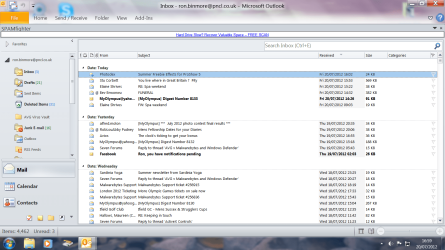
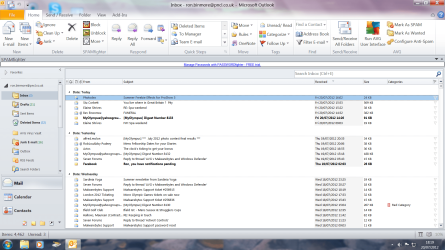
I have upset my screen settings, some of the items are huge in size whilst others are normal. I need help to get things put right please!
At the bottom right hand of my screen in the systems tray I have a + and - sign which is shown as a zoom slider. The trouble is, they are greyed out and I cannot access them.
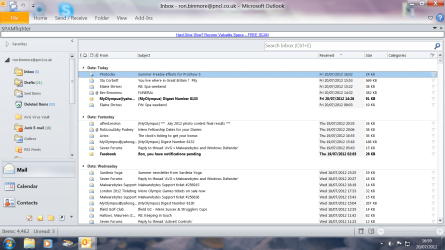
My screen resolution is 1600 - 900 and the display setting is 1.2236. How the devil can I get my screen back to normal please?? A screen shot is attached.
Cheers,
RonBin79
At the bottom right hand of my screen in the systems tray I have a + and - sign which is shown as a zoom slider. The trouble is, they are greyed out and I cannot access them.
My screen resolution is 1600 - 900 and the display setting is 1.2236. How the devil can I get my screen back to normal please?? A screen shot is attached.
Cheers,
RonBin79
Attachments
My Computer
- Computer Manufacturer/Model Number
- Dell XP8300
- OS
- Windows Seven Premium
- CPU
- Intel Core i5-2300
- Motherboard
- Unknown
- Memory
- 8GB
- Graphics Card(s)
- 1GB ATI Raedon HD 5450
- Sound Card
- Integrated 7.1 with THX TrueStudio
- Monitor(s) Displays
- Dell 17"
- Hard Drives
- 1 Terrabyte Serial ATA
- Case
- Dell (Metal)
- Cooling
- None
- Keyboard
- Dell
- Mouse
- Dell Laser
- Internet Speed
- 2.8Gb