- Local time
- 7:48 PM
- Messages
- 98
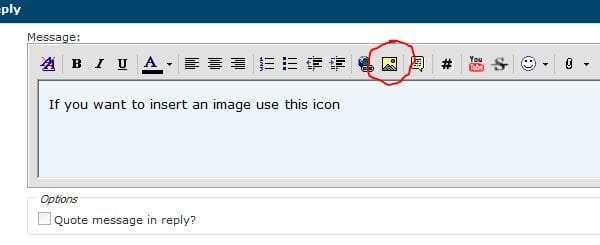
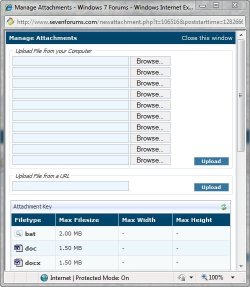
i have seen it done in forums that i belong to. how do i insert a active screen shot. in other words one in which the recipient can scroll the page (image) as if it where their own page. as of now all i can do is take a screen shot, scroll down and take another screen shot a post them separately.
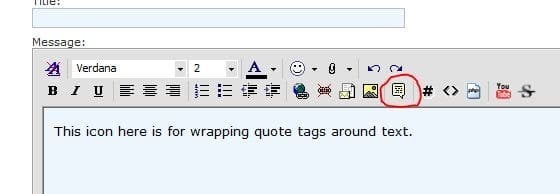
also is there a tutorial for using the "Wrap {[Wrap quote]} tags around the selected text" function in this reply message task bar? in some forums i belong to that is the only way to insert an image. thanks
also is there a tutorial for using the "Wrap {[Wrap quote]} tags around the selected text" function in this reply message task bar? in some forums i belong to that is the only way to insert an image. thanks
My Computer
- Computer Manufacturer/Model Number
- hp pavilion p633f
- OS
- windows 7 home premium
- CPU
- intel cor i3 2.93 ghz
- Memory
- ddr3 6gb
- Graphics Card(s)
- intel
- Sound Card
- stock
- Monitor(s) Displays
- pe1901
- Hard Drives
- 1tb internal
250gb external