

- Local time
- 2:37 AM
- Messages
- 936
I have used 64 bit version of Windows 7 to test the shortcuts, screenshots are included to give you a visual impression.
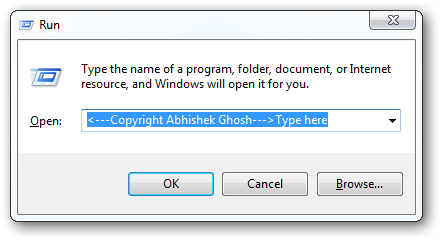
Firstly, use [Windows key] and [R] to invoke the run command box:
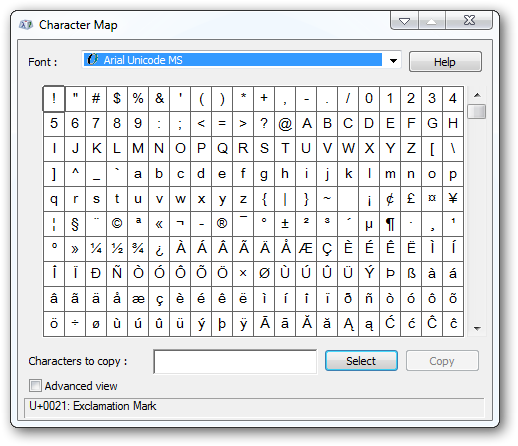
1) Character Map = charmap.exe
very useful for finding unusual characters.
2) Color Management = colorcpl.exe

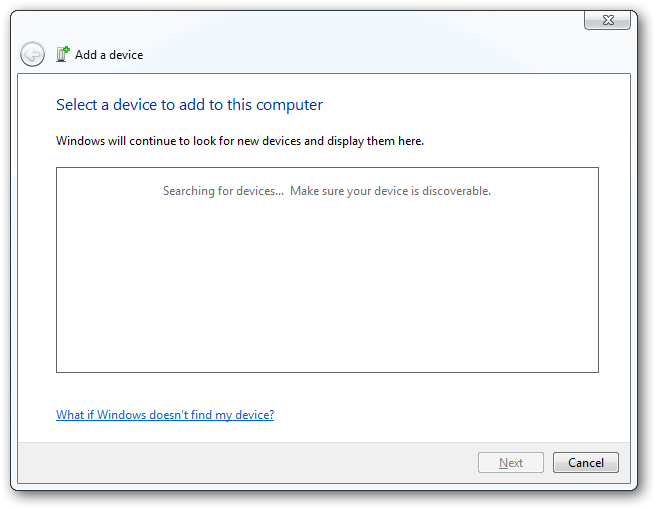
3) Device pairing wizard= devicepairingwizard.exe
4) Display Switch = displayswitch.exe

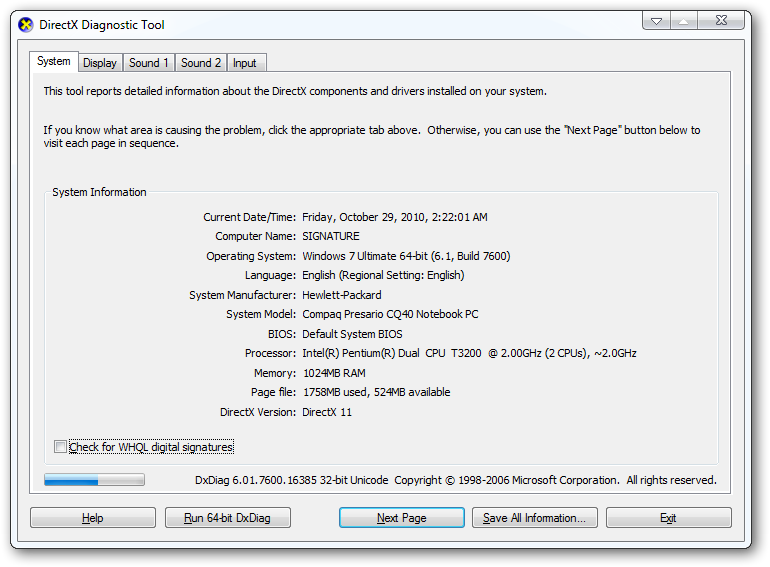
5) Direct X diagnostic = dxdiag.exe
5) DPI Scaling = dpiscaling.exe
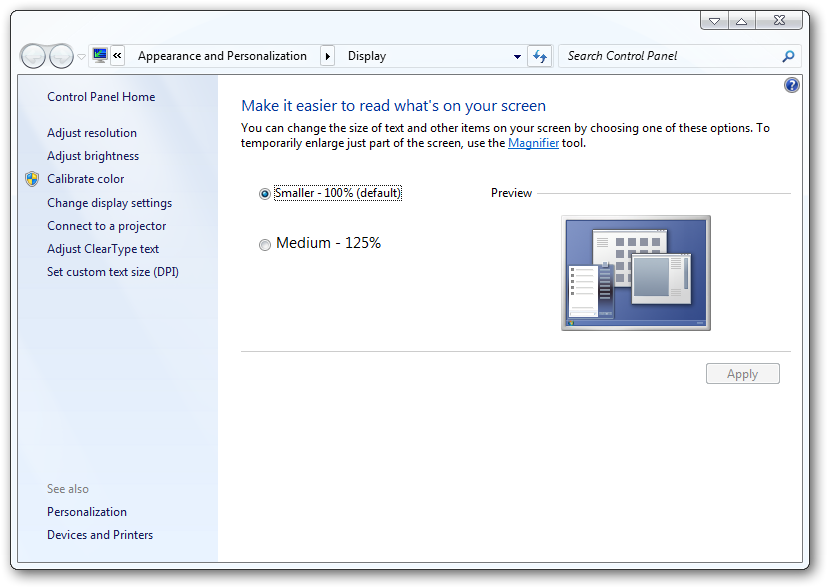
8) Driver verification manager = verifier.exe (Undocumented, Security prompt will appear, accept it.)

9) Event Viewer Snapin Launcher = eventvwr.exe (Security prompt will appear, accept it.)

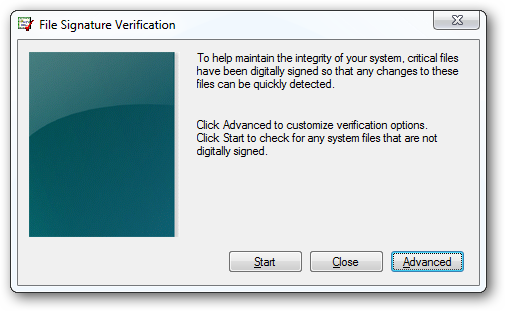
10 ) File siganture verification tool = sigverif.exe
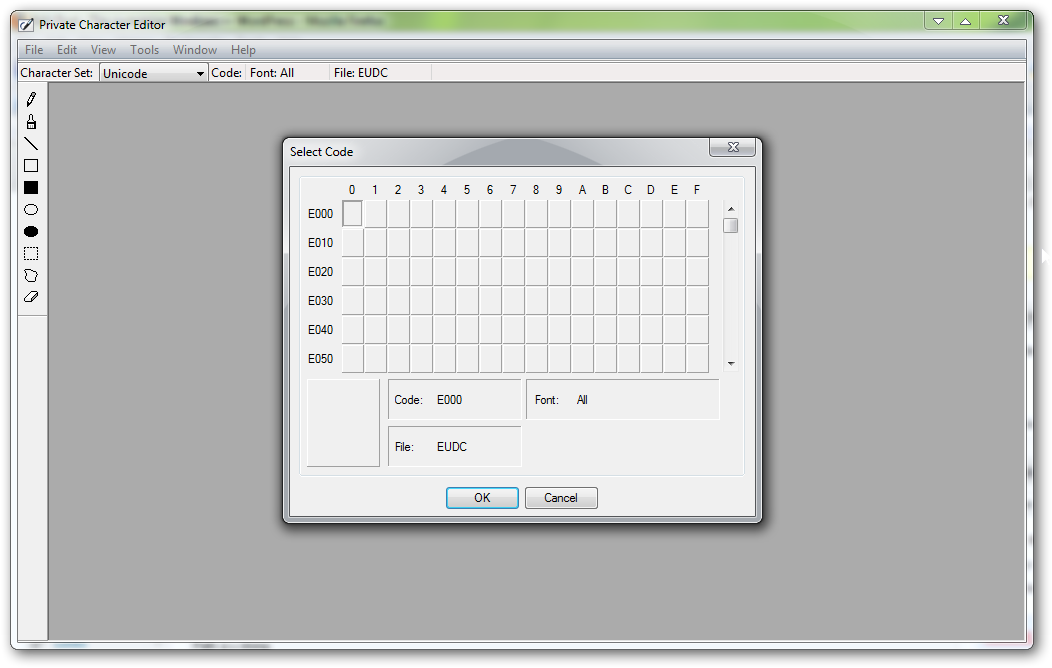
11) Private character editor = eudcedit.exe (Security prompt will appear, accept it.)
allows creation or modification of characters :
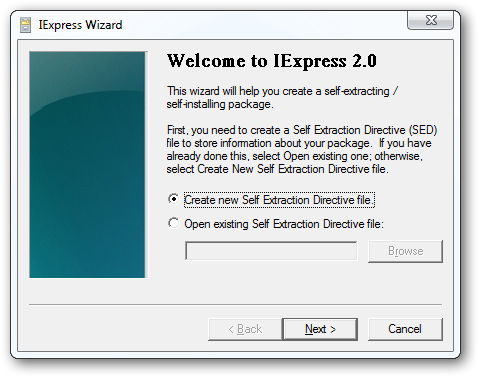
12) IExpress Wizard = iexpress.exe
Create self-extracting / self-installing package:
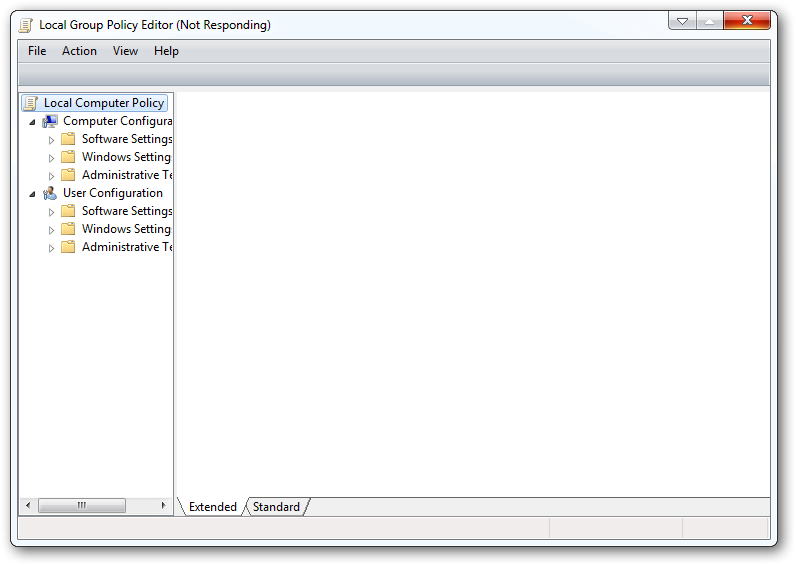
13) Group policy editor = gpedit.msc
Used to manage group policies, and permissions, (Security prompt will appear, accept it.)
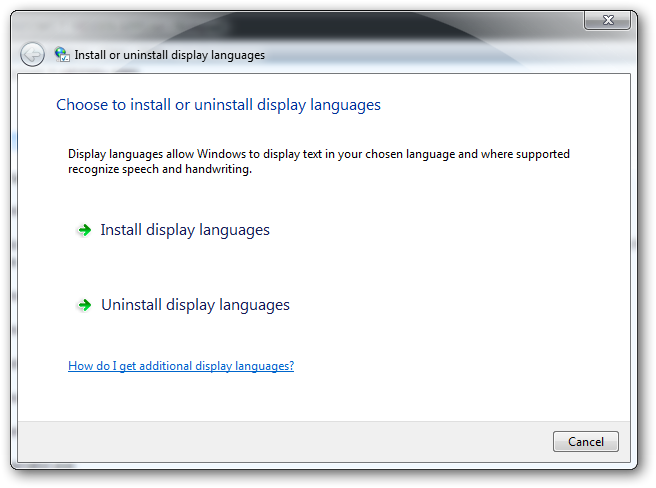
14) Language setup = lpksetup.exe
(Security prompt will appear, accept it.)
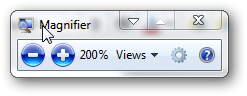
15) Magnifier = magnify.exe
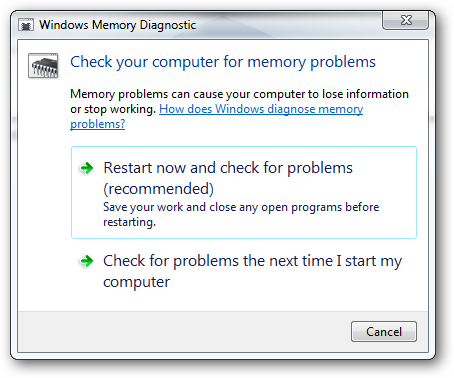
16) Memory diagnostic tool = mdsched.exe
(Security prompt will appear, accept it.)
17) Microsoft Synchronization Manager = mobsync.exe
It works in Microsoft Windows XP too, undocumented for Microsoft Windows XP.

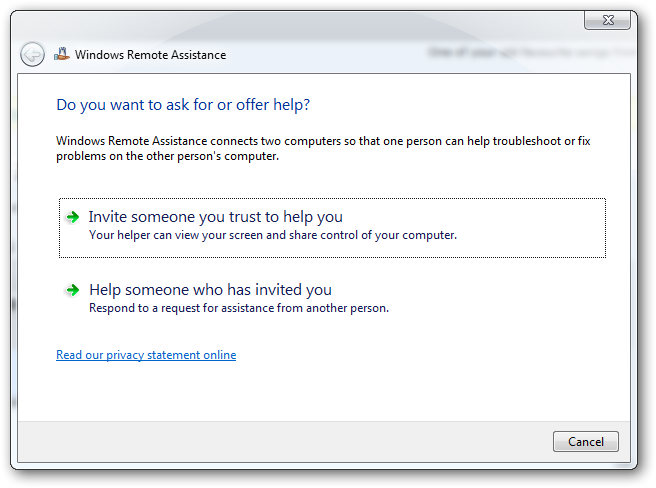
18) Microsoft remote assistance = msra.exe
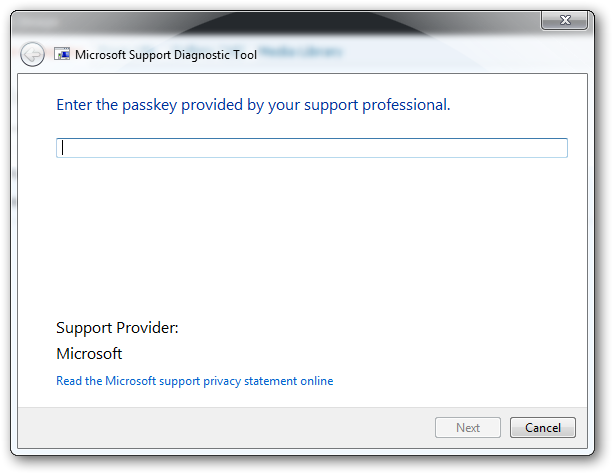
19) Microsoft diagnostic troubleshooting wizard = msdt.exe
(Security prompt will appear, accept it.)
20) Microsoft Malicious Software removal tool = mrt.exe

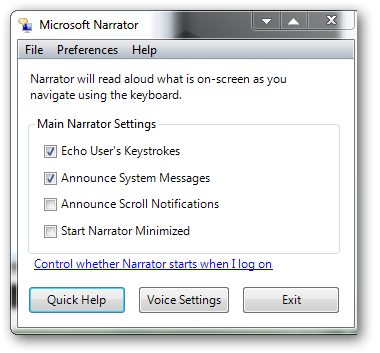
21) Narrator = narrator.exe
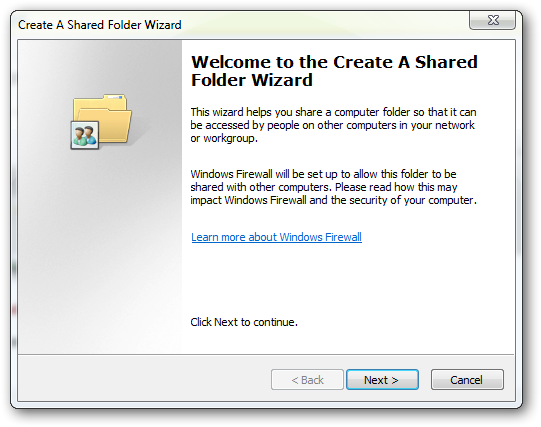
22) Network shared folder wizard = shrpubw.exe
(Security prompt will appear, accept it.) Creates shared folders on network:
23) ODBC Data Source Administrator = odbcad32.exe
(Security prompt will appear, accept it.)
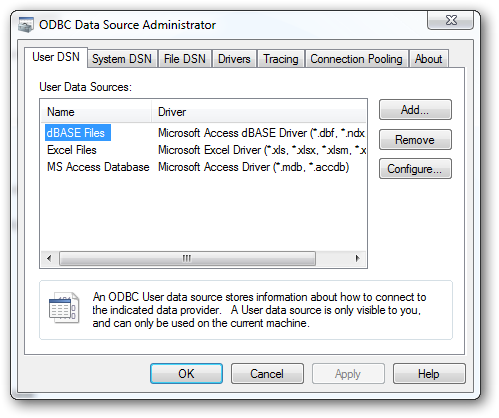
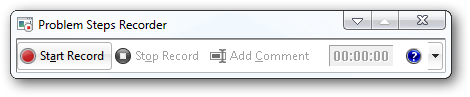
24) Problem steps recorder = psr.exe
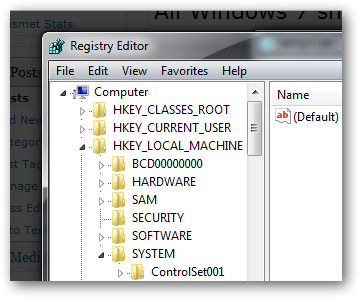
25) Registry editor = regedit.exe
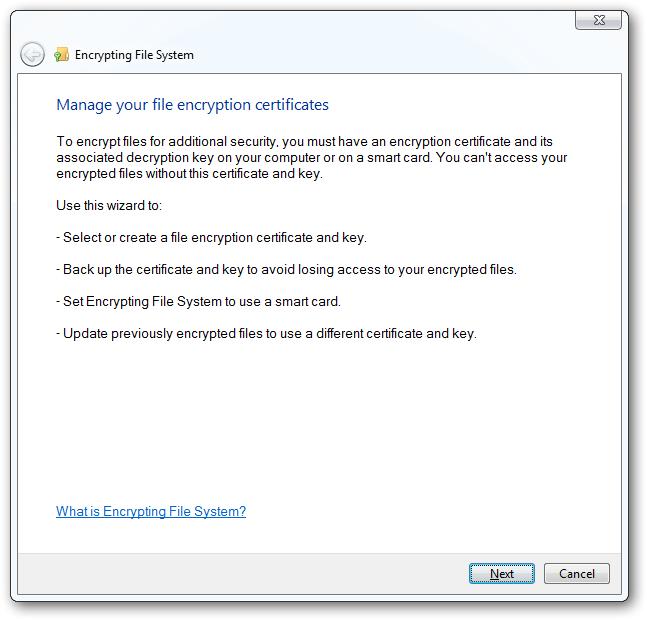
26) File encryption certificate = rekeywiz.exe
27) Remote desktop = mstsc.exe

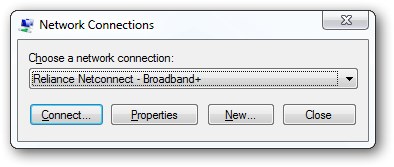
28) Remote connection manager = rasphone.exe
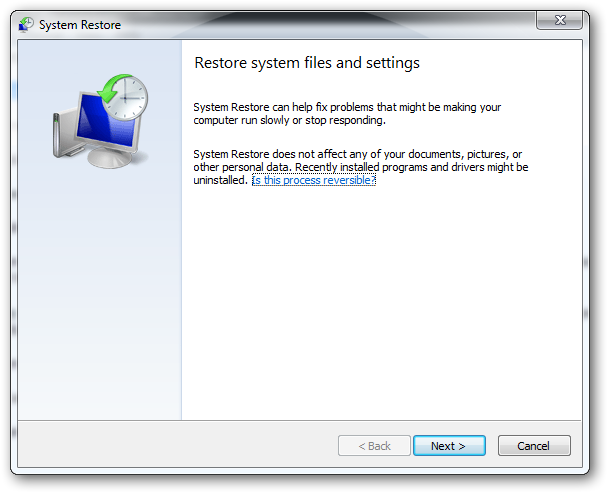
29) System restore = rstrui.exe
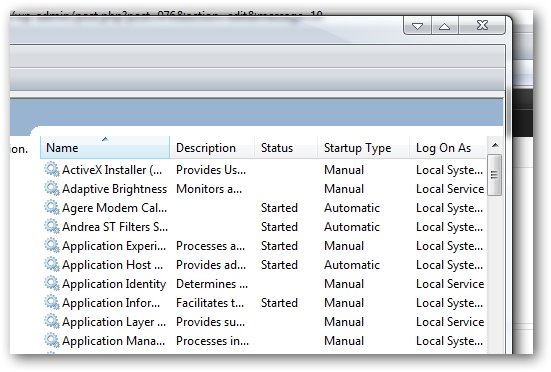
30) Services = services.msc
(Security prompt will appear, accept it.)
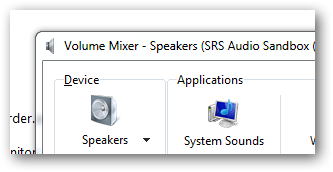
31) Sound Volume = sndvol.exe
32) Sound recorder = soundrecorder.exe

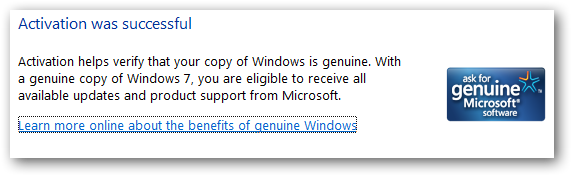
33) System activation = slui.exe
34) System monitor = perfmon.exe
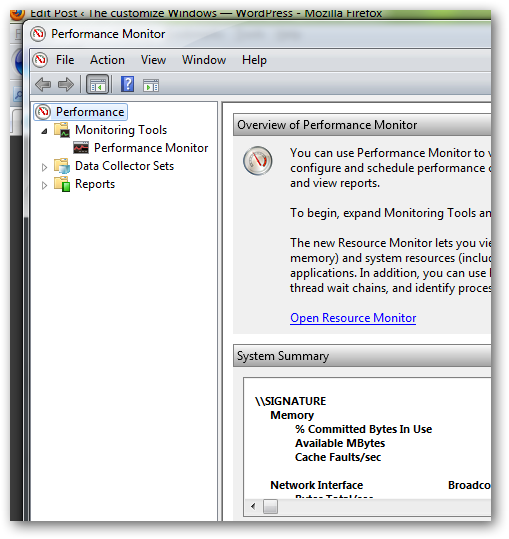
very useful, highly configurable tool, tells you everything you ever wanted to know about any aspect of PC performance, for uber-geeks only.
35) Syskey = syskey.exe

Secures Windows 7 Account database – use with care, it’s virtually undocumented but it appears to encrypt all passwords, I’m not sure of the full implications.
36) System configuration = msconfig.exe

37) System information = msinfo32.exe

Firstly, use [Windows key] and [R] to invoke the run command box:
1) Character Map = charmap.exe
very useful for finding unusual characters.
2) Color Management = colorcpl.exe
3) Device pairing wizard= devicepairingwizard.exe
4) Display Switch = displayswitch.exe
5) Direct X diagnostic = dxdiag.exe
5) DPI Scaling = dpiscaling.exe
8) Driver verification manager = verifier.exe (Undocumented, Security prompt will appear, accept it.)
9) Event Viewer Snapin Launcher = eventvwr.exe (Security prompt will appear, accept it.)
10 ) File siganture verification tool = sigverif.exe
11) Private character editor = eudcedit.exe (Security prompt will appear, accept it.)
allows creation or modification of characters :
12) IExpress Wizard = iexpress.exe
Create self-extracting / self-installing package:
13) Group policy editor = gpedit.msc
Used to manage group policies, and permissions, (Security prompt will appear, accept it.)
14) Language setup = lpksetup.exe
(Security prompt will appear, accept it.)
15) Magnifier = magnify.exe
16) Memory diagnostic tool = mdsched.exe
(Security prompt will appear, accept it.)
17) Microsoft Synchronization Manager = mobsync.exe
It works in Microsoft Windows XP too, undocumented for Microsoft Windows XP.
18) Microsoft remote assistance = msra.exe
19) Microsoft diagnostic troubleshooting wizard = msdt.exe
(Security prompt will appear, accept it.)
20) Microsoft Malicious Software removal tool = mrt.exe
21) Narrator = narrator.exe
22) Network shared folder wizard = shrpubw.exe
(Security prompt will appear, accept it.) Creates shared folders on network:
23) ODBC Data Source Administrator = odbcad32.exe
(Security prompt will appear, accept it.)
24) Problem steps recorder = psr.exe
25) Registry editor = regedit.exe
26) File encryption certificate = rekeywiz.exe
27) Remote desktop = mstsc.exe
28) Remote connection manager = rasphone.exe
29) System restore = rstrui.exe
30) Services = services.msc
(Security prompt will appear, accept it.)
31) Sound Volume = sndvol.exe
32) Sound recorder = soundrecorder.exe
33) System activation = slui.exe
34) System monitor = perfmon.exe
very useful, highly configurable tool, tells you everything you ever wanted to know about any aspect of PC performance, for uber-geeks only.
35) Syskey = syskey.exe
Secures Windows 7 Account database – use with care, it’s virtually undocumented but it appears to encrypt all passwords, I’m not sure of the full implications.
36) System configuration = msconfig.exe
37) System information = msinfo32.exe
My Computer
At a glance
Windows 7 Ultimate 64 bit, Mac OS X 10.6Intel Pentium Dual Core @2.0GHz12GBNVIDIA Graphics For Mobile 512MB VRAM
- Computer Manufacturer/Model Number
- COMPAQ Presario Laptop
- OS
- Windows 7 Ultimate 64 bit, Mac OS X 10.6
- CPU
- Intel Pentium Dual Core @2.0GHz
- Motherboard
- Compaq Generic
- Memory
- 12GB
- Graphics Card(s)
- NVIDIA Graphics For Mobile 512MB VRAM
- Sound Card
- IDT High definition Audio
- Monitor(s) Displays
- Laptop LCD Display
- Screen Resolution
- 1280*800 Bright View Widescreen
- Hard Drives
- 500 GB Primary Master@7200rpm + 1 TB External HDD
- Cooling
- Direct ; generic fan
- Keyboard
- Generic Laptop Keyboard
- Mouse
- Touch Pad
- Internet Speed
- 3.1 Mbps wireless Broadband
- Other Info
- Generic Dock


