oh, i see whats up with that now, it's just cookies you got from sites, we can probably deal with that later, but if you want to do it now, what internet browser do you use?
Google chrome
hmm, if you plug in the keyboard, does it try to install drivers still?

http://ufu.co.il/files/3fq0aaed0f7kotllruef.png
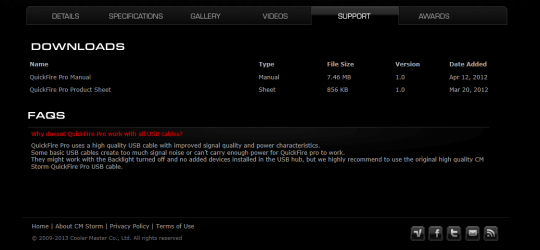
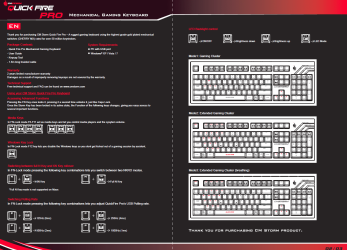
Just got this , The keyboard worked for a few minutes (lights on etc..), then it started disconnecting and reconnecting, and I got this
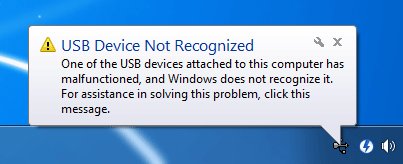
http://i.stack.imgur.com/QUGKv.gif
and my mouse also stopped moving (right click worked) (Razer Imperator mouse), I fixed my mouse by plugging him in and out, but no luck with my keybaord, My generic keyboard worked all along.
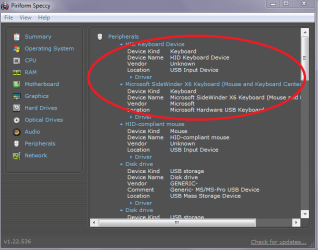
Yupp another thing with that screen with the keyboard is do what I am showing you here open it out and click on driver details to see where it is kept.
as for now, the keyboard is plugged in, but off - after a short period of reconnecting and disconnecting.
I am using a generic keyboard.
I'm getting this:

and this:


My Computer
At a glance
Windows 7
- OS
- Windows 7