hudsondias
New member
- Local time
- 11:36 AM
- Messages
- 2
Have tried google and here in the forum. Can´t find a answer so decided to make this post.
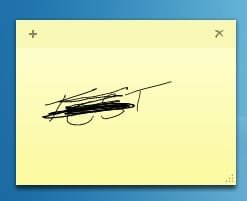
Using Sticky Notes on Win 7 is really nice, but sometimes I would use my tablet to write/draw manually to a note.
The problem is if I make any mistake or just want to delete, erase, part of what I wrote its no possible (i think). :huh:
I can at any time delete/modify etc my text but not what I drawn. The only way I found was delete the note and start over.
There is anyway to get around this?
THanks!
Using Sticky Notes on Win 7 is really nice, but sometimes I would use my tablet to write/draw manually to a note.
The problem is if I make any mistake or just want to delete, erase, part of what I wrote its no possible (i think). :huh:
I can at any time delete/modify etc my text but not what I drawn. The only way I found was delete the note and start over.
There is anyway to get around this?
THanks!
My Computer
- OS
- windows 7 ultimate

 See attached..