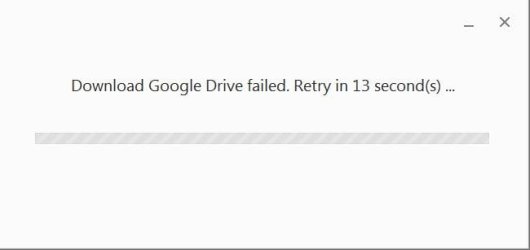
If you encounter one of the following error messages when you install Google Drive on Windows, first download the Microsoft Visual C++ 2008 Redistributable Package and then finish installing Google Drive for desktop.
Windows error messages
- The application has failed to start because its side-by-side configuration is incorrect. Please see the application log for more detail.
- Module C:\Program Files\Google\Drive\googledrivesync32.dll failed to register. HRESULT -2147010895. Contact your support personnel.
Step-by-step instructions
- Download and open the Microsoft Visual C++ 2008 SP1 Redistributable Package.
- Install the package.
- Open the Google Drive for your PC installation file that you downloaded.
- Complete the Google Drive for your PC installation and setup process.