Sam Jackson
New member
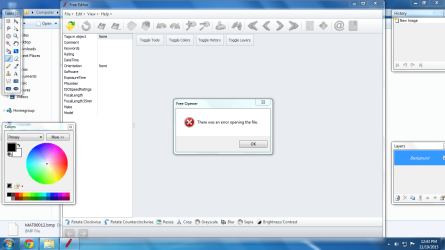
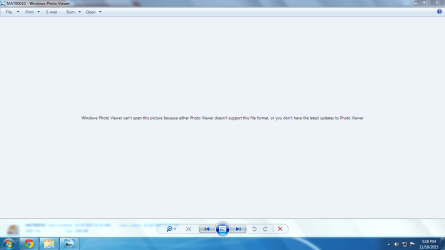
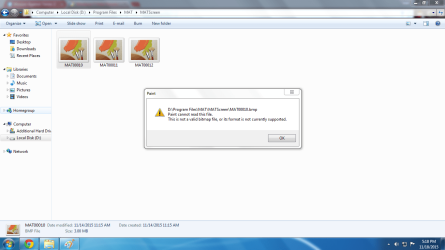
Good afternoon everyone. Could you please tell me why can't I view the captured screenshots BMP size in Mission Against Terror 2 (online game) folder? It said that 'Windows Photo Viewer can't open this picture because either Photo Viewer doesn't support the file format, or you don't have the latest updates to Photo Viewer'. The same problem also occured after I switch to Photo Gallery. I had also used countless of software to view the screenshots but sadly it still persists. Those software have the latest version. Besides that, I used to try fixing the screenshots at https://online.officerecovery.com/pixrecovery/ but the screenshots quality are worse, black and white colour only. A few years ago, I was never facing this problem. For your information, I'm practiced using Advanced Systemcare Ultimate and Smart Defrag to cleanup my PC and arrange scattered files in hard disk. Yesterday I was using System Restore but the problem also still persists. Take all your time needed to help me. 
Attachments
My Computer
- Computer type
- PC/Desktop
- Computer Manufacturer/Model Number
- Acer
- OS
- Windows 7 Home Premium 32 bit
- CPU
- Intel Core 2 Duo processor E7500
- Memory
- 3GB DDR3
- Graphics Card(s)
- Nvidia GeForce G210 512MB
- Antivirus
- 360 Internet Security 2015
- Browser
- Google Chrome