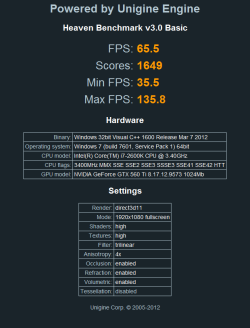
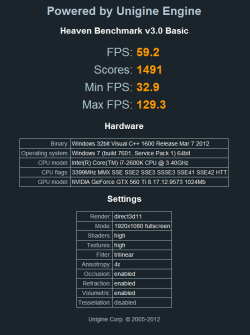
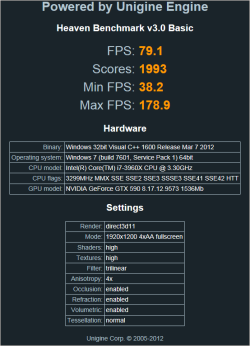
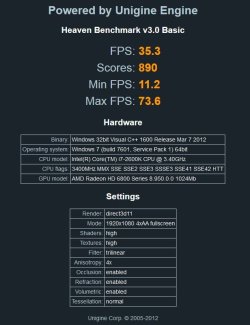
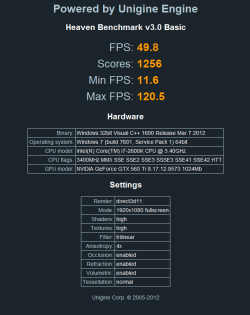
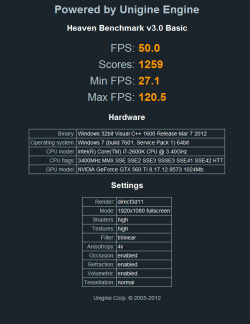
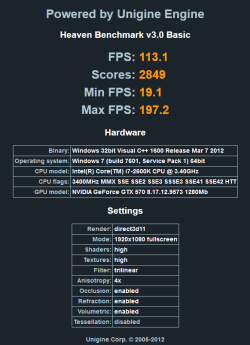
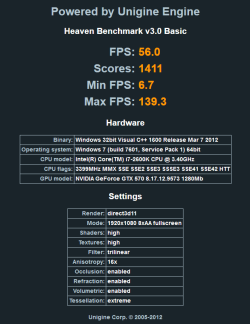
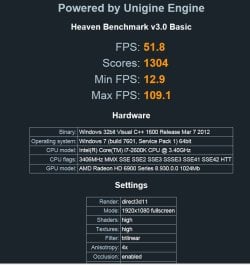
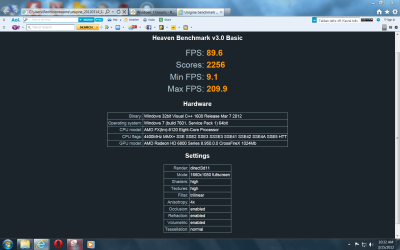
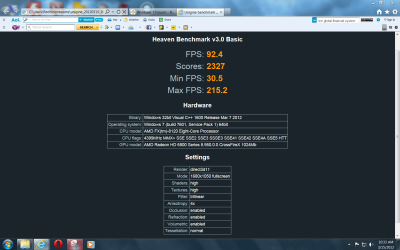
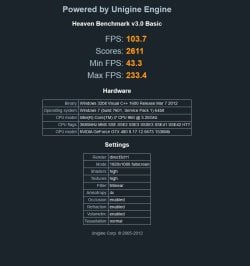
There are so many benchmarking programs that can use to benchmark the performance of your GPU and one of it which I’ve settled with is Unigine Heaven DX11 Benchmark based on advanced UNIGINE engine. Previously I’ve used the older version of Heaven Benchmark 2.1 to benchmark the 3D graphics performance on the antivirus performance test. Reason is during that time Unigine Heaven Benchmark was the only one that supports DirectX 11, while many still stuck at DirectX 10 plus it is free for personal use. It is also easy to use, simply install, select a few options and run the benchmark. A score will be given at the end of the benchmark together with the minimum, maximum and average FPS numbers. Few days ago a new version of Heaven DX11 Benchmark 3.0 has been released with many technical improvements, it now runs on Mac and supports for variety of new hardware, including extended support for multi-monitor configurations.
Source
A Guy
My Computer
At a glance
Windows 10 Home x64INTEL Core i5-750 Quad-Core 3.37GHzHyperX Fury Black Series 8GB (2 x 4GB) 1866MhzEVGA GeForce GTX 750 Superclocked 1GB 128-Bit...
- Computer type
- PC/Desktop
- OS
- Windows 10 Home x64
- CPU
- INTEL Core i5-750 Quad-Core 3.37GHz
- Motherboard
- ASUS P7P55D
- Memory
- HyperX Fury Black Series 8GB (2 x 4GB) 1866Mhz
- Graphics Card(s)
- EVGA GeForce GTX 750 Superclocked 1GB 128-Bit GDDR5
- Monitor(s) Displays
- LG 32MA68HY 32" IPS
- Screen Resolution
- 1920 x 1080
- Hard Drives
- Samsung 840 Evo 120GB, SEAGATE 500GB Barracuda® 7200.12, SATA 3 Gb/s, 7200 RPM, 16MB cache
- PSU
- ANTEC TruePower New TP-550, 80 PLUS, 550W
- Case
- ANTEC Three Hundred Illusion
- Cooling
- COOLER MASTER Hyper 212 Plus, 4 x 120mm 1 x 140mm Noctua's
- Internet Speed
- 85 + Mbps
- Antivirus
- Avast
- Browser
- Vivaldi