Your
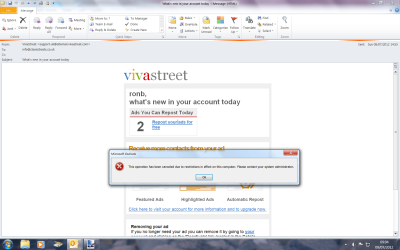
email client is
Outlook, which is the software we are trying to troubleshoot here.
I ask that you copy the link for Microsofts solution into an
external word editor like Notepad because we need to view the solution on an
Internet browser that does
not have the issue of being unable to open links by clicking on them like you've mentioned in your
opening post.
Anyway, for the sake of problem resolution, can you please follow my
subsequent instructions as closely as you possibly can:-
1) Click on your
start orb in windows (The Start button) or press the windows key on your keyboard.
2) In the search box, type in
Notepad
3) Press
Enter on your keyboard
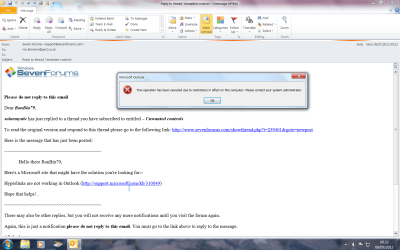
4) Go back to Outlook (e-mail program) program, right click on the link I've given to you from Microsoft in my
first reply, or just
right click on this link
Hyperlinks are not working in Outlook and select
Copy link location.
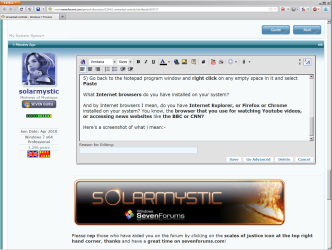
5) Go back to the Notepad program window and
right click on any empty space in it and select
Paste
What
Internet browsers do you have installed on your system?
And by Internet browsers I mean, do you have
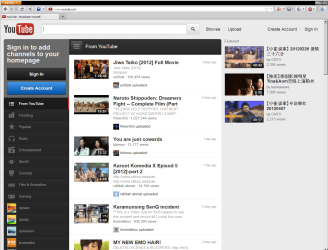
Internet Explorer, or Firefox or Chrome installed on your system? You know, the
browser that you use for watching Youtube videos, or accessing news websites like
the BBC or CNN?
Here are screenshots of what i mean:-