How to Setup Virtual Wifi on Windows 7
1. Open a command-prompt with administrator privileges.
Click on Start menu, All Programs, Accessories, right-click on Command Prompt, select “Run as administrator”). Type in:
2. Configure the “hosted” interface:
Code:
netsh wlan set hostednetwork mode=allow ssid=Test key=password
This example creates an access-point with an SSID of “Test”,
3. Configure Internet Connection Sharing (ICS)
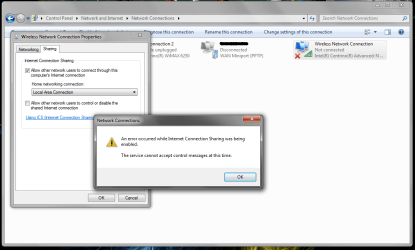
Open up the networking control panel. Select the interface that currently has Internet connection (like your Ethernet or normal wifi), enable “Sharing”, and then select the special “hosted” interface.
4. Start it
Code:
netsh wlan start hostednetwork