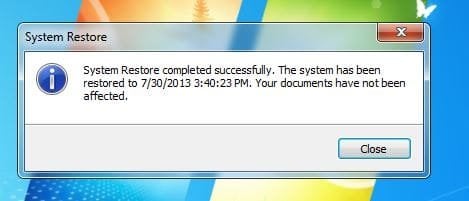
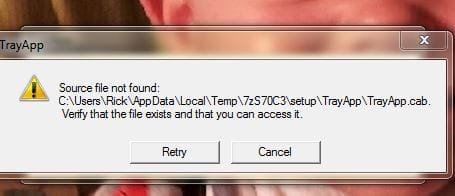
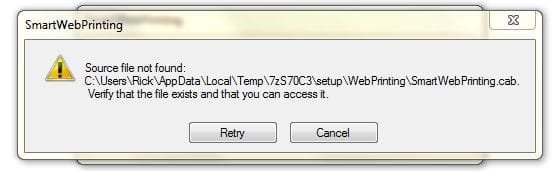
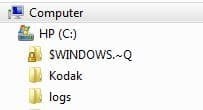
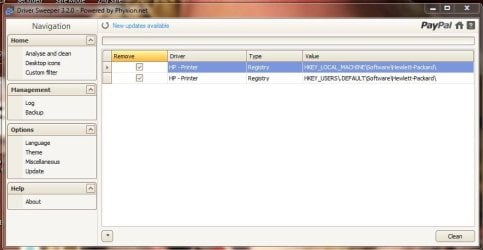
I'm running HP Pavilion Elite m9040n PC with Windows 7. I originally was in conversation about getting HP Printer working right again. But I feel I've got this computer so screwed up I better try to get it straighten out before I worry about printer. I think I've got my permissions in the administrators side and family users side all wrong. It's been suggested to do a reinstall of Windows again, I don't feel I'm knowledgeable enought to do that. I'm logged on the administrators side now. But in normal conditions a restart and/or reboot it automatically logs in on the family side. My original problem was nothing in device and printers folder with the green line at top just keeps running. I installed HP printer but still see hp folder in C: and Network folder. I also notice there is little green lines under the folders in Network folder, I never noticed that before. I attach some snips of some of the denials. Thanks
Attachments
-
 Take control after left clicking on HP Photosmart Premium C309gm2.JPG84.8 KB · Views: 15
 -
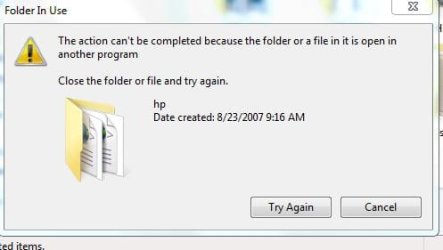 Take control after right click on Computer HP (C) hp folder.JPG21.5 KB · Views: 15
 -
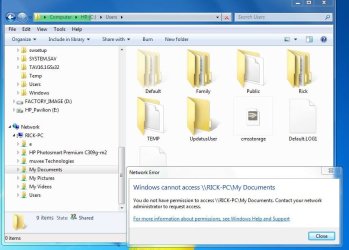 Take control #2.JPG71 KB · Views: 11
 -
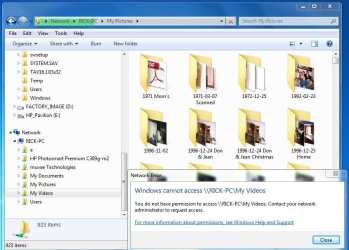 Take control #3.JPG78.6 KB · Views: 13
 -
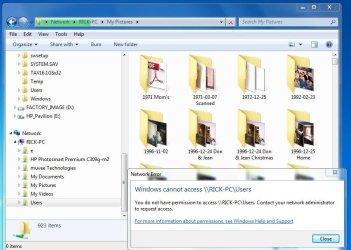 Take control #4.JPG74.9 KB · Views: 13
 -
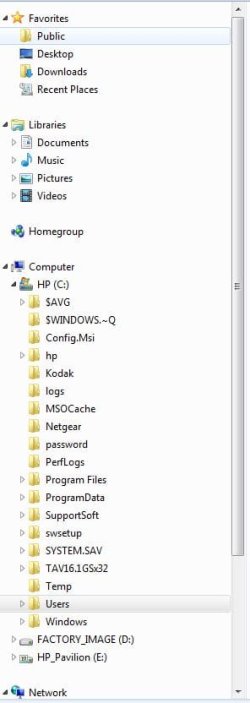 Take control #5.JPG32.1 KB · Views: 11
 -
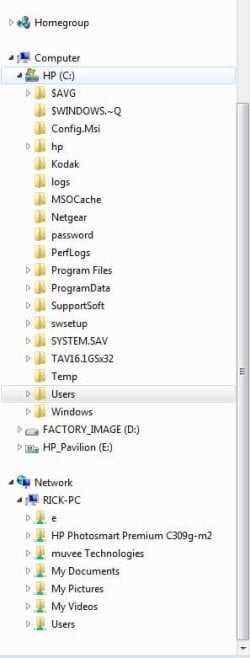 Take control #6.JPG32.2 KB · Views: 9
My Computer
At a glance
Windows 7 Home Premium 32 bit
- OS
- Windows 7 Home Premium 32 bit