
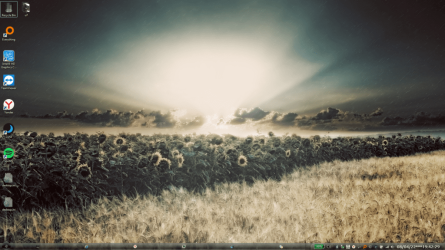
As you can see on the joined screen, running apps are taking a very large space each (actually, they managed to fill the whole taskbar, no matter how many are launched). This happened after a forced reboot (computer froze), never seen before and couldn't find the way to fix (because of my english not being good enough, i don't know how to call that "space" in which running apps icons are..)! Hopefully here i'll get help, so thanks 
- - - Updated - - -
Decrease size of icons in Windows 7 taskbar
Screen caps here shows well how large each square's supposed to be.
- - - Updated - - -
Decrease size of icons in Windows 7 taskbar
Screen caps here shows well how large each square's supposed to be.
My Computer
At a glance
Win7x64
- Computer type
- PC/Desktop
- OS
- Win7x64

