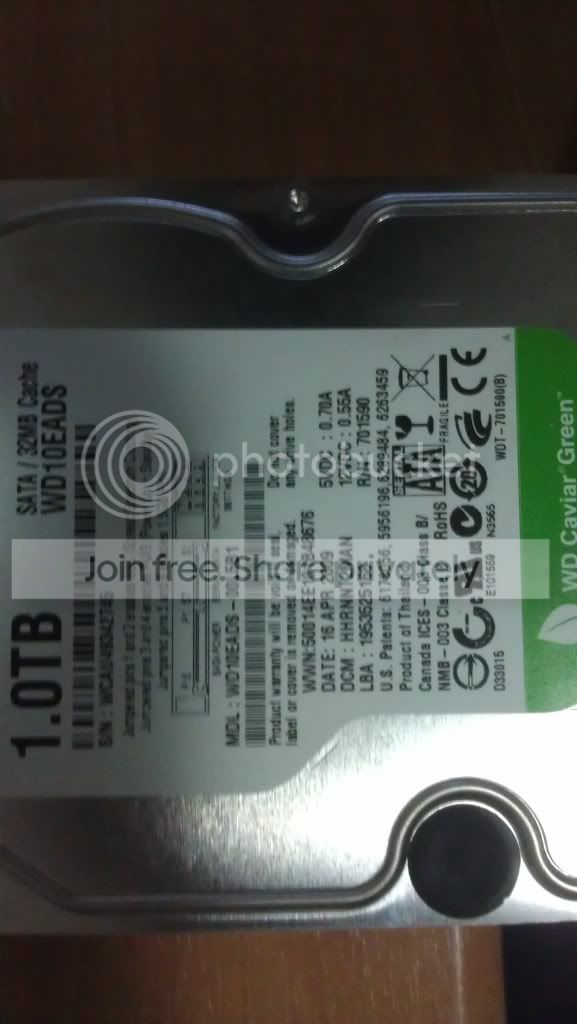
Western digital 1TB HD not being picked up as connected

Chief2012

New member
Local time
3:57 PM
Messages
4
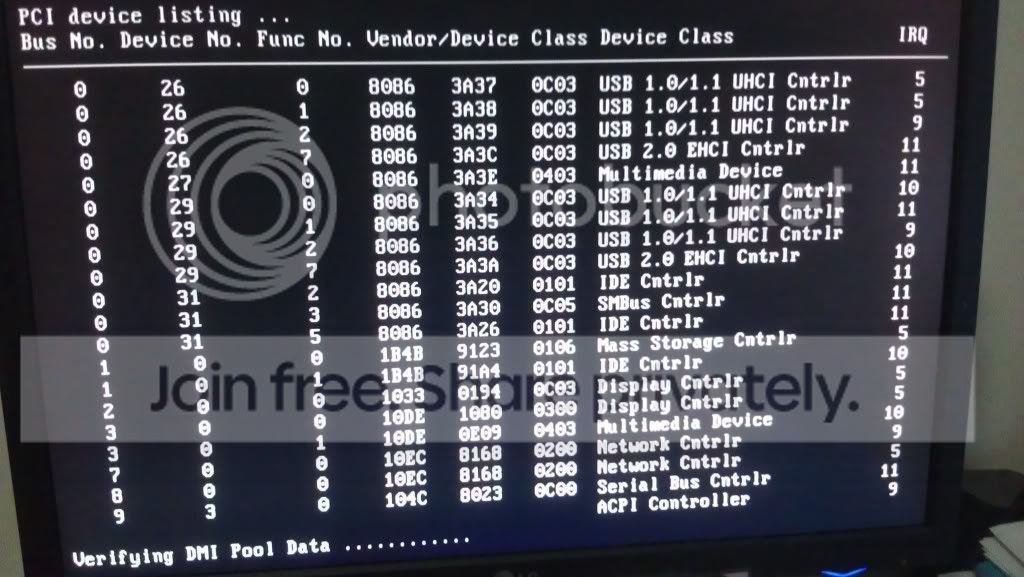
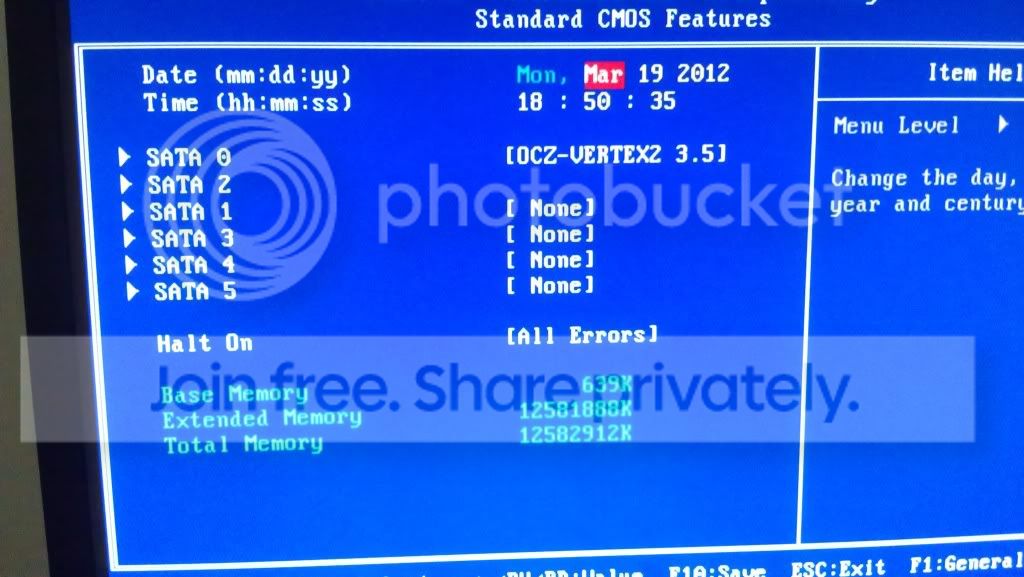
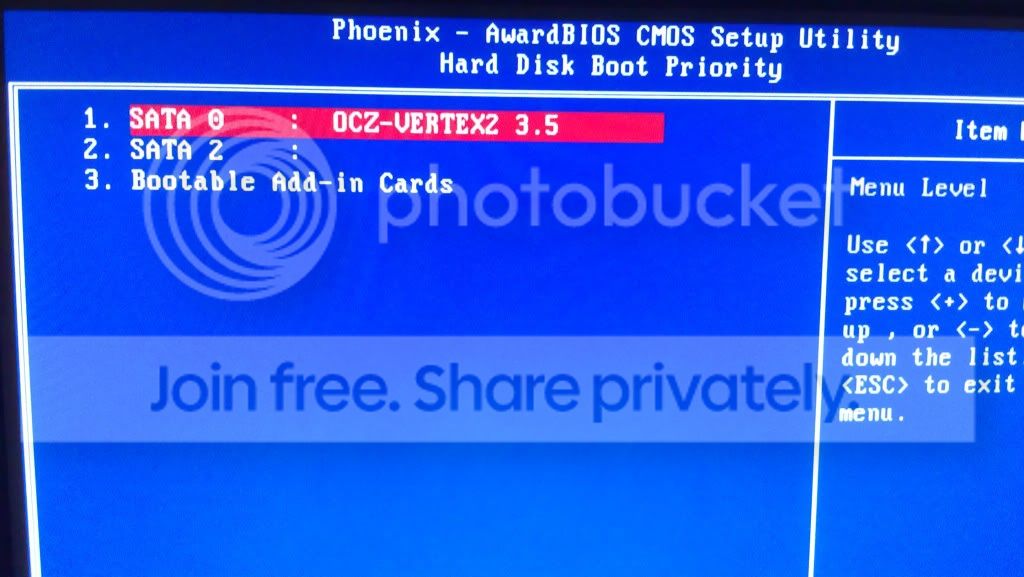
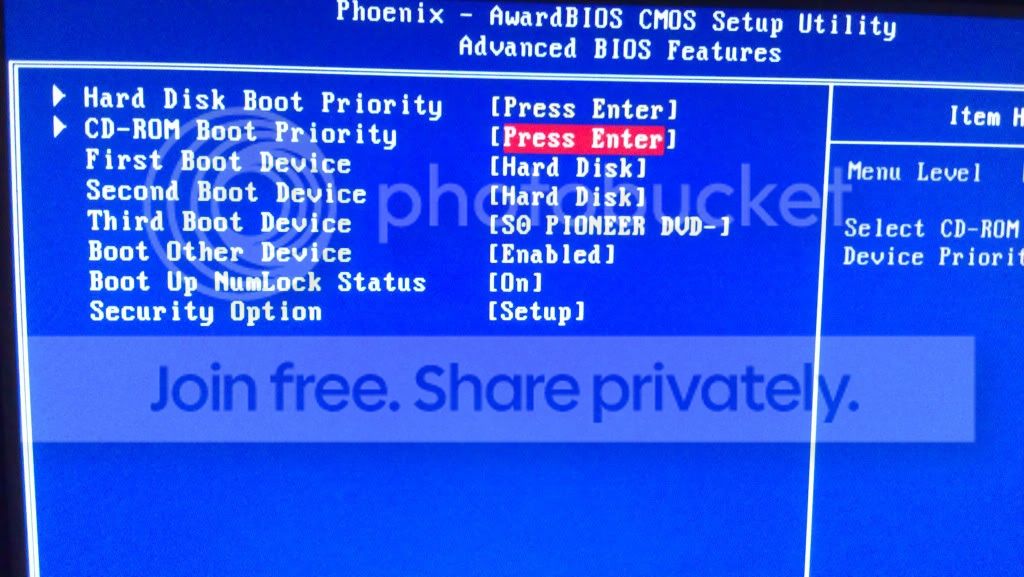
I currently use an OCZ Vertex 2 3.5" 240GB E Series SSD as my boot drive and use a Western digital caviar green as a storage drive. The problem I have been experiencing is simple. Whenever the PC restarts or is turned on for the first time during the day, it quite often will not recognize the WD storage drive at all. I need to re-boot the PC in order for the drive to be hopefully picked up and displayed. Sometimes it takes several attempts at re-booting before the drive finally appears. My wife runs a photographic business and needs the hard drive to store her photos so hopefully somebody can suggest something to try so that I don't have to take it to somebody to get fixed and spend money I don't have. My PC specs are below also for reference.
Zalman CNPS10X Extreme
Corsair Obsidian 800D Case
OCZ Z Series 1000W Gold Modular
EVGA X58 FTW3 Motherboard 132-GT-E768-KR
Intel Core i7 950
OCZ Vertex 2 3.5" 240GB E Series SSD
Mushkin 998958 Radioactive PC3-12800 (3x2GB) DDR3
Gainward GeForce GTX 580 1536MB
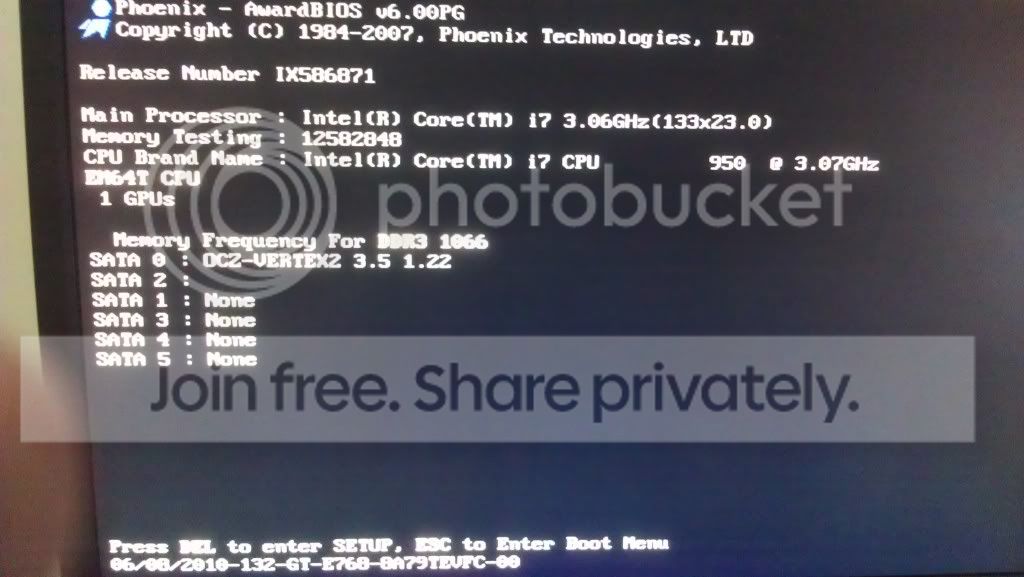
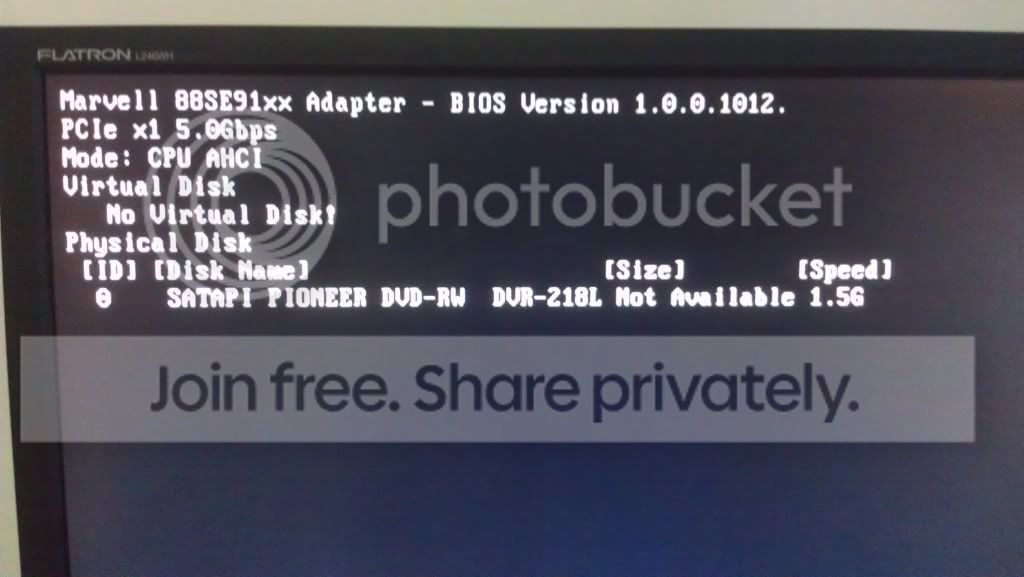
IMAG0024.jpg
IMAG0025.jpg
IMAG0026.jpg
IMAG0027.jpg
IMAG0028.jpg
IMAG0029.jpg
IMAG0030.jpg
 

Attachments

Last edited:

My Computer My Computer

At a glance

Windows 7 Home Premium 64bitIntel Core i7 950Mushkin 998958 Radioactive PC3-12800 (3x2GB) ...Gainward GeForce GTX 580 1536MB
OS
Windows 7 Home Premium 64bit
CPU
Intel Core i7 950
Motherboard
EVGA X58 FTW3 Motherboard 132-GT-E768-KR
Memory
Mushkin 998958 Radioactive PC3-12800 (3x2GB) DDR3 12GB
Graphics Card(s)
Gainward GeForce GTX 580 1536MB
Sound Card
Onboard
Monitor(s) Displays
LG Flatron L246WH
Hard Drives
OCZ Vertex 2 3.5" 240GB E Series SSD
WDC WD10EADS-00L5B1 ATA Device
PSU
OCZ Z Series 1000W Gold Modular
Case
Corsair Obsidian 800D Case
Cooling
Zalman CNPS10X Extreme
Any thoughts from anybody at all?
 

My Computer My Computer

At a glance

Windows 7 Home Premium 64bitIntel Core i7 950Mushkin 998958 Radioactive PC3-12800 (3x2GB) ...Gainward GeForce GTX 580 1536MB
OS
Windows 7 Home Premium 64bit
CPU
Intel Core i7 950
Motherboard
EVGA X58 FTW3 Motherboard 132-GT-E768-KR
Memory
Mushkin 998958 Radioactive PC3-12800 (3x2GB) DDR3 12GB
Graphics Card(s)
Gainward GeForce GTX 580 1536MB
Sound Card
Onboard
Monitor(s) Displays
LG Flatron L246WH
Hard Drives
OCZ Vertex 2 3.5" 240GB E Series SSD
WDC WD10EADS-00L5B1 ATA Device
PSU
OCZ Z Series 1000W Gold Modular
Case
Corsair Obsidian 800D Case
Cooling
Zalman CNPS10X Extreme
The first thing to do is when you get it to boot then do a backup of that drive in case it is failing. WD has a diagnostic tool on their web site you can download. It could be as simple as a loose or bad Sata cable or power cable. Also a bad Sata port on the MB. If you have a spare cables I would change them out and maybe try a different Sata port. Its a process of elimination. Be sure your cable are seated good and not loose.

Jim :geek:
 

My Computer My Computer

At a glance

Windows 8.1 Pro w/Media Center 64bit, Windows...Phenom II X6 1100TCrucial Balistic 8gb DDR3-1866 CL9MSI R6850 Cyclone IGD5 PE
Computer type
PC/Desktop
Computer Manufacturer/Model Number
Home Built
OS
Windows 8.1 Pro w/Media Center 64bit, Windows 7 HP 64bit
CPU
Phenom II X6 1100T
Motherboard
ASUS M5A99X EVO
Memory
Crucial Balistic 8gb DDR3-1866 CL9
Graphics Card(s)
MSI R6850 Cyclone IGD5 PE
Sound Card
On Board
Monitor(s) Displays
ASUS VE258Q 25" LED with DVI-HDMI-DisplayPort
Screen Resolution
1920 x 1080
Hard Drives
Two WD Cavier Black 2TB Sata III, WD My Book Essential 2TB USB 3.0
PSU
Seasonic X650 80 Plus GOLD Modular
Case
Corsair 400R
Cooling
Antec Kuhler H2O 620, Two 120mm and four 140mm
Keyboard
Logitech K120
Mouse
Logitech Marble Mouse USB, Logitech Precision Game Pad
Internet Speed
15MB
Antivirus
Norton IS 2013, Malwarebytes Pro Beta 2
Browser
IE-11, FF-27
Other Info
APC UPS ES 750, Netgear WNR3500L Gigabit & Wireless N Router with SamKnows Test Program, Motorola SB6120 Gigabit Cable Modem. Brother HL-2170W Laser Printer, Epson V300 Scanner
Back
Top