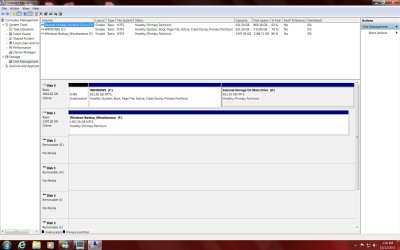
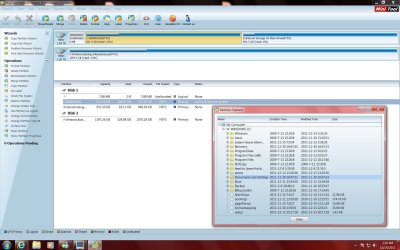
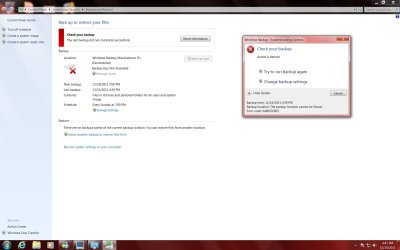
No physically putting a 0 in the field, using PW, did the same thing. It allows me to enter the info, but when I say ok, the program will not give me an apply option. Below is a method that was given to me from
www.ehow.com to do to get rid of the 8mb of unallocated space. It does not work either.
1
Click the "Start" and then "Run" buttons within the Windows
desktop to produce a text box for entering run commands.
2
Type "compmgmt.msc /s" (without quotation marks) into the resulting text box. This will start the Windows
computer management utility.
3
Click the "Disk Management" link in the left-most frame within the program window. This will start the virtual disk service that will allow you to view disk partitions and adjust them accordingly.
4
Right-click the drive whose partition you wish to extend over the unallocated space. This will produce a standard Windows context menu.
5
Left-click the "Extend Volume..." heading within the context menu. This will start the extend volume wizard.
6
Click the "Next" button on the Extend Volume wizard's welcome screen.
7
Select the disk whose partition you wish to extend from the left pane of the wizard and click the add button in the center of the wizard's program window.
8
Enter the amount of unallocated space you would like to add to the partition at the bottom of the program window. The maximum amount available on the disk to extend the partition by will be listed near the bottom portion of the window for reference.
9
Click the "Next" button to begin the extension process. This will only take a few moments, depending on the size of your hard drive.
10
Click the "Finish" button when prompted by the wizard to complete the recovery of your unallocated hard drive space. You may begin using it immediately; no reboot is required for this process.
Read more:
How to Recover Unallocated Drive Space | eHow.com http://www.ehow.com/how_5136339_recover-unallocated-drive-space.html#ixzz1gOmt07kM
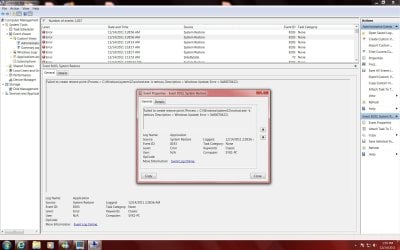
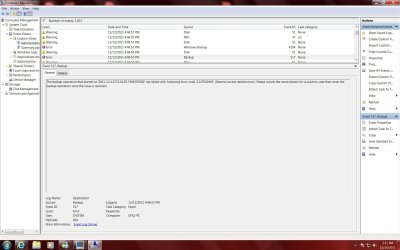
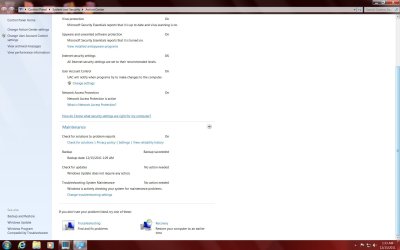
Like I said before, I could care less about regaining the 8mb of unallocated space. My main problem is why the backup fails.