
Hello,
I have just formatted my computer and having a several problems.
First problem is, I get a very slow download speed but a fast upload speed.
(I haven't downloaded my drivers yet but if it happens after driver installation, I'll post a new thread I guess)
The major problem that I have is the "black screen" after windows updates.
I had to restore my computer.
Now, I want to avoid the updates that cause black screen.
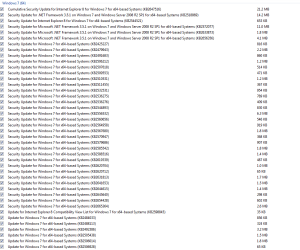
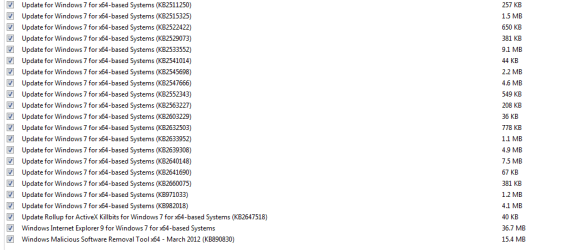
Can anyone tell me which one I should not install from my screenshots?
I have just formatted my computer and having a several problems.
First problem is, I get a very slow download speed but a fast upload speed.
(I haven't downloaded my drivers yet but if it happens after driver installation, I'll post a new thread I guess)
The major problem that I have is the "black screen" after windows updates.
I had to restore my computer.
Now, I want to avoid the updates that cause black screen.
Can anyone tell me which one I should not install from my screenshots?
Attachments
My Computer
- OS
- Windows 7 64 bit
