
I recently tried out a program called Windows 7 Folder Background Changer. It was fun to try it out, but I decided not to use it.
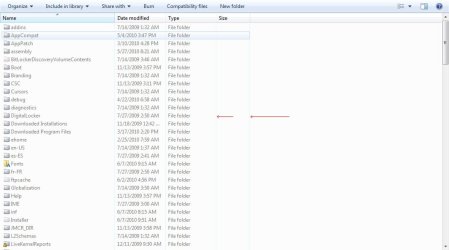
After using the application, there are now thin lines between columns in details view. I seem to recall there being a setting somewhere in the folder options for Win7 to enable or disable these column separators, but I'm not sure. I would really like to eliminate them entirely.
Can anyone help, please?
After using the application, there are now thin lines between columns in details view. I seem to recall there being a setting somewhere in the folder options for Win7 to enable or disable these column separators, but I'm not sure. I would really like to eliminate them entirely.
Can anyone help, please?
Attachments
My Computer
- Computer Manufacturer/Model Number
- ASUS G75VW
- OS
- Windows 7 Ultimate 64-bit
- CPU
- Core i7 3820QM
- Memory
- 16GB
- Graphics Card(s)
- Nvidia Geforce GTX 660M 2GB
- Screen Resolution
- 1920x1080
- Hard Drives
- 2x 750GB
