
klasikmusica
Computer Techie Geek
- Local time
- 11:52 PM
- Messages
- 14
Hi everyone!
-Have been using Windows 7 32 and 64-bit Enterprise and have encountered no random freeze problems
- Now using Windows 7 Home Prem 64-bit
- reloaded this os twice, second time started having random freezes
Preceding events
- changed GPU card (Geforce 310M) 2 x
- changed motherboard 2x
-changed internal hard disk
- tried downloading hotfix (see below) but encountered error message: This update is not applicable to your computer. My Windows version. 6.1.7601 SP1 build 7601 Compatible OS: 6.1 .7600
-Having video hardware error
-from 07/02/12-15/05/12
-comes once-thrice every 3 weeks
-now video hardware error is not really a concurrent problem
Difference between a freeze, hang and crash
crash known as APPCRASH
Hang known as hungapp or apphang
freeze is unresponsiveness where by for e.g. when u r typing, the screen just stops in mid air , no pressing keys, mouse, CTRL-ALT-DEL, restart, task manager only to force power off by turning off power or pressing power button manually
Reason for having freeze problems (more so for 64bit windows 7)
Microsoft has released a hotfix...
significant problem: A computer that is running Windows Server 2008 R2 or Windows 7 stops responding randomly. Reason: heavy GPOs (group policy) use and SCOM and a situation of nonresponsiveness between the Lsass.exe (Local Security Authority Subsystem Service), Rdbss.exe (Redirected Drive Buffering Subsystem) and Winsock kernel
causing hangs and unresponsiveness
Check this out
PC World: Fix a Windows 7 System That Randomly Freezes | PCWorld
seven forums: http://www.sevenforums.com/crashes-debugging/136638-computer-freezes-randomly.html
microsoft forum: Random freezes with windows 7 - 64 bit - Microsoft Answers
Microsoft KB article: A computer that is running Windows Server 2008 R2 or Windows 7 stops responding randomly
TRY THIS!
REASON:
is to delay the signals from the keyboard significantly longer than the mouse and other USB devices to prevent any race conditions.
SOLUTION:
attach an extra USB hub to the keyboard cable to increase the electrical delay How: Get a cheap USB Hub
RESOLUTION:
Paul (a person who has tried this method) says he hasn't had one lockup since implementing this solution
From: Fix a Windows 7 System That Randomly Freezes, Part 2 | PCWorld
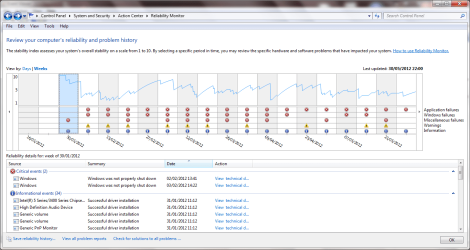
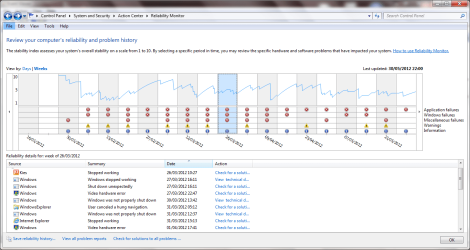
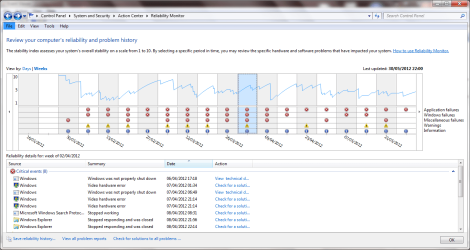
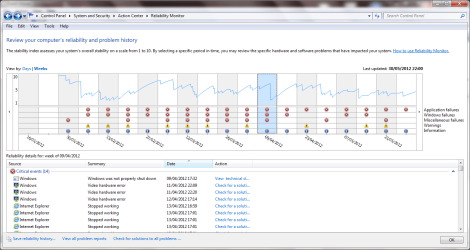
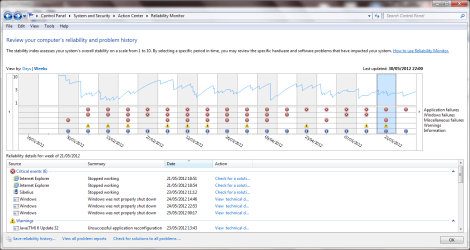
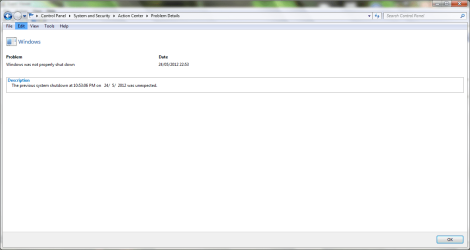
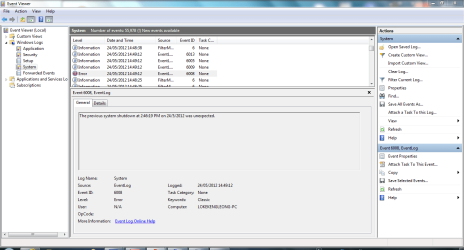
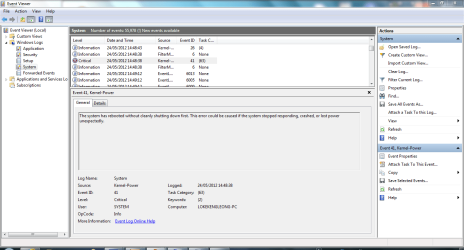
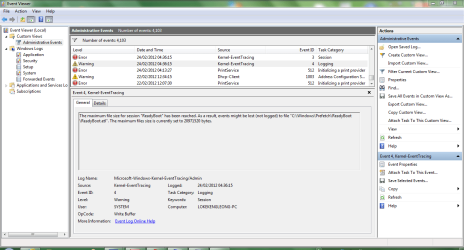
I have attached many .png files. They are system snapshots. Hope that that will provide more than enough info to diagnose the problem I know there are many files but it is not exhaustive.
-Have been using Windows 7 32 and 64-bit Enterprise and have encountered no random freeze problems
- Now using Windows 7 Home Prem 64-bit
- reloaded this os twice, second time started having random freezes
Preceding events
- changed GPU card (Geforce 310M) 2 x
- changed motherboard 2x
-changed internal hard disk
- tried downloading hotfix (see below) but encountered error message: This update is not applicable to your computer. My Windows version. 6.1.7601 SP1 build 7601 Compatible OS: 6.1 .7600
-Having video hardware error
-from 07/02/12-15/05/12
-comes once-thrice every 3 weeks
-now video hardware error is not really a concurrent problem
Difference between a freeze, hang and crash
crash known as APPCRASH
Hang known as hungapp or apphang
freeze is unresponsiveness where by for e.g. when u r typing, the screen just stops in mid air , no pressing keys, mouse, CTRL-ALT-DEL, restart, task manager only to force power off by turning off power or pressing power button manually
Reason for having freeze problems (more so for 64bit windows 7)
Microsoft has released a hotfix...
significant problem: A computer that is running Windows Server 2008 R2 or Windows 7 stops responding randomly. Reason: heavy GPOs (group policy) use and SCOM and a situation of nonresponsiveness between the Lsass.exe (Local Security Authority Subsystem Service), Rdbss.exe (Redirected Drive Buffering Subsystem) and Winsock kernel
causing hangs and unresponsiveness
Check this out
PC World: Fix a Windows 7 System That Randomly Freezes | PCWorld
seven forums: http://www.sevenforums.com/crashes-debugging/136638-computer-freezes-randomly.html
microsoft forum: Random freezes with windows 7 - 64 bit - Microsoft Answers
Microsoft KB article: A computer that is running Windows Server 2008 R2 or Windows 7 stops responding randomly
TRY THIS!
REASON:
is to delay the signals from the keyboard significantly longer than the mouse and other USB devices to prevent any race conditions.
SOLUTION:
attach an extra USB hub to the keyboard cable to increase the electrical delay How: Get a cheap USB Hub
RESOLUTION:
Paul (a person who has tried this method) says he hasn't had one lockup since implementing this solution
From: Fix a Windows 7 System That Randomly Freezes, Part 2 | PCWorld
I have attached many .png files. They are system snapshots. Hope that that will provide more than enough info to diagnose the problem
I know there are many files but it is not exhaustive.Attachments
-
 windowsshutdownunexpected1.PNG51.1 KB · Views: 72
 -
 windowsshutdownunexpected2.PNG54.2 KB · Views: 26
 -
 windowsshutdownunexpected3.PNG52 KB · Views: 20
 -
 windowsshutdownunexpected4.PNG50.7 KB · Views: 19
 -
 windowsshutdownunexpected5.PNG52.8 KB · Views: 20
 -
 windowsshutdownunexpected5details.PNG32.1 KB · Views: 20
 -
 unexpextedshutdown1.PNG41.3 KB · Views: 18
 -
 unexpextedshutdown1details.PNG42.1 KB · Views: 12
 -
 unexpectedshutdown2.PNG43.1 KB · Views: 9
 -
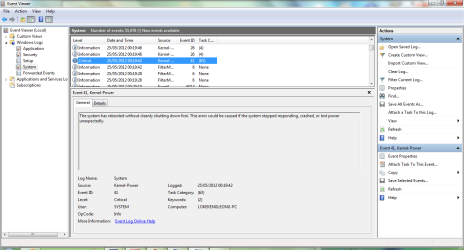 unexpectedshutdown2details.PNG44.1 KB · Views: 7
 -
 precedingevents1.PNG43.3 KB · Views: 10
 -
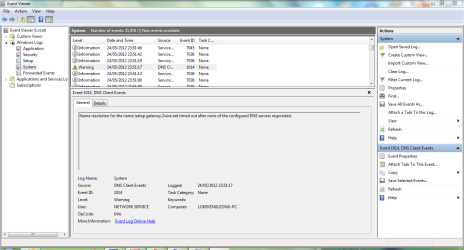 precedingevents12wire.PNG44 KB · Views: 8
 -
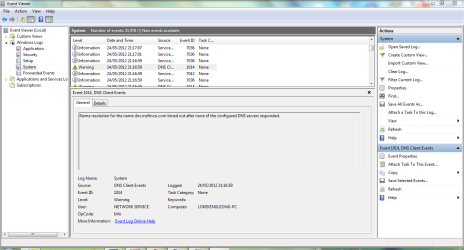 preceding events2dns.PNG43.8 KB · Views: 9
 -
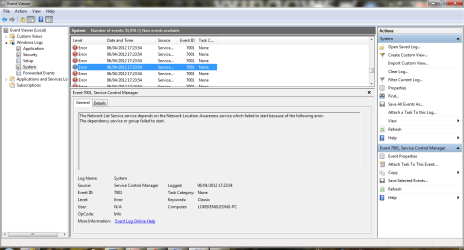 networkerrors.PNG43.6 KB · Views: 11
 -
 preceding events2live update.PNG43.5 KB · Views: 10
 -
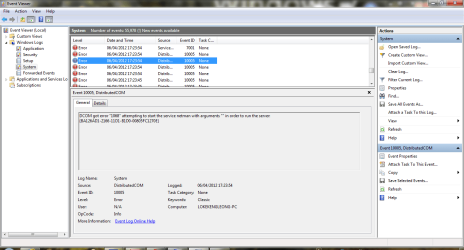 dcomerror.PNG43.9 KB · Views: 13
 -
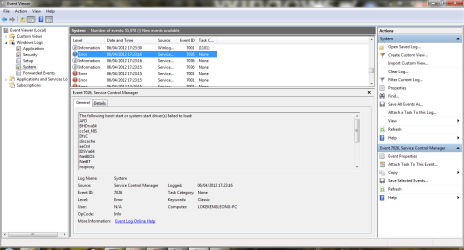 afderror.PNG45.3 KB · Views: 7
 -
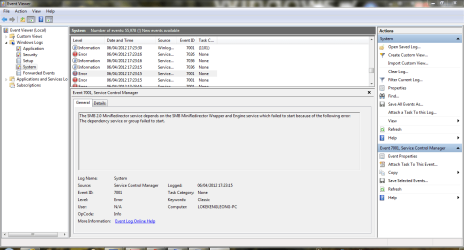 smbminidirectorerror.PNG45 KB · Views: 8
 -
 dnstdinetioerror.PNG43.6 KB · Views: 7
 -
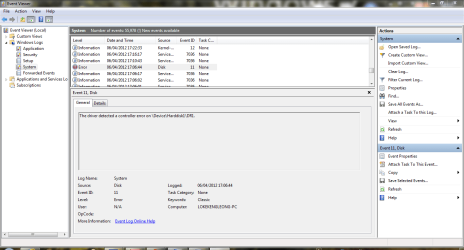 harddiskerror.PNG42.7 KB · Views: 9
 -
 pagingharddiskerror.PNG41.3 KB · Views: 7
 -
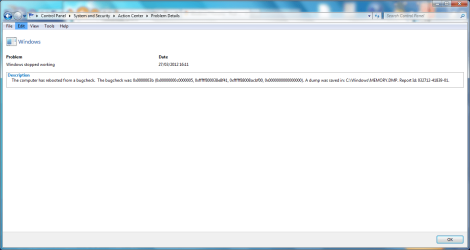 windowsstoppedworking.PNG41.8 KB · Views: 10
 -
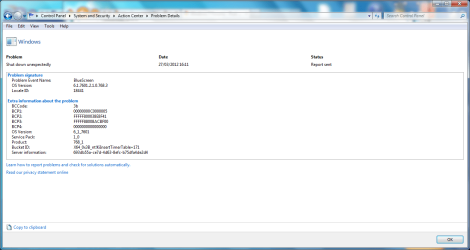 shutdownunexpected270312.PNG46.6 KB · Views: 5
 -
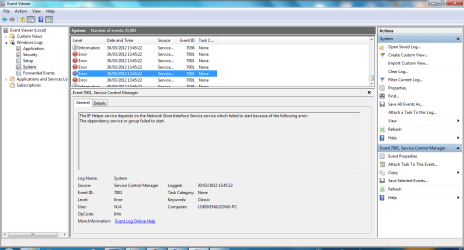 aftershutdownprecedingevent1.PNG42.4 KB · Views: 7
 -
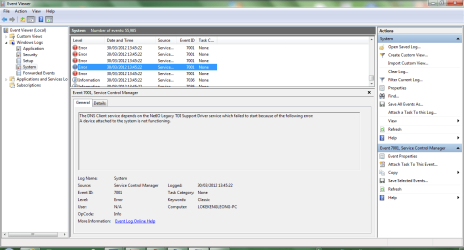 aftershutdownprecedingevent2.PNG42.3 KB · Views: 8
 -
 administrativeevents1.PNG45.5 KB · Views: 13
My Computer
At a glance
Microsoft Windows 7 Home Premium 64-bit (orig...Processor Intel(R) Core(TM) i5 CPU M 540 @ 2....4.00 GB (2x2 GB) DDR3 1066MhzNvidia Geforce 310M 512MB dedicated
- Computer Manufacturer/Model Number
- Fujitsu Lifebook SH560 WRP White
- OS
- Microsoft Windows 7 Home Premium 64-bit (orig. 32-bit) build 7601 v6.1.7601 SP1
- CPU
- Processor Intel(R) Core(TM) i5 CPU M 540 @ 2.53GHz, 2
- Memory
- 4.00 GB (2x2 GB) DDR3 1066Mhz
- Graphics Card(s)
- Nvidia Geforce 310M 512MB dedicated
- Sound Card
- Realtek
- Screen Resolution
- 1366 x768
- Hard Drives
- 500GB 5400rpm?? (SATA) I do not know whether it is 5400 or 7200rpm. It is not listed. But i think it is 5400rpm
- PSU
- Fujitsu Power Saving Utility (ECO)
- Keyboard
- New Keycap Keyboard Spill resistant
- Other Info
- 13.3'' HD SF (screen resolution) , with 1.3 MP Camera


