Buddy it's Windows Photo Viewer comes with win 7 stock !
Well pardon me... I never even knew about such a program. Honestly, this is the first time I've ever seen its interface, which is why I didn't recognize it at all.
I also don't have a "Pictures Library". To be honest, I don't use Libraries at all in Win7. I know... there's probably something very good about that functionality, but I honestly am very comfortable with the organization I've developed over the years accessing the data on my four hard drives and 13 partitions.
Anyway, I guess this is by way of trying to rationalize why I never knew about Windows Photo Viewer until now.
But back to the subject at hand.
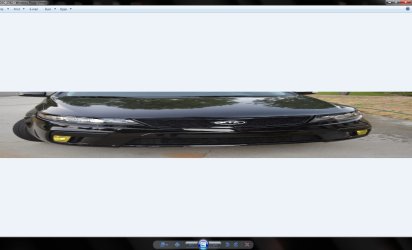
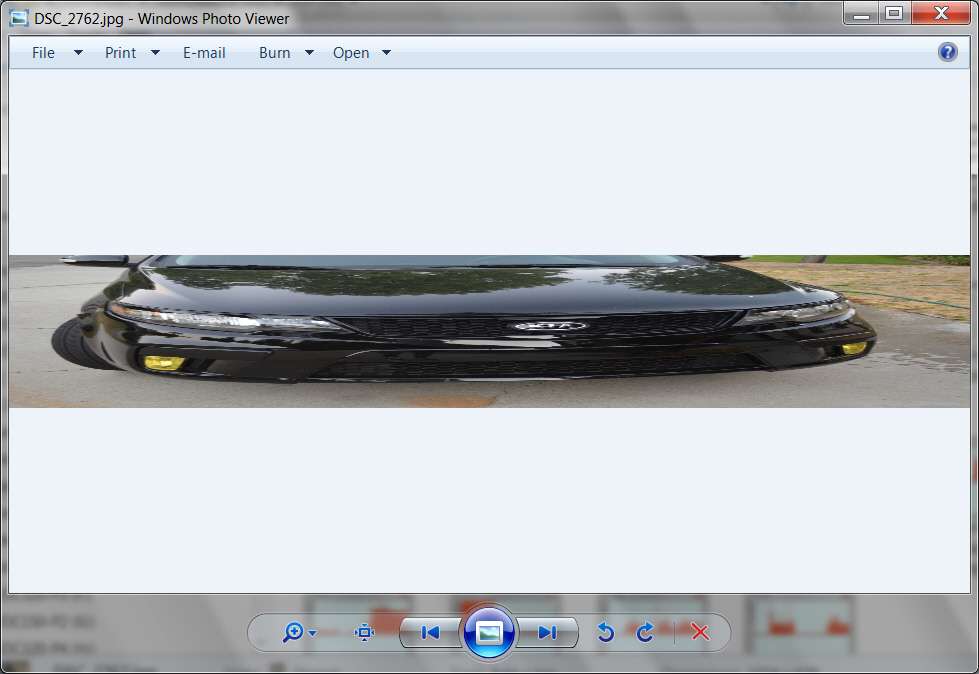
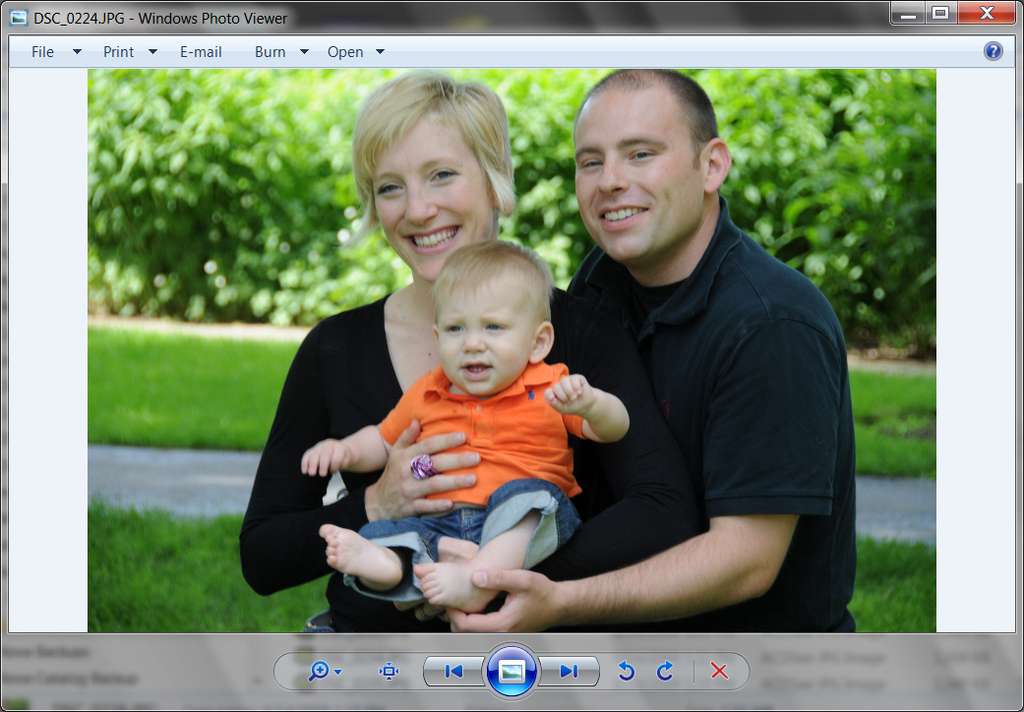
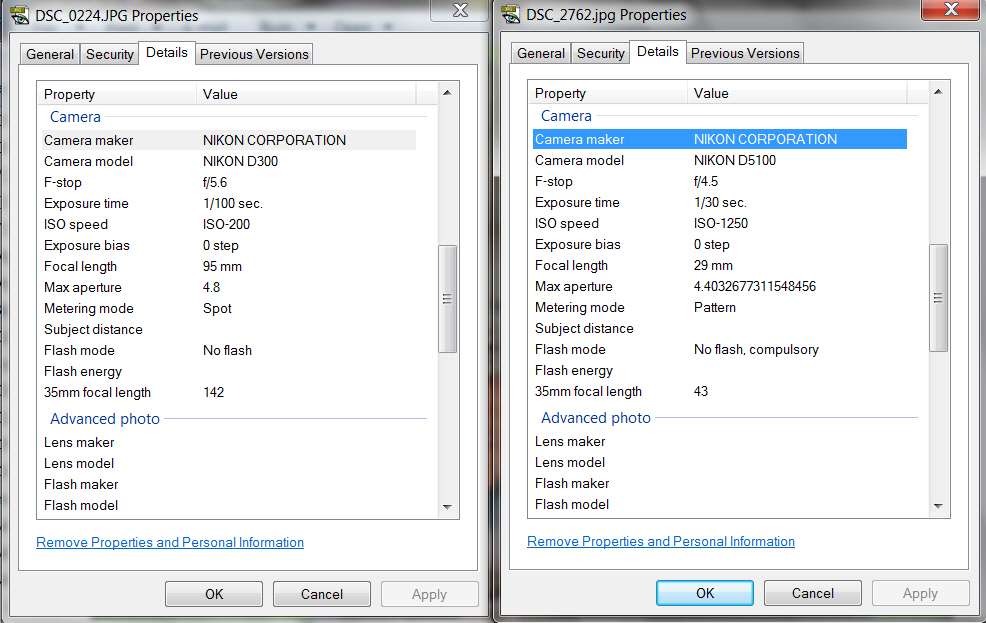
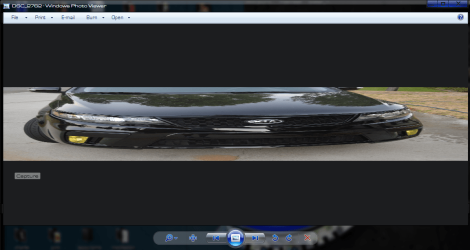
Once I learned from HELP how to get into this Photo Viewer program from the Pictures Library starting point (even though I don't actually have such a library defined, so I just navigated to Computer) I also see EXACTLY the same aspect ratio distortion you do:
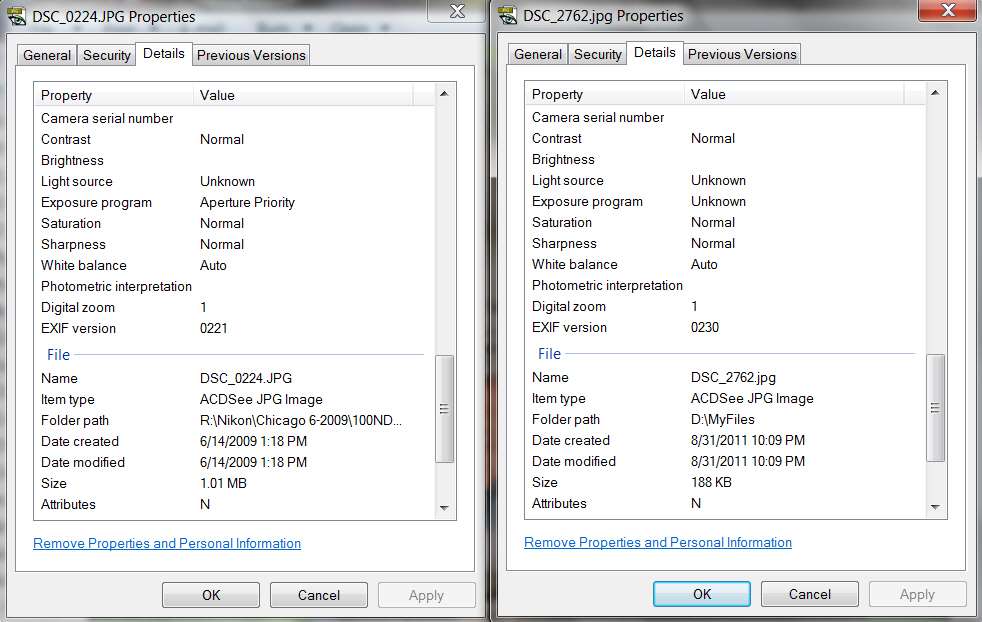
I did a little looking around and there don't seem to be any "settings" for Photo Viewer at all. It just opens, and what you see is what you get. What it's presenting appears to be 100% default and unchangeable, and is obviously a function of something in the JPG itself if this is the kind of result we see when using it. The fact that it's clearly mishandling this JPG for some unknown reason is undeniable, but Microsoft seems like the culprit here... not your JPG.
I would simply not use Photo Viewer, to be frank, but it's nothing that you yourself can "fix". There's simply no user control over this most basic, simplest of programs. I point out that there are many other superior alternatives, none of which exhibit this symptom on this very JPG.
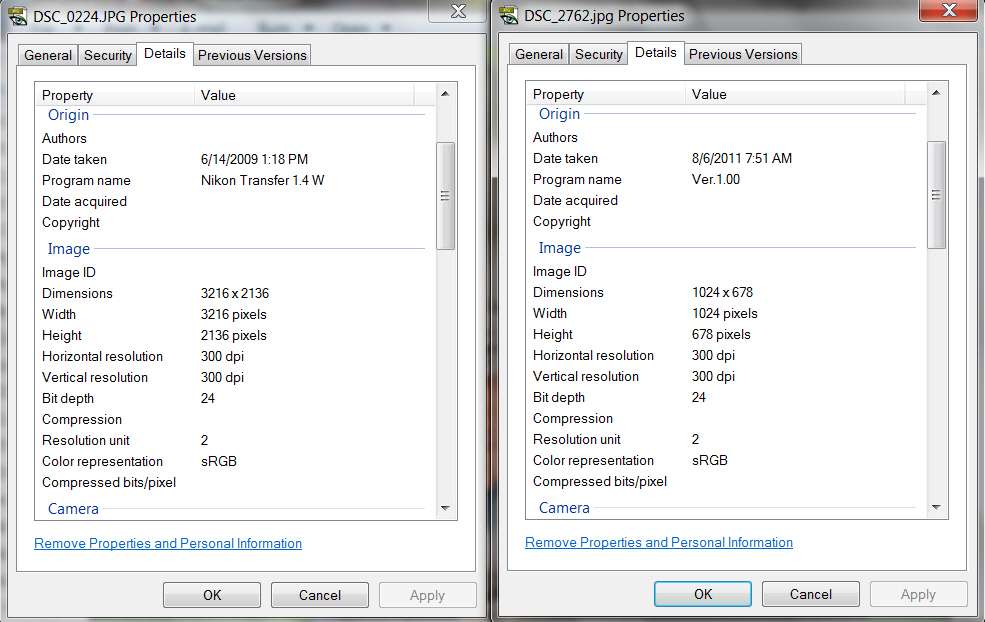
Obviously Photo Viewer is not the world's greatest image viewer program if it does this aspect ratio distortion in its window for some reason... when in truth there is nothing at all wrong with the JPG image as confirmed by multiple other image viewer methods.
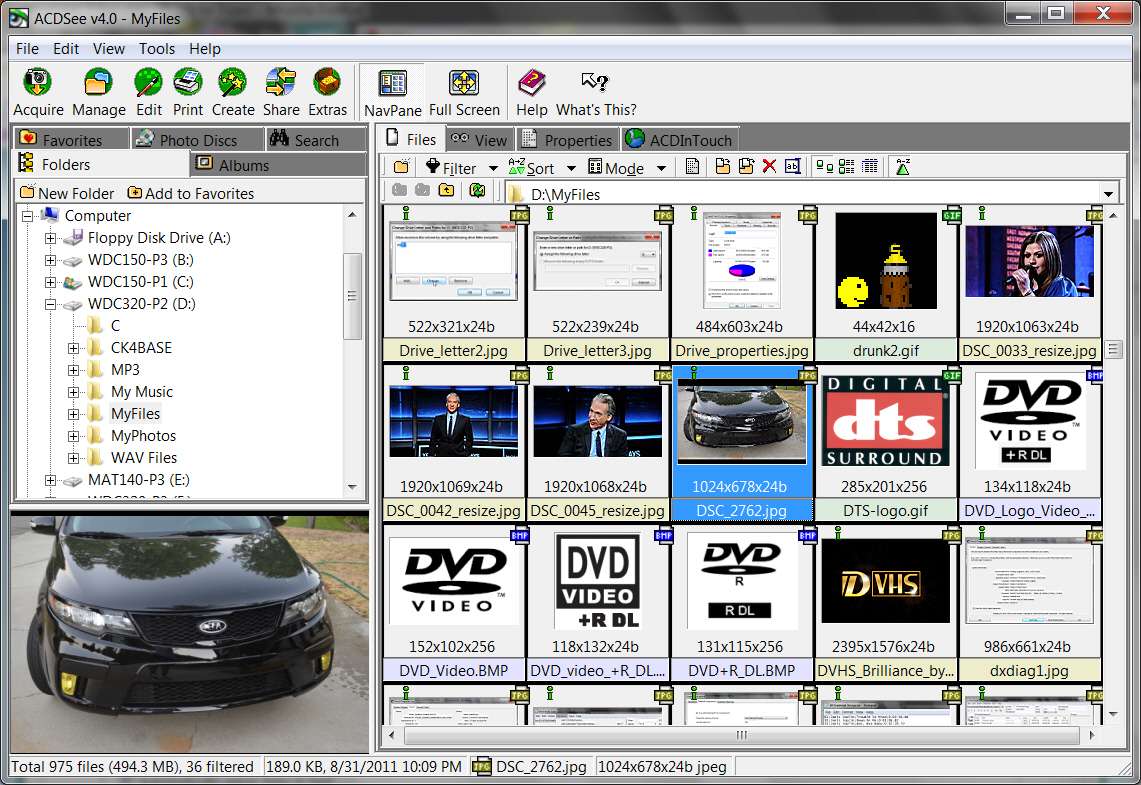
Note that in my own situation, I have ACDSee installed as my "default image viewer for JPG". So what shows up on the menu bar from Pictures Library is not Photo Viewer by default at the top of the list, but rather ACDSee.
Nevertheless, even though ACDSee is the default, Photo Viewer IS still available as a selectable choice down at the bottom of the list, and the first screenshot above is what it produces when I select it... which indeed duplicates your results.
So I would say that it's not you or me, it's Photo Viewer. This is the absolute very first time that program has been used on my system. Nothing I've done before now could have influenced it. If you say it doesn't do this for all JPGs, well then even more reason not to use it... if it can't be trusted to provide a simple image display reliably.
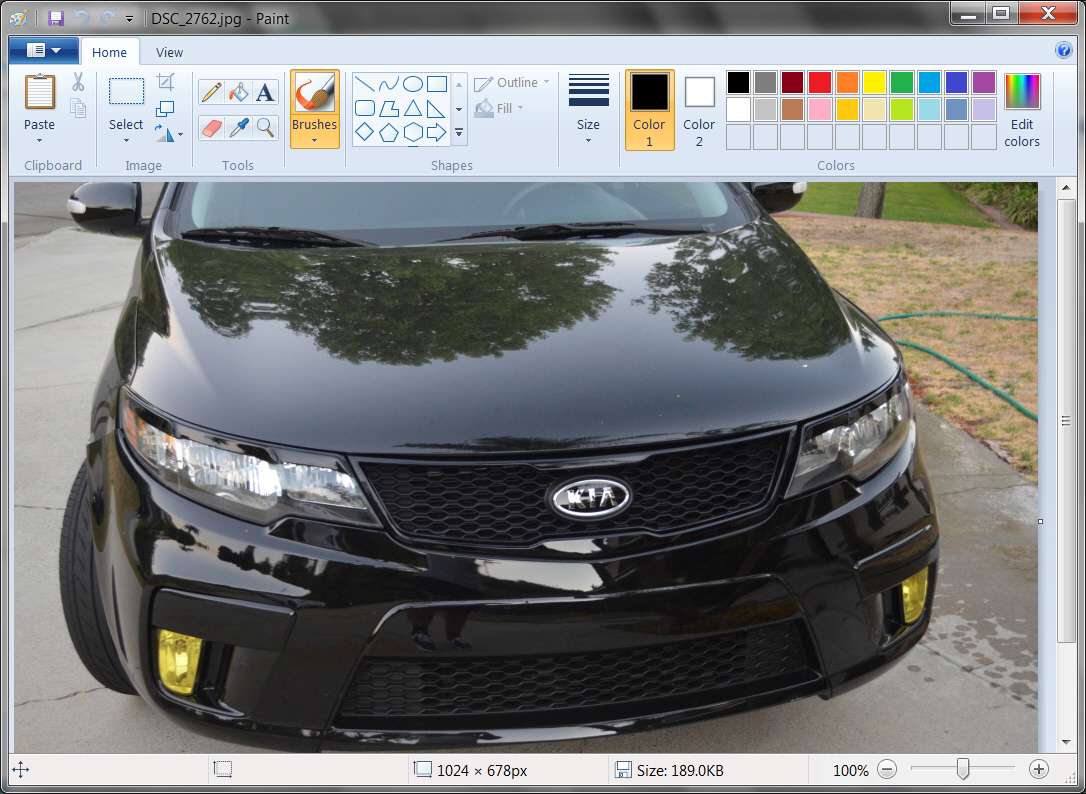
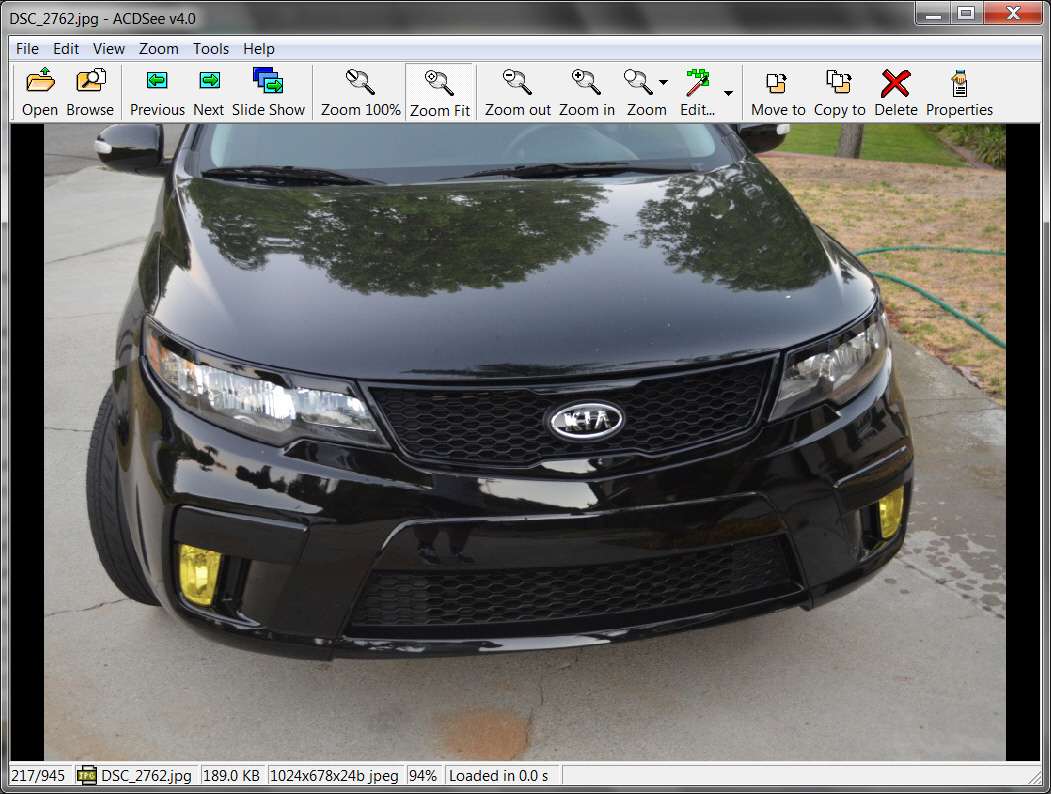
In passing, I point out that when I use either ACDSee or Paint (also standard with Win7) selected from that same drop-down image viewer list, the results are perfectly normal with either program:
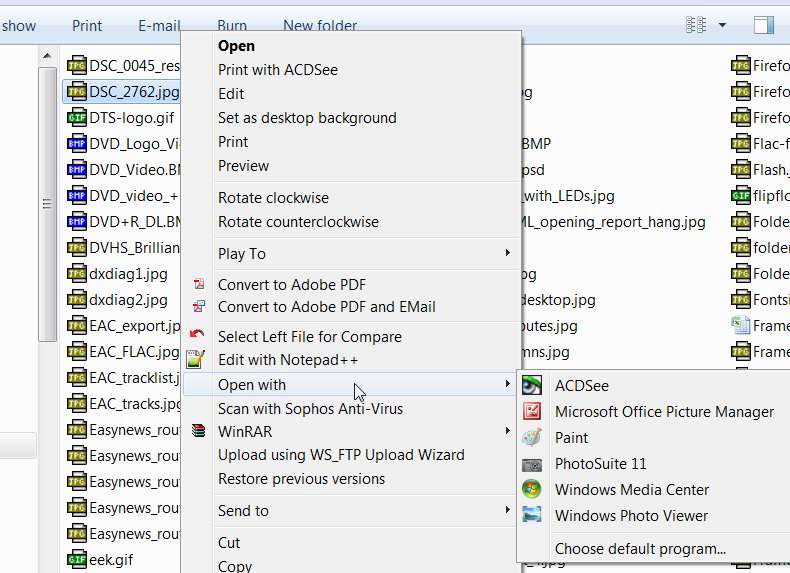
And, not suprisingly, I can also enter either Photo Viewer or any of the other available image viewer programs on my system simply through a right-click context menu using Windows Explorer and following the "Open with..." flyout:
Anyway, I really don't have an answer for you. There's nothing to "fix", nothing wrong with your JPG, no way to change how Photo Viewer behaves because it provides no setup options or settings. It just does what it does, and obviously it's broken when it comes to this particular JPG.
I would honestly recommend that if you want functionality and convenience and speed, that you look outside of Windows for a genuine image viewer/browser program... either free or non-free. Paint is clumsy but doesn't exhibit the aspect ratio distortion that Photo Viewer does, at least on this particular JPG.
I, myself, use ACDSee (actually the 4.01 version which goes back to 2001) because it's lean and fast. No bloat, function-rich, and has worked perfectly for me through Win95, Win98, WinXP and now Win7. I actually possess many newer upgraded and more sophisticated versions of ACDSee (through the 2.5 Pro version which is the last one I finally bought from them), and 2.5 Pro is actually installed and I use it occasionally. However this super-slick 4.01 version from 2001 is still my "default image viewer", because it's so simple and fast.
It's more than just an "image viewer". More importantly, it's an "image browser"... and with a very simple but powerful and concise user-interface. View images in full-size or windowed, 100% true size and scrollable, or re-sized to fit the screen or window. It can rotate, and it can create HTML "contact sheets". It can drag/drop from the thumbnail browser pane to the Explorer pane within one window, or it can drag/drop between two windows. It launches from any other program when an image file is double-clicked.
What more do you really want or need in an image viewer/browser? Actually, it CAN do much more than just this, but I don't use it for anything else. I use Photoshop when I want to edit, not ACDSee. ACDSee for me is for image viewing/browsing.
What else can I say?

 Hope everyone is okay