- Local time
- 12:39 AM
- Messages
- 512
Yep, I know this is a W7 forum, but I'm wondering if anyone here has a similar problem to me and found a workaround.
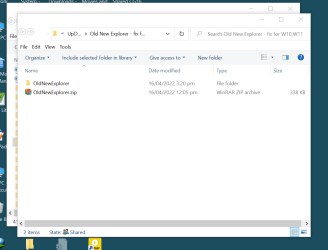
Thing is, I use W7 on four computers (very happily) but I also have a fairly new (gifted) laptop that runs W10. I've tried repeatedly to get to grips with the OS system but the folder layout drives me to distraction. Has anyone run across a tweak that makes the appearance of folders more like W7?
PS: I've only just discovered the way to create a shadowed folder edge, which helps with my white display, but the ribbon elements are a real PIA
Thing is, I use W7 on four computers (very happily) but I also have a fairly new (gifted) laptop that runs W10. I've tried repeatedly to get to grips with the OS system but the folder layout drives me to distraction. Has anyone run across a tweak that makes the appearance of folders more like W7?
PS: I've only just discovered the way to create a shadowed folder edge, which helps with my white display, but the ribbon elements are a real PIA
My Computer
At a glance
Win7 Ultimate SP1Intel Core i5 9400 Coffee Lake 14nm16G DDR4NVidia GeForce GTX 960
- Computer type
- PC/Desktop
- Computer Manufacturer/Model Number
- My build
- OS
- Win7 Ultimate SP1
- CPU
- Intel Core i5 9400 Coffee Lake 14nm
- Motherboard
- Asus Prime H310M-E R2.0 (LGA1151)
- Memory
- 16G DDR4
- Graphics Card(s)
- NVidia GeForce GTX 960
- Sound Card
- Realtek High Definition Audio (mobo)
- Monitor(s) Displays
- Asus PA248 24" 16:10 format
- Screen Resolution
- 1920x1200@59Hz
- Hard Drives
- 1863GB Seagate ST2000DM
3726GB Seagate ST4000DM
1863GB Seagate ST2000DM
6TB Seagate
465GB NVMe Samsung SSD 970
- PSU
- 750G2
- Case
- Tower
- Cooling
- Standard
- Keyboard
- USB
- Mouse
- USB
- Internet Speed
- 920Mbs/480Mbs
- Antivirus
- Malwarebytes
- Browser
- Firefox