Windows XP

bogdan98nitu

New member
Local time
12:19 AM
Messages
18

Attachments

  • remotedesktop_03.jpg
    remotedesktop_03.jpg
    58 KB · Views: 9
  • Untitled.png
    Untitled.png
    340.7 KB · Views: 11

My Computer

OS
Windows 7 Ultimate 32bit.
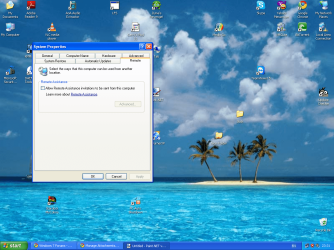
What version of XP are you using? Remote desktop is not available in Home or Home Premium. It's only part of Windows XP Professional.
 

My Computer

Computer Manufacturer/Model Number
Self-Built in July 2009
OS
Windows 7 Ultimate x64
CPU
Intel Q9550 2.83Ghz OC'd to 3.40Ghz
Motherboard
Gigabyte GA-EP45-UD3R rev. 1.1, F12 BIOS
Memory
8GB G.Skill PI DDR2-800, 4-4-4-12 timings
Graphics Card(s)
EVGA 1280MB Nvidia GeForce GTX570
Sound Card
Realtek ALC899A 8 channel onboard audio
Monitor(s) Displays
23" Acer x233H
Screen Resolution
1920x1080
Hard Drives
Intel X25-M 80GB Gen 2 SSD
Western Digital 1TB Caviar Black, 32MB cache. WD1001FALS
PSU
Corsair 620HX modular
Case
Antec P182
Cooling
stock
Keyboard
ABS M1 Mechanical
Mouse
Logitech G9 Laser Mouse
Internet Speed
15/2 cable modem
Other Info
Windows and Linux enthusiast. Logitech G35 Headset.
I finally gave up on Remote Desktop and now use TeamViewer and never have the old problems with connecting. Just install it on both computers, type in the ID and password and you are instantly connected every time. You can transfer files and have many more choices for display and tools than RD or RA. You can put it in the system tray and instantly reconnect once remote computer restarts with autosaved ID and stored password making it one-click to reconnect.
 
good software

hi

try this www.lanoninternet.com

it s a software where u can access or view system easily by creating a simple invitation & givin the inviation to the system which u want to access..it doesnt require port forwarding.
 

My Computer

OS
vista
Back
Top