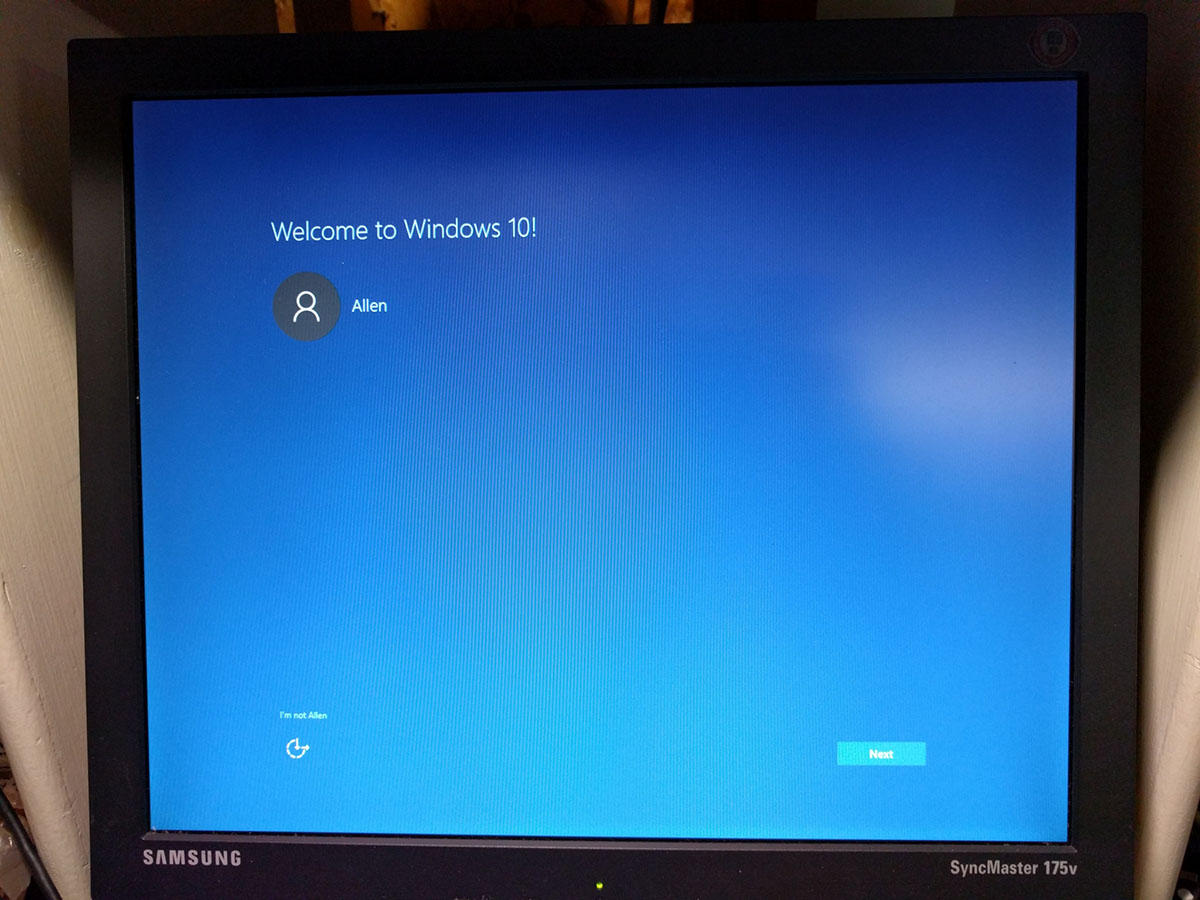
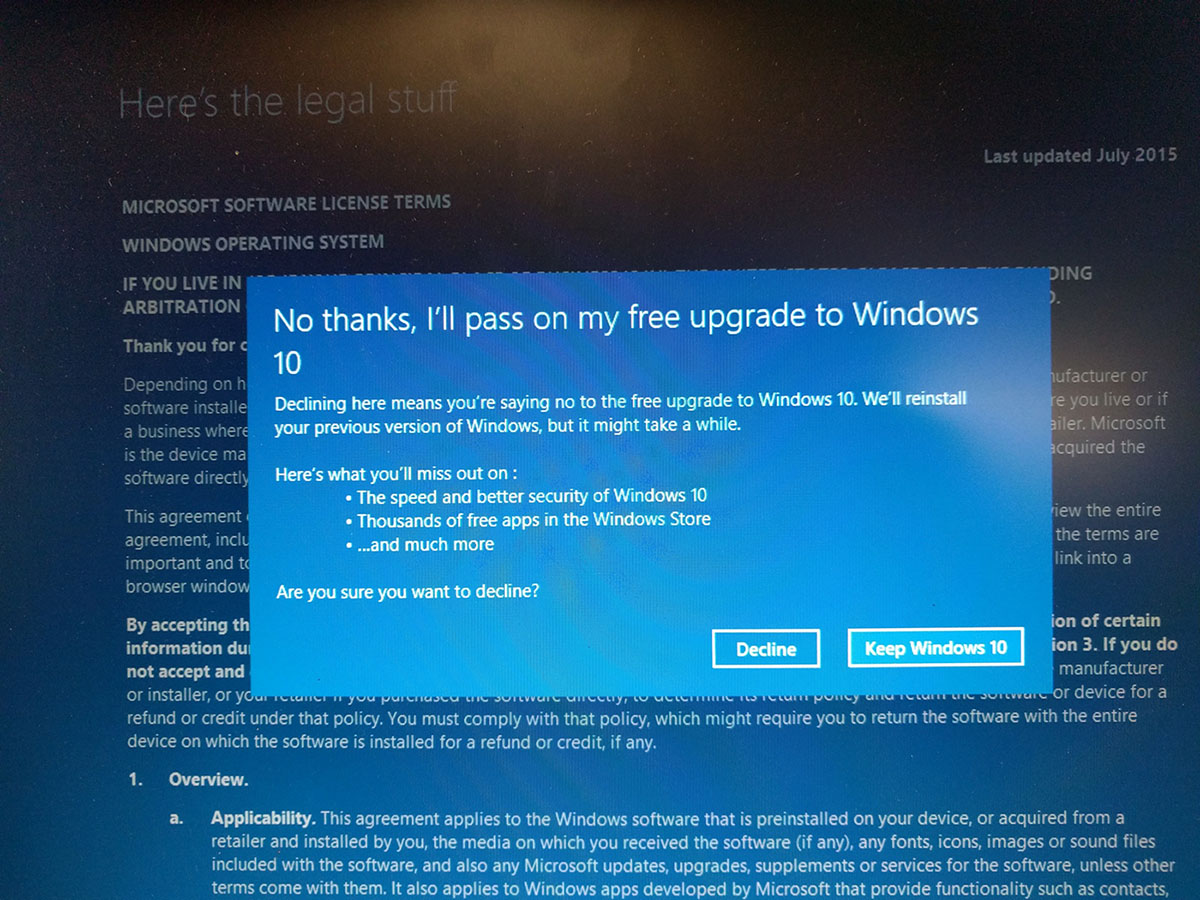
I'm not entirely clear on where you are right now.
IF, I say IF, you now have a Windows 7 install that appears to be OK and you want to update Windows 7 and defeat Windows 10, I would:
Go to Windows Control Panel and uncheck all boxes except "allow all users......". Set "important updates" to "Check for updates, but let me......."
Download, install, and configure either GWX Control Panel Monitor or Never 10, both of which are designed to block Windows 10 updates.
Connect to Windows Update and view whatever "important updates" it offers you. Don't bother with "optional" updates for now.
At this point, you could do one or the other of the following:
1: accept all "important updates" and trust that Never 10 or GXW Control Panel will protect you from any Windows 10 related items in the important updates list. Select maybe 10 or 20 at a time and let Windows Update download and install them, batch by batch. That might take a few hours or a day or more, depending on how many and how cooperative Windows Update is at the moment.
or
2: Pay attention to the KB numbers and compare them to any of the several lists of KBs to avoid found on this forum. Make sure not to select any on the list. The avoid lists usually include both Windows 10 related KBs and telemetry related KBs. The lists aren't foolproof and one list varies from another. Download and install batches of the KBs not on the list, which might take hours or a day or more, depending on how many.
After that's done, don't assume Never 10 or GWX Control Panel will protect you, but hope it helps. Continue to be careful with any new updates offered and be wary, particularly of any that aren't related to security.
Hope that the "avoid Windows 10" issue goes away after July 29, when the "free upgrade" expires.
That's what I'd do. I recently installed 7 and used choice 2 above.