Hi,
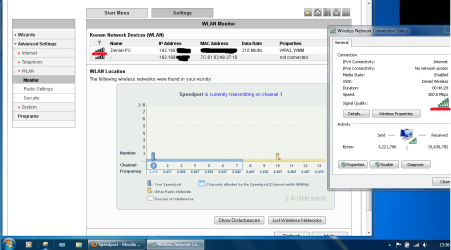
I have problem that i didn't had before. I don't know is it from the router or my laptop. When i am in my room (2 meters from the router) i have perfect connection. But when i will go out to the other rooms of the house, downstairs or on the terase my internet connection stops. I can see the Wireless Network, but when i click connect comes " Unable to connect ". I didn't had this problem before, i have use my Wireless maybe in range of 50 meters. I don't know what is the problem, i even reinstall the Win7 and its still the same. Help ?
And crazy thing is that i use Android phone with Wi-Fi. And the phone works perfect with the internet, and i don't have this problem on the phone. It's only on the laptop.
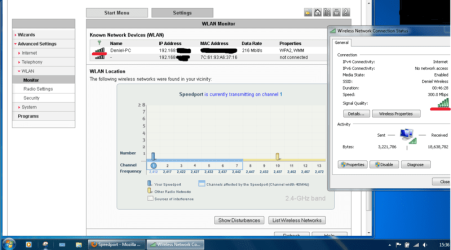
I have problem that i didn't had before. I don't know is it from the router or my laptop. When i am in my room (2 meters from the router) i have perfect connection. But when i will go out to the other rooms of the house, downstairs or on the terase my internet connection stops. I can see the Wireless Network, but when i click connect comes " Unable to connect ". I didn't had this problem before, i have use my Wireless maybe in range of 50 meters. I don't know what is the problem, i even reinstall the Win7 and its still the same. Help ?
And crazy thing is that i use Android phone with Wi-Fi. And the phone works perfect with the internet, and i don't have this problem on the phone. It's only on the laptop.
My Computer
- OS
- Windows 7 Ultimate x64