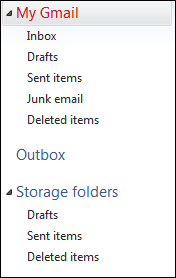
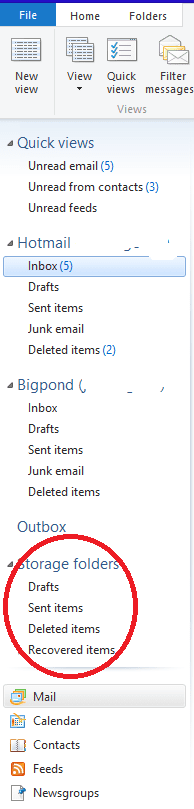
I am using Windows Live Mail on an H-P desktop running Windows 7 (64). I had numerous storage folders listed in the left hand pane when I opened the mail program and they have disappeared. The folders still exist as I can move emails into them but I need to see them when I open the program. These folders were listed under STORAGE FOLDERS and were listed that way when I moved my email from another program. I would appreciate help on how I can restore the names of the folders on opening the program.
My Computer
At a glance
Windows 7 (64) Home Premium
- Computer type
- PC/Desktop
- Computer Manufacturer/Model Number
- H-P
- OS
- Windows 7 (64) Home Premium
- Antivirus
- AVG
- Browser
- Firefox