Hi ducat1base,
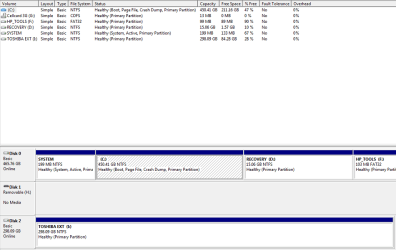
I am limiting myself to your Toshiba External drive.
1. You have confirmed that you had moved all your data files to another media. If you had made sure all your data files are intact and nothing will be lost if you format your Toshiba external drive, then you may do so.
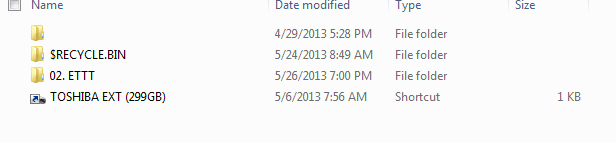
2. Before that, check the file location of the shortcut. Right click on the shortcut > Properties > Open file location. Let us know where that leads to and the exact file name. We shall know whether the root cause has been eliminated or still present.
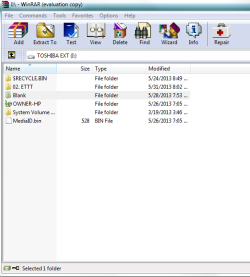
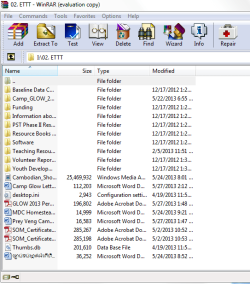
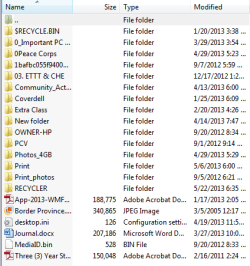
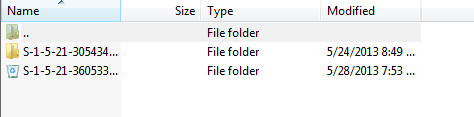
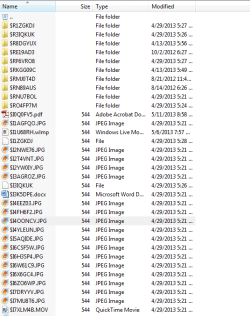
3. Just for my curiosity and better insight: You have said that $RECYCLE.BIN contains all your data files. Fine. Now run WinRAR and explore your Toshiba external drive. Open each and every other folder and let us know what the other two folders (one unnamed folder and the other 02.ETTT contain.) ( WinRAR can show even superhidden files. That is why I am asking you to open those with WinRAR.) This is only for academic purpose as I have already said. Just information gathering. You may also name any other files/folders that may be seen. Better a screen capture.
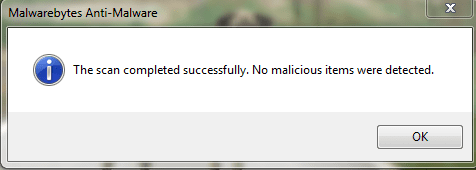
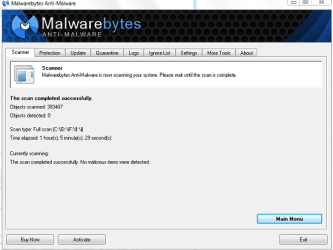
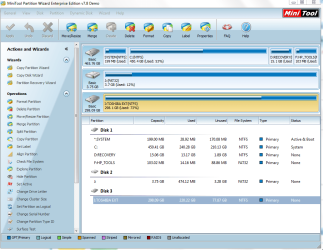
4. To format your Toshiba external drive follow this procedure - this keeps Windows out of the loop, just in case your PC is still compromised. I think cottonball has asked you to run MBAM again. Please do that.
Run MiniTools Partition Wizard Home edition. Download the
bootable CD version from
Free download Magic Partition Manager Software, partition magic alternative, free partition magic, partition magic Windows 7 and server partition software - Partition Wizard Online (the last one on this page)
You may either burn the ISO to a CD and boot from it or create a bootable pen drive with that ISO using Rufus
Rufus - Create bootable USB drives the easy way
Note: If you had created a bootable pen drive, when booting with it you have to type
linux0 against the boot prompt and press Enter for the boot process to continue. ( It is zero and not the alphabet O. You may press TAB key to see all available options linux0, linux1, local, I think.)