How to Stress Test a Video Card with Furmark
1. Download Furmark from the link below.
FurMark: VGA Stress Test, Graphics Card and GPU Stability Test, Burn-in Test, OpenGL Benchmark and GPU Temperature | oZone3D.Net
2. Run the .exe file, and follow the installer choosing the default values. When done, start Furmark.
3. Select your resolution from the drop-down menu, and enable the following:
- Burn-in
- Xtreme burn-in
- Post FX
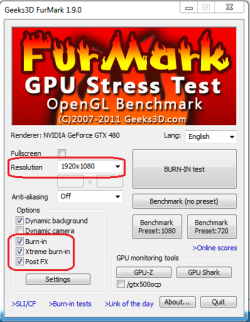
4. Click "Settings", and select "Log GPU temperature". Press OK when done.

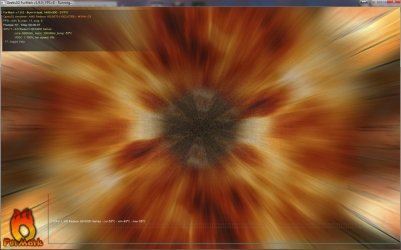
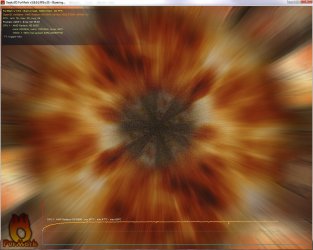
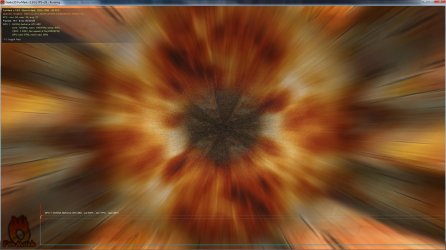
5. Press "BURN-IN test", and the test will start.
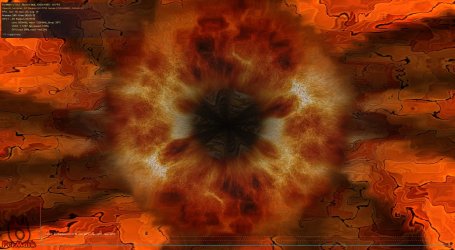
6. Watch for artifacts on the screen, and keep an eye on the temperature log. If you see artifacts, or the temperature levels out, stop the test.
Last edited by a moderator: