I personally hate the way HDMI looks on HDTV. It looks... Off. I don't know, but I don't like it.
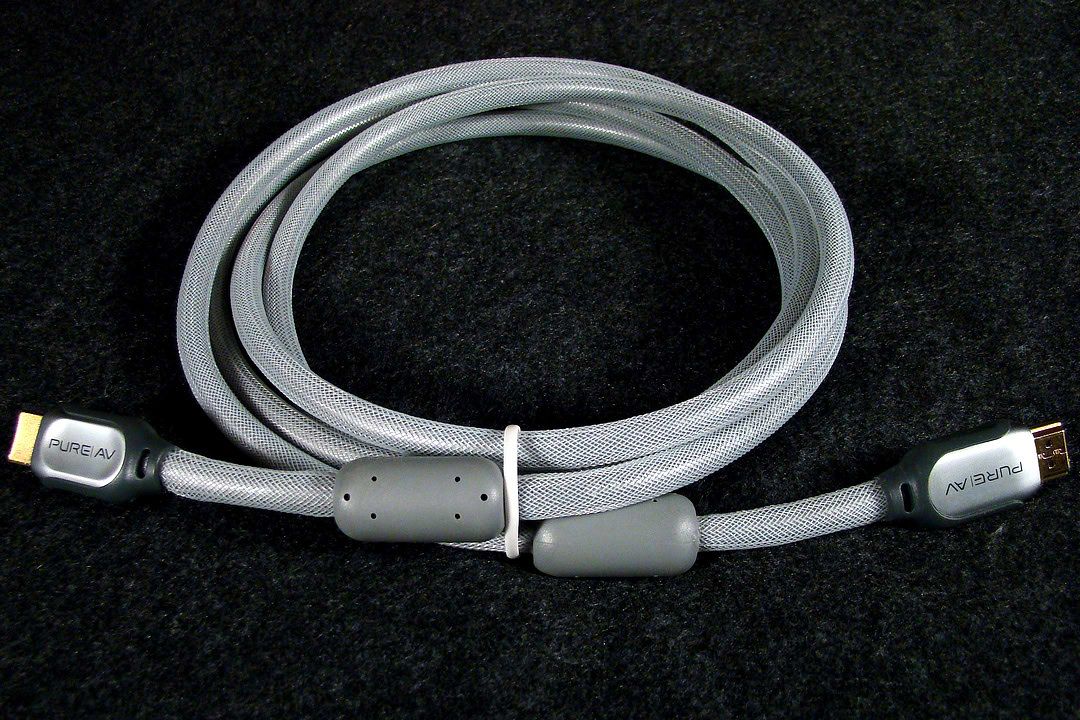
When I got my new Win 7 computer I was looking forward to using HDMI with my 32" Sony Bravia and so I bought a new high quality Belkin Pure AV Silver Series HDMI cable, but I was in for a big surprise!
When I connected my computer to the Bravia using the HDMI cable the image was so severely overscanned that I could barely even see the window controls in the upper right hand corner of the screen and no matter how I adjusted my AMD 5570 graphics card to return to the 1366 X 768 screen size the Bravia displayed hard to read text and distortion artifacts across the entire display.
What I later discovered was that HDMI has been mandated to output only 720 or 1080 lines of resolution and correcting the overscannresultec in distortions that appeared no matter what method I used to adjust the resolution to to fit the 768 line screen resolution of the Bravia.
This distortion of the adjusted screen resolution manifests itself not only in difficult to read text, but also in a matrix of lines which look like cracks in the surface of every picture. I went back to using a DVI to VGA converter and now have a perfect 768 lines of resolution without the overscanning or the very distracting distortions created by using the mandated 720 line resolution of HDMI.
That said, if anyone has a solution for converting HDMI's manditory 720 line resolution HDMI into 768 distortion free lines of resolution that perfectly fits the screen using the Bravia's HDMI port I'd be more than happy to hear about how to do it because that fine Belkin Pure AV HDMI cable is currently just lying around unused...
~Maxx~
.