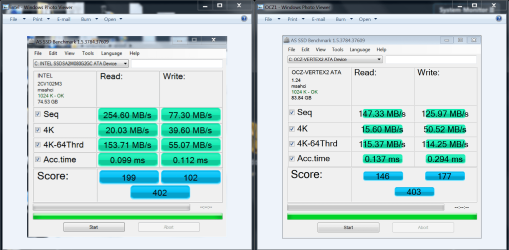
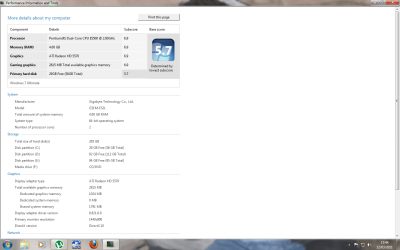
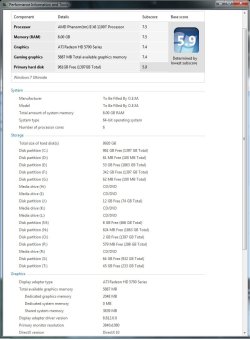
its gotta b done enit. do u do away with standard hd totally n transfer all to ssd? or just add on. would b well pricey 4 1tb ssd
It's best to get a SSD big enough for your OS and programs, keep all your personal data on a HDD. Most people can use a 60GB SSD for this.
So yes, add it on to your system.
Thanks Dave, I have been considering it for a while. Unsure on what I exactly need to do to install the SSD. Can I just whack in the SSD, install my W7 on it and select it as the boot drive in BIOS? If I do that will I still be able to access all my files and whatnot on the other hard disk? Or do I need to format the existing drive, install the SSD with Win7 on it and then put in my blank HDD for file storage? If you could point me in the right direction and upgrade will definitely be in order

You have the basic plan correct.
Add the SSD and put your OS and apps on it, keep your HDD for personal data. You don't need to do anything to your HDD, you can still access all your data on the HDD.
You might want to move all your data to a different partition on the HDD so you can eventually remove the OS from the HDD as you likely won't use it anymore, will be too slow.
Win7 will optimize the SSD for you, just be sure set it to AHCI in BIOS and leave it un-formatted, then just install Win7 to it.
If you search for SSD installation you will find a lot of optimization threads, most of these are for Gen1 SSDs, Gen2 SSDs don't need any changes besides what Win7 will do for you.