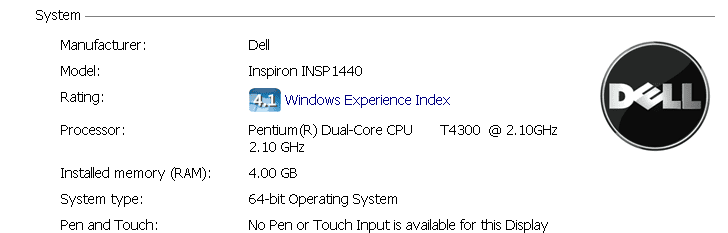
My Computer
At a glance
Windows 7 Home Premium x64
- OS
- Windows 7 Home Premium x64


I can't find a "ffdshow" folder, sadly enough, and I tried putting in these:Hello ppezpez
1. Try this:
1. Click Start
2. Click “All Programs”.
3. Go to the ffdshow folder.
4. Click “Audio decoder configuration.”
5. In the left hand pane, click “Info & debug.” or "DirectShow control".This is the second entry in the list.
6. In the right hand pane, near the bottom, find a check box labelled “Don’t use ffdshow in:”
7. Check that box, and in the text box underneath (it lights up when you check the check box), add “fallout3.exe” (don’t include the quotes). If there is already something in that box, put a semi-colon ( ; ) after what’s already there, and fallout3.exe after that. Do NOT use spaces, since ffdshow will think that’s part of the filename. A valid entry would be “explorer.exe;fallout3.exe” (without quotes).
8. Finally, click “Ok” and start Fallout 3.
Let me know what happened
