Sticky drag & drop, Find box from the corner & taskbar thumbnail
Hello:
There are three things that I dislike a lot but don't know how to change.
- when I drag and drip windows between my monitors, the windows stick to my cursor, and are difficult to shake off. This happened about 3 month ago. Is there any way to get rid of the stickiness?
- when I click "Ctrl-F", for instance, in my Word program, the Find box seems to originate in the rightmost bottom corner of the rightmost monitor, and then slowly moves and increases in size to the monitor where the Ctrl+F originated. Any way to avoid this slomo behavior.
- when I rest the cursor over a taskbar icon, a bigger thumbnail window is shown with the content of the icon program in question. Ay way to stop this?
Thank you in advance!
Hans L
Hello:
There are three things that I dislike a lot but don't know how to change.
- when I drag and drip windows between my monitors, the windows stick to my cursor, and are difficult to shake off. This happened about 3 month ago. Is there any way to get rid of the stickiness?
- when I click "Ctrl-F", for instance, in my Word program, the Find box seems to originate in the rightmost bottom corner of the rightmost monitor, and then slowly moves and increases in size to the monitor where the Ctrl+F originated. Any way to avoid this slomo behavior.
- when I rest the cursor over a taskbar icon, a bigger thumbnail window is shown with the content of the icon program in question. Ay way to stop this?
Thank you in advance!
Hans L
My Computer
At a glance
Windows 7 UltimateIntel Core Duo E6600 @ 2.40 GHz3 GBNvidia eVGA GeForce 8600 GTS & 7600 GT
- Computer Manufacturer/Model Number
- BIOS American MegaTrend 1238
- OS
- Windows 7 Ultimate
- CPU
- Intel Core Duo E6600 @ 2.40 GHz
- Motherboard
- ASUS P5B-Deluxe
- Memory
- 3 GB
- Graphics Card(s)
- Nvidia eVGA GeForce 8600 GTS & 7600 GT
- Monitor(s) Displays
- Iiyama PLE431S/PLH431S

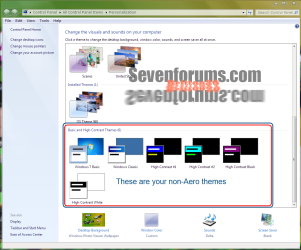
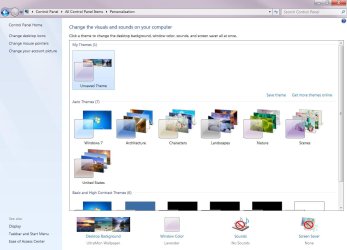
 Now, I am UltraMon, and one of its functions is to put wallpapers on the monitors. What I use for wallpapers are jpg files from [FONT="]C:\Windows\Globalization\MCT.Have I, by that, used Aero themes?