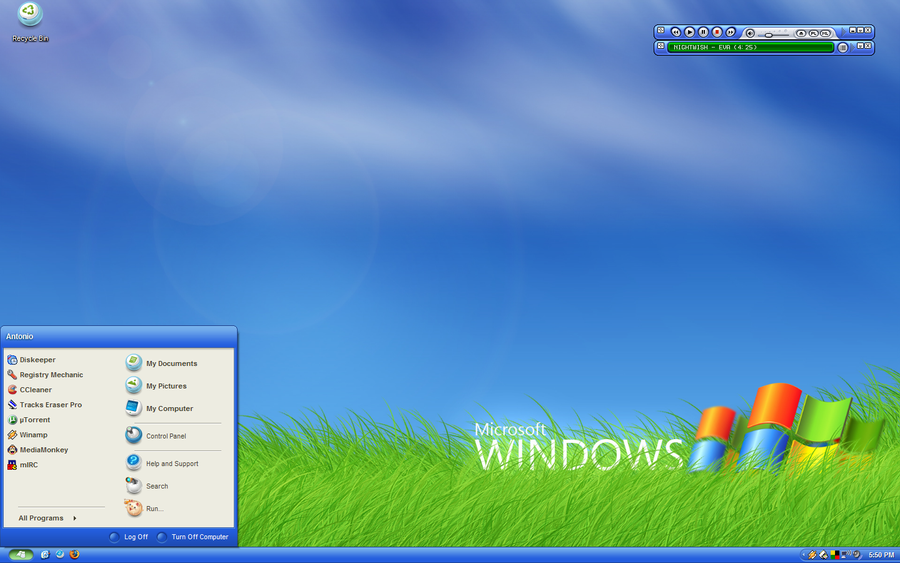
It is still not clear what you are asking for. Do you care more about functionality or more about the look? Do you want two columns or one? What about search? If you attach a picture of what you want it will make it clear for us and save you a thousand words.
Either way, there are 3 ways to modify the start menu in Win7.
1) Hijack one of the rarely-used menu items (like Recorded TV) and make it point to the Start Menu folder. This way you can use it to access the Start Menu folder as a cascading menu:
http://www.sevenforums.com/customization/26716-add-custom-folder-library-start-menu.html
2) Add a toolbar to the taskbar that points to the Start Menu folder. It will work similar to the Quick Launch bar:
http://www.sevenforums.com/customization/33825-toolbar-replace-classic-start-menu.html
3) Run a hacking program
Out of all options only #3 gives you a proper start menu. #1 and #2 can only show one of the two Start Menu folders (always two they are - one for all users and one for the current user).
I recommend
Classic Shell, because I developed it and I know it's good. If you don't like it you can look at
other start menu programs.
If you don't want to download a program, then you either have to write your own or stick to solutions #1 and #2. There is simply no other way. The classic start menu code was removed from the OS. You can't make it appear without an external program.