G'day everyone
How can I get Windows 7 to show the selected icons' outlines while I move them from one position to another on the Desktop?
In Windows XP, if you select one or more icons and then move them across the Desktop using drag and drop, the outlines of the icons are visible, so that you can see where all those icons will end up when you release the mouse button. Under Windows 7, I only see the mouse pointer (consisting of an arrow and a tiny grey rectangle) while I'm moving the icons. This means that if I move multiple icons at the same time, I don't know exactly where those icons will end up when I release the mouse button.
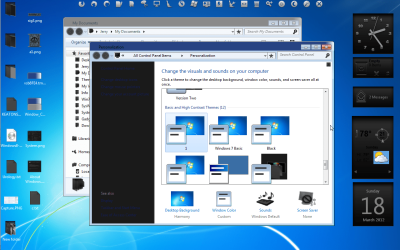
Setting "Show window contents while dragging" does not solve this problem. I'm using the Classic theme.
Thanks
Samuel
How can I get Windows 7 to show the selected icons' outlines while I move them from one position to another on the Desktop?
In Windows XP, if you select one or more icons and then move them across the Desktop using drag and drop, the outlines of the icons are visible, so that you can see where all those icons will end up when you release the mouse button. Under Windows 7, I only see the mouse pointer (consisting of an arrow and a tiny grey rectangle) while I'm moving the icons. This means that if I move multiple icons at the same time, I don't know exactly where those icons will end up when I release the mouse button.
Setting "Show window contents while dragging" does not solve this problem. I'm using the Classic theme.
Thanks
Samuel
My Computer
At a glance
Windows 7 Home Premium 64 bitAMD A6 36204 x 4 GBAMD Radeon HD 6530D
- Computer type
- PC/Desktop
- Computer Manufacturer/Model Number
- Acer Aspire X3470
- OS
- Windows 7 Home Premium 64 bit
- CPU
- AMD A6 3620
- Memory
- 4 x 4 GB
- Graphics Card(s)
- AMD Radeon HD 6530D
- Sound Card
- AMD, Realtek
- Monitor(s) Displays
- iiyama ProLite B2209HDS full HD in portrait mode
- Screen Resolution
- 1920x1080 or 1080x1920
- Hard Drives
- SSD 250 GB
WD Green 2 TB 5400 rpm
- Antivirus
- Avast
- Browser
- Opera (Blink)


 .
.