There are two underlying issues at the bottom of this and many other things, one is what I shall call the 'technical' issue; are certain things essential/necessary?
The other is the 'personal' issue; what do I want on my computer, how do I want it to run?
For me the second will always take precedence over the first.
That's all fine. I'm not one to tell people how to maintain their PC.
I've got my own PC festishes, as does everybody.
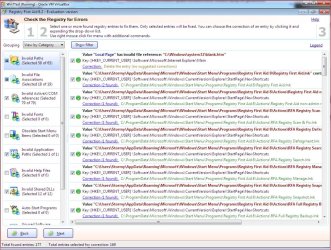
I used to use reg cleaners with no ill effect for years. Also saw no benefits.
Also hacked many reg entries with no ill effects. Just have to be careful.
I'm sure some folks screw up with that.
When I learned - either with XP or Win 7 - that reg cleaners miss a whole lot, and imaging became practical, I stopped using them.
I'm not a reg expert, but I'm pretty sure that reg cleaners don't pick up keys.
Think I found out by doing before and after reg compares with install/uninstalls.
That found a lot of junk that a reg cleaner didn't.
If you could see some of the useless junk in the registry it would make your skin crawl. Unless you adjust your attitude, and don't let it bother you.
Somebody here said even a clean install puts a lot of "junk" in the registry - or at least entries a reg cleaner wants to delete.
Anyway, I don't worry about the registry anymore, since I'm already crazy about having a "clean" system image.
Only real "maintainence" I've done on Win 7, beyond the normal file cleanups, is run the SP1 cleanup.
http://www.sevenforums.com/tutorials/122262-windows-7-sp1-disk-cleanup-tool.html
Think I got about a 4gb reduction in image size from that.
That's a tangible result showing up every time I image/restore.
Might consider putting a Sysprepped image as "image maintainence," and I do that now, but don't have a schedule for it yet.
http://www.sevenforums.com/tutorials/135077-windows-7-installation-transfer-new-computer.html
Everybody has their own and other peoples' experience to go by, then they decide what suits them.