My Computer
At a glance
windows 7 ultimate 32bit
- OS
- windows 7 ultimate 32bit
- Hard Drives
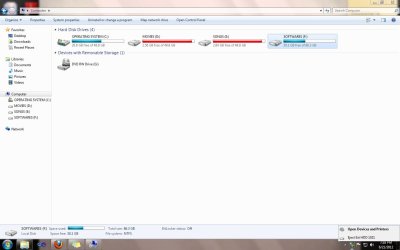
- my WD external hdd is detected but not showing the drive in mycomputer how can i fix it could u please solve it and send me to my mail id [email protected]



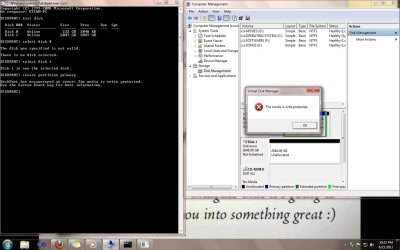


C:\Users\karl>diskpart

Microsoft DiskPart version 6.1.7601
Copyright (C) 1999-2008 Microsoft Corporation.
On computer: LAPPY

DISKPART> list volume

  Volume ###  Ltr  Label        Fs     Type        Size     Status     Info
  ----------  ---  -----------  -----  ----------  -------  ---------  --------
  Volume 0     M                       DVD-ROM         0 B  No Media
  Volume 1     C   LappySys     NTFS   Partition     59 GB  Healthy    System
  Volume 2     D   LappyData    NTFS   Partition     59 GB  Healthy
  Volume 3                             Removable       0 B  No Media

DISKPART> help select volume

    Selects the specified volume and shifts the focus to it.

Syntax:  SELECT VOLUME={<N> | <D>}

    VOLUME=<N>  The number of the volume to receive the focus.

    VOLUME=<D>  The drive letter or mounted folder path of the volume
                to receive the focus.

    If no volume is specified, the select command lists the current volume with
    focus. You can specify the volume by number, drive letter, or mounted folder
    path. On a basic disk, selecting a volume also gives the corresponding
    partition focus. You can view the numbers of all volumes on the computer by
    using the list volume command.

Example:

    SELECT VOLUME=1
    SELECT VOLUME=C
    SELECT VOLUME=C:\MountH

DISKPART>

