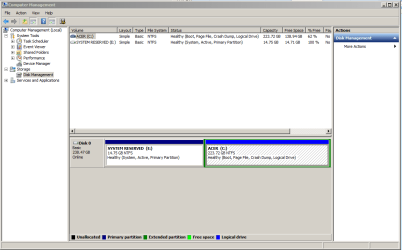
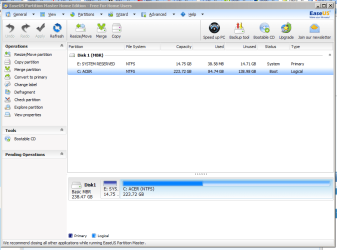
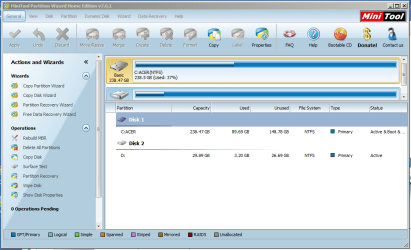
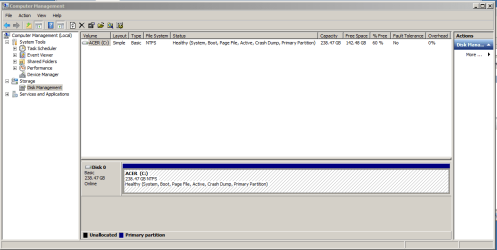
With 238 GBs that`s a tough call, you could split it in 2.
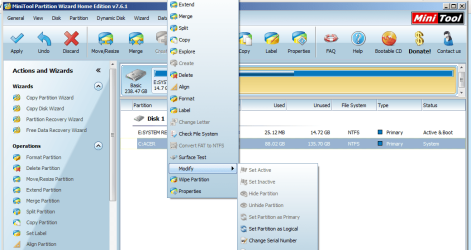
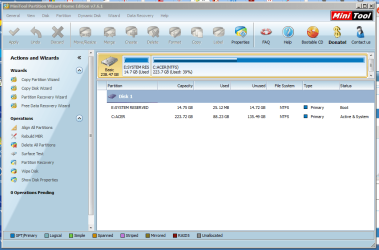
1 150 GB partition and a 88 GB partition to store data and a system image on. You would have to do what Greg said in order to acheive this. You could use Partition Wizard, installed on the pc, but I would ask Greg if this safe, as we always boot from the PW Boot cd to alter partitions.
C: has to be made PRIMARY 1st ( very important )
You do not have a disc drive to run the Windows 7 disc to run startup repair to get windows booting again. But as mentioned it can be run from a usb stick, but I have yet to test it with a stick, never had to.
I would just shrink the system reserved partition ( E: in this case ) to 100 MBs, get rid of it`s letter, and be done with it.
Also, do you have the recovery files still on the C: partition ? They are probably useless now and can be deleted. Check with Greg on this to be sure.


 rb: Search box.