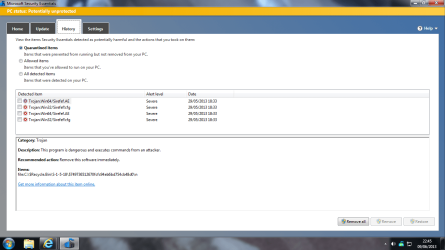
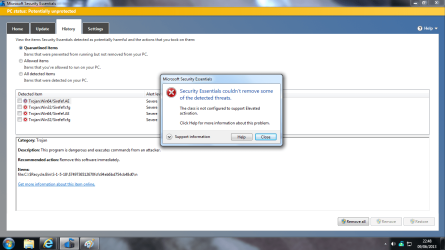
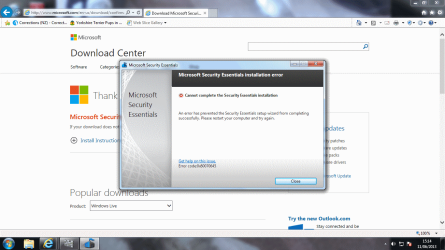
razzledazzle94,
...its just a bit worrying that I don't have full control over MSE
That is understandable.
:info: Please run
AdWCleaner as requested by
Jacee. That will take care of all sorts of "stuff".
:info: Then, let's uninstall
Microsoft Security Essentials (MSE), and download it anew...
Please right-click the
TaskBar at the bottom of the screen, and select:
Start Task Manager
To end the
MSE process, do the following:
In
Task Manager, click the
Process tab.
Find the following process:
msseces.exe
Right-click the entry, and click:
End Process
If a prompt appears, confirm the action.
:info: Next stop and disable the
MSE service...
Go to
Start >
All Programs >
Accessories
Find the
Command Prompt, right-click it, and select:
Run as Administrator
At the
Command Prompt, type (or copy/paste with the mouse) the following:
net stop msmpsvc
Press: Enter
Do the same as above for:
sc config msmpsvc start= disabled
Press: Enter
Last, at the Command Prompt, type:
exit
Press: Enter
:info: Next, see if you can uninstall
MSE from
Control Panel > All
Programs >
Uninstall Programs
It should be listed as
Microsoft Security Essentials.
:info: If you cannot uninstall from Uninstall Programs, use
Microsoft Fix It 50692:
How to manually uninstall Microsoft Security Essentials 2.0.1963 if you cannot uninstall it by using the Add or Remove Programs item
Go to:
Fix it for me
:info: When done, see if you can
Download Microsoft Security Essentials from Official Microsoft Download Center
If you have any problems along the way, please post whatever they are.