Hi all;
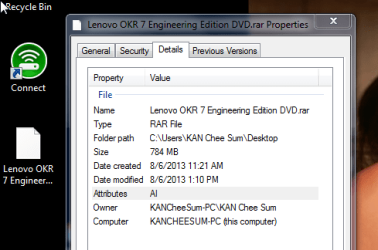
Just downloaded the OKR 7.0 Engineering edition from FileFactory.
Source:
Lenovo OneKey Recovery 7 Engineering DVD - Software Chat - nsane.forums
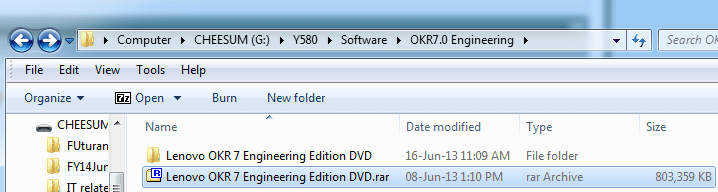
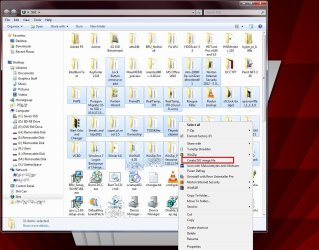
However, the file format is in .rar
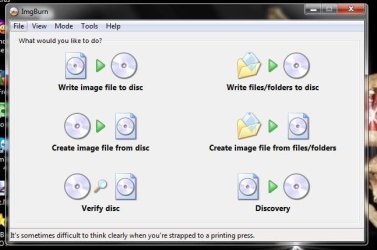
How can i convert it to .iso format? This is because i want to burn the file to a DVD.
One side question. Have anyone owned a Lenovo Y580 that comes pre-installed with Windows 8 but then downgrade it to Windows 7 using UEFI and managed to use Lenovo OKR 7.0 Engineering edition?
Please help.....
What exactly are you trying to do? Are you trying to do a recovery?
I'm curious why you are downloading a file from File Factory to do that.
There is a one key recovery on the Lenovo site for the Y580,
Drivers and software - IdeaPad Y580 Notebook#
If you explain what it is you're trying to do, we can walk you through it.
Hi all - this is what i am trying to achieve.

Please bear with me. It is abit long.
The Lenovo Ideapad Y580 comes pre-installed with Win8. Now, i am downgrading it to Win7 (home premium) 64 bits using BIOS mode. There is no need to perform a recovery because the laptop is spanking new, with NO personal data in it. I am doing a clean installation ~ wiping clean of everything ~ and then proceed to download the drivers one by one. The show stopper is detailed below.
The One Key Recovery 7 (OKR 7) driver at Lenovo website will NOT create a recovery partition (called Lenovo_Part) in the SSD. There is a button (called the Novo button) on the Ideapad whereby when we press on it, it will automatically create a recovery of everything in C Drive into this recovery partition. The OKR driver found at the Lenovo website is not able to create this recovery partition. We need to use the OKR 7 Engineering edition found at this link to create this recovery partition.
Lenovo OneKey Recovery 7 Engineering DVD - Software Chat - nsane.forums
We need to burn this OKR7 Engineering edition into a DVD and then boot from the DVD itself. Then, this will create a recovery partition in the SSD. Further instruction on how to use the OKR7.0 engineering edition can be found here.
Disk Partitioning and OneKey Recovery Feature - Page 37 - Lenovo Community
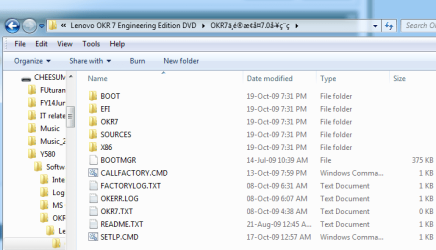
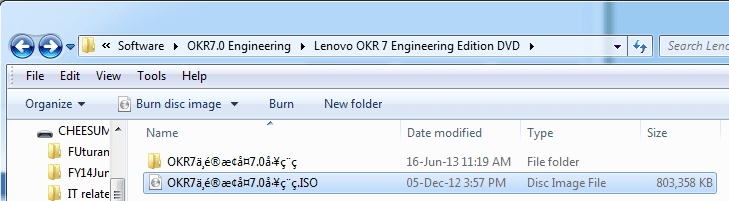
Hence, I managed to download the entire file (OKR7.0 Engineering edition) which is in (.RAR format) from FileFactory. To date, i have already extracted all the contents and burn all the contents into a DVD. The contents are shown in this picture.
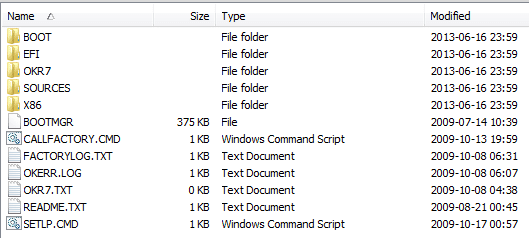
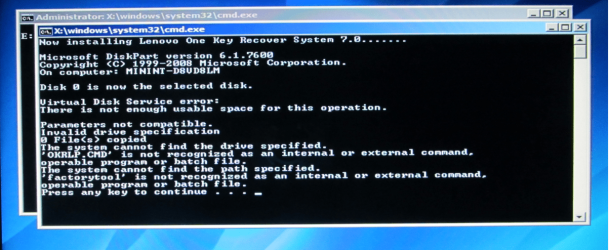
Unfortunately, i cannot boot from this DVD and find it very frustrating. The instruction in the link above states we need to boot from this DVD to create a recovery partition in the SSD.
Hence, i need to know how to:
(1):
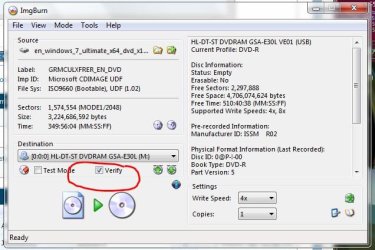
Correctly burn all the contents in the .RAR file into the DVD, and more importantly,
(2):
create a bootable disk so that i can boot from that disk and follow the instructions listed in this link:
Disk Partitioning and OneKey Recovery Feature - Page 37 - Lenovo Community
Thanks for the help and reading to the end of this post.


 Need some simple step by step instruction on how to burn .RAR file into DVD.