TheDarkSide
New member
- Local time
- 4:43 PM
- Messages
- 4
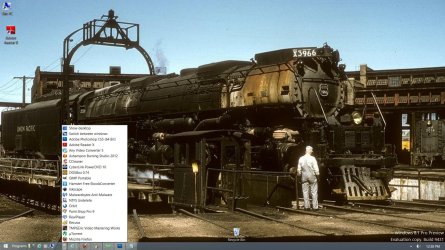
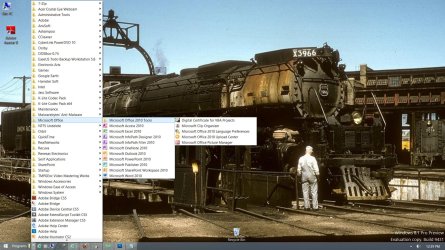
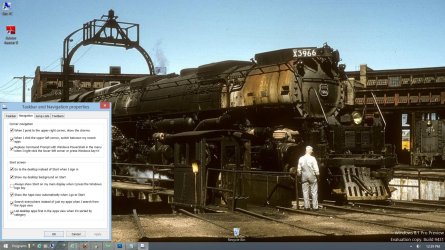
Make Windows 8 LOOK & FEEL like Windows 7
Windows 8 actually HAS a function that allows you to Make it act and FEEL like Windows 7,
if you are comfortable with Windows 7.
I don't know why people aren't telling others about this, but the way to do it is Simple.
Either go to the Help menu on your Windows 8 or
follow this link and follow the instructions.
(if you are paying for a program to change your Windows 8 to look like Windows 7, you are getting cheated )
How to make Windows 8 look like Windows 7 | Reviews | CNET UK
Or simply install the "Classic Shell" from here:
http://www.classicshell.net/
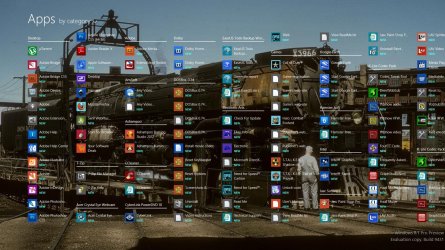
It seems Windows 7 is here to stay, wherever Microsoft want Windows 7 to stay or not, Windows 8's UI has become too touchscreen orientated, and I've even struggled to find files and programs Windows 8 due to the metro Start Menu.
Windows 8 actually HAS a function that allows you to Make it act and FEEL like Windows 7,
if you are comfortable with Windows 7.
I don't know why people aren't telling others about this, but the way to do it is Simple.
Either go to the Help menu on your Windows 8 or
follow this link and follow the instructions.
(if you are paying for a program to change your Windows 8 to look like Windows 7, you are getting cheated )
How to make Windows 8 look like Windows 7 | Reviews | CNET UK
Or simply install the "Classic Shell" from here:
http://www.classicshell.net/
My Computer
At a glance
Windows7 Home Premium 64-bit
- Computer type
- PC/Desktop
- OS
- Windows7 Home Premium 64-bit


 thanx anyways.