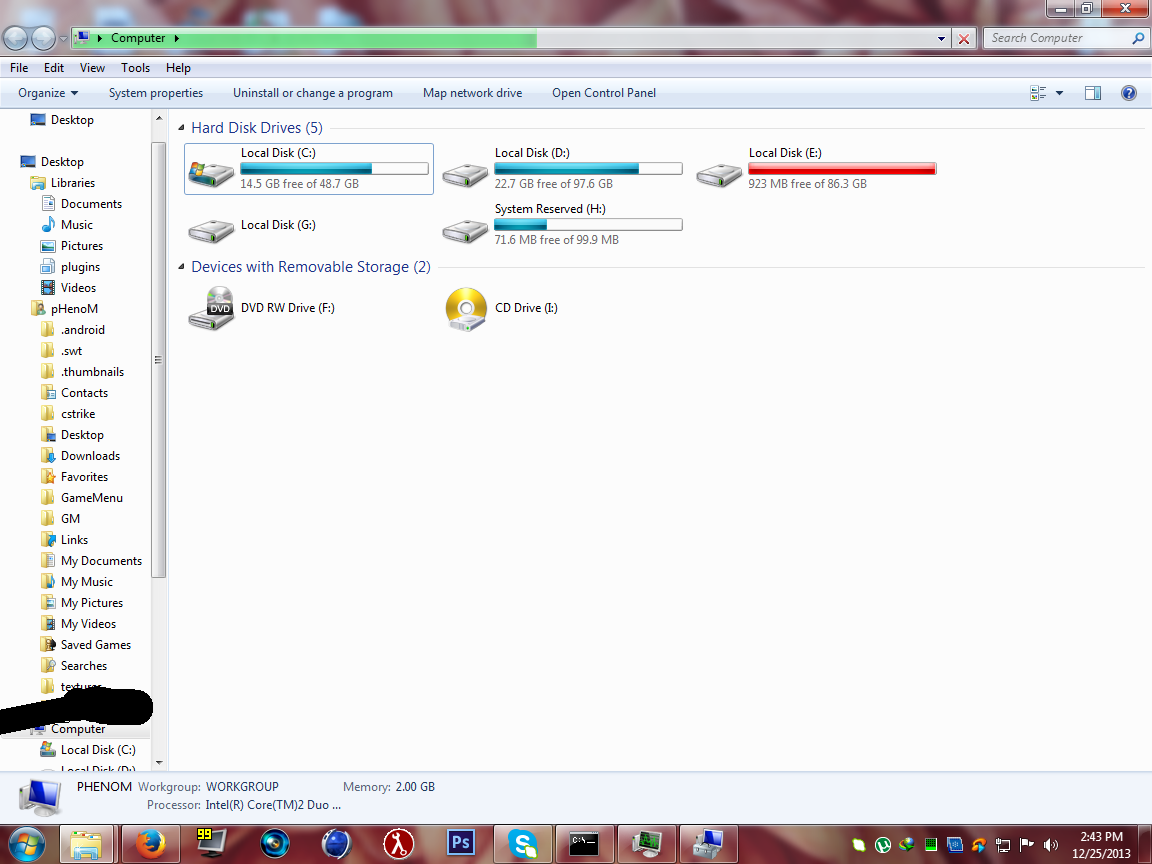
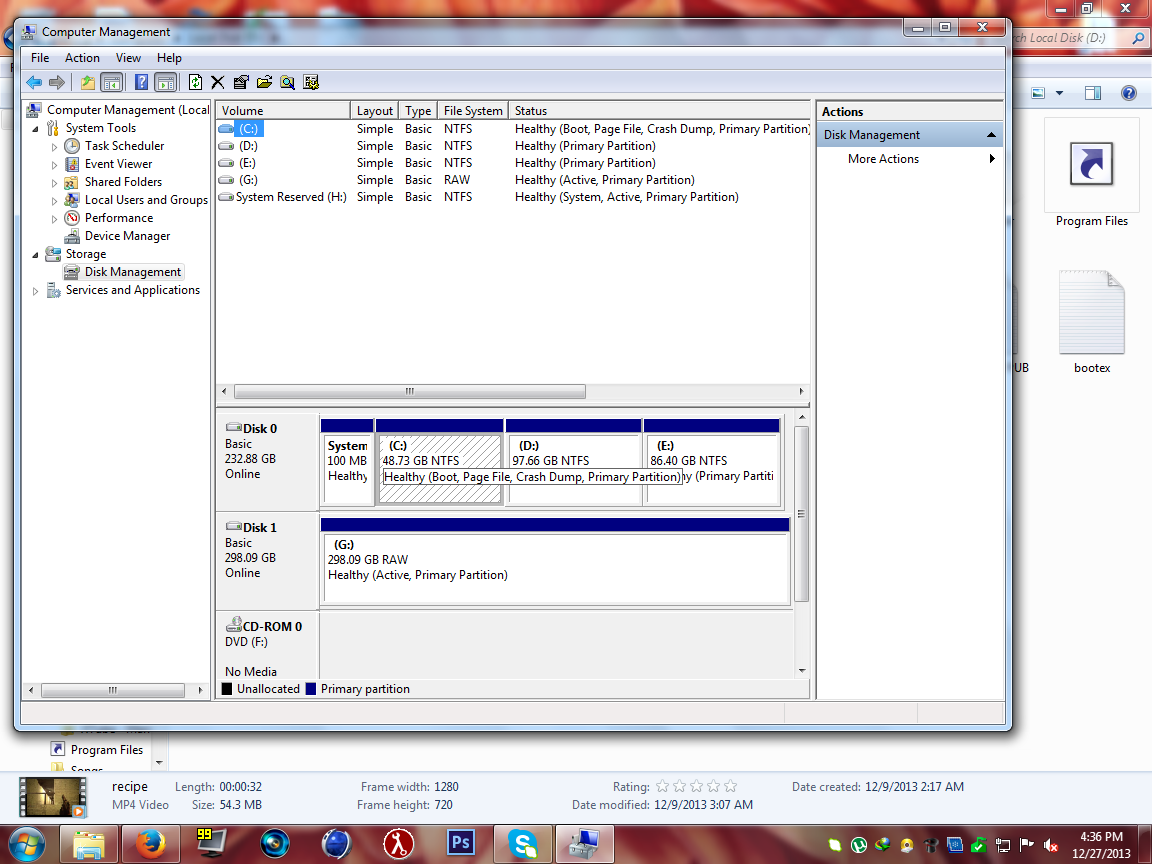
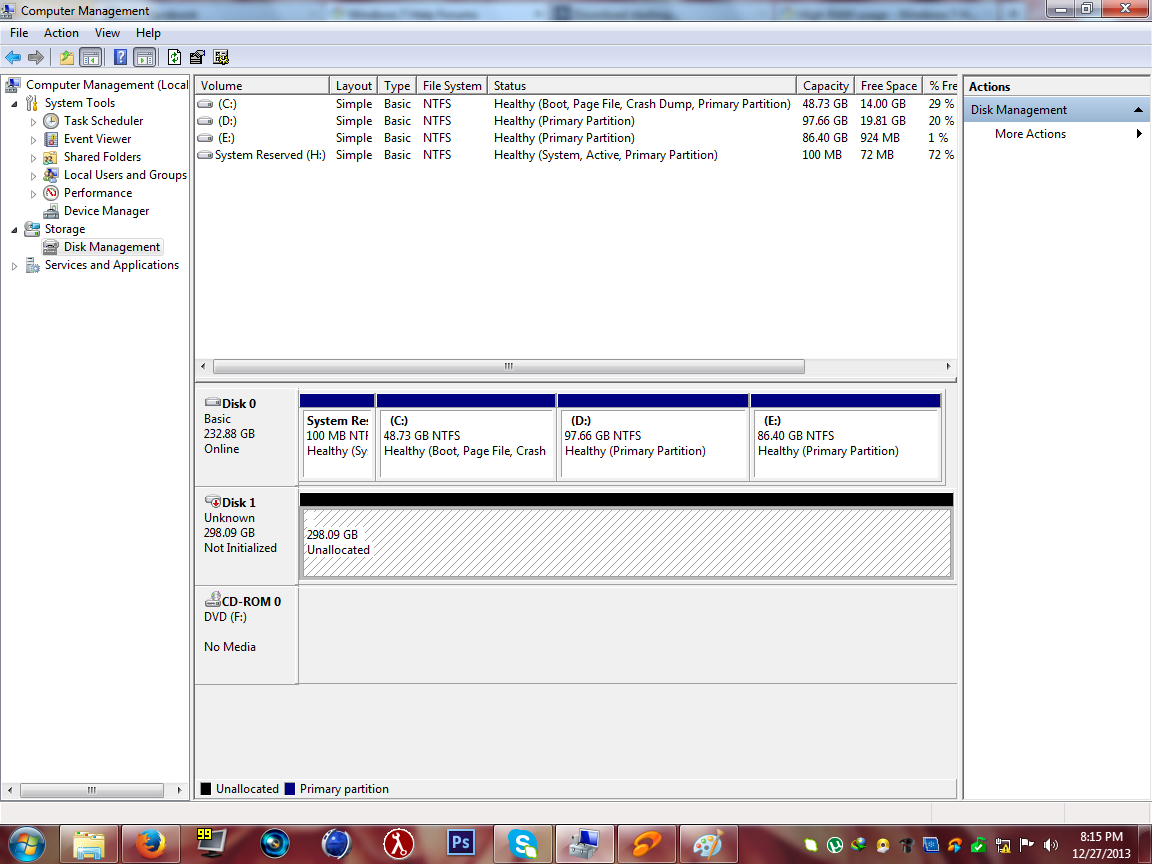
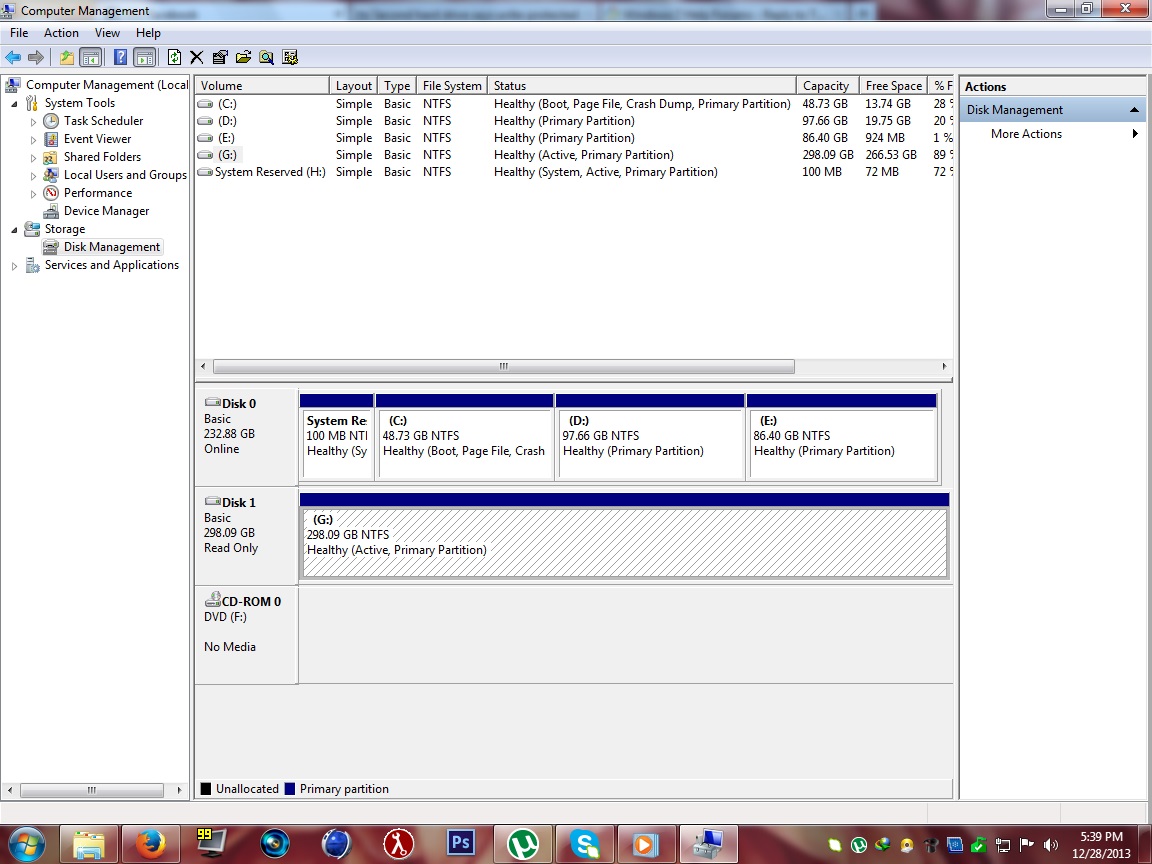
Well, its possible that even though its working it may need need to be checked for errors. I would run a chkdsk /f to have the check disk program within windows scan for and hopefully fix what errors there are left which is probably the reason its lagging or running slowly. I would also suggest doing a defrag of the hard disk if that has not been done in a long time which will re organize the files on the hard disk and will help to speed up the operation of windows. Also, you might want to download and run ccleaner to clean out left behind and excess registry entries which also can slow down the hard disk and windows.
Go to this link to download ccleaner:
https://www.piriform.com/ccleaner
Absolutely NONE OF THAT should be attempted before you copy to a reliable device all that is important to you.
You might permanently kill the Disk before you rescue your files.
It is possible for defragging to spend over a day whilst it copies al the files from one region of a partition to another, and then back again, and again repeatedly.
Only if the drive survives that hard work is there a chance for you to make that all important copy of what is important,
and the only benefit of spending a day defragging is that you can save a few seconds copying your important files to an ultra super speed drive for safe keeping,
BUT the chances are that the best thing available to you is a USB3 external drive and USB3 will probably prevent you getting ANY benefit from a very slightly faster internal secondary HDD.
After rescuing anything of value,
and before trusting that Disk to ever again hold anything important,
I would want to fix it and prove that it is fixed and reliable.
If I was in your position I would seek advice upon relevant tools to perform stress tests on the Disk,
though whilst awaiting replies I might consider running chkdsk and defragging as a matter of interest.
If I thought the Disk was worthy of using again I would probably get advice on the merits of :-
a Quick or FULL format;
and also "chkdsk /f" or "chkdsk /r".
Regards
Alan

 . help me please. the name of my hardisk is ST3320418AS ATA Device