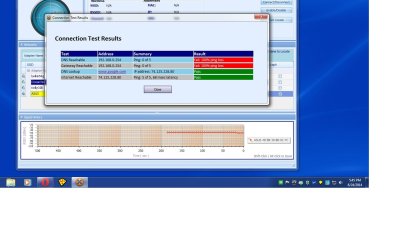
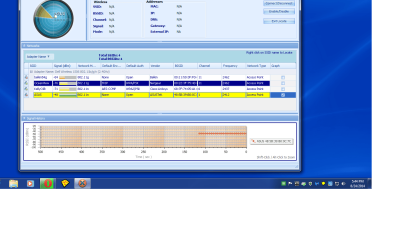
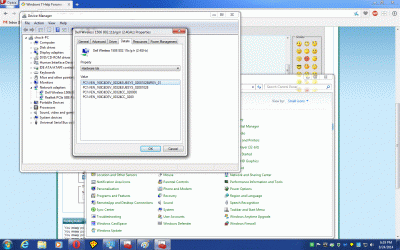
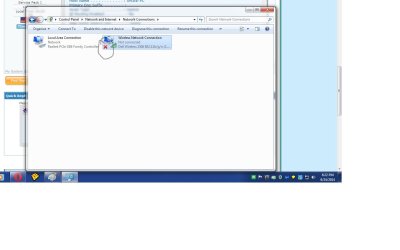
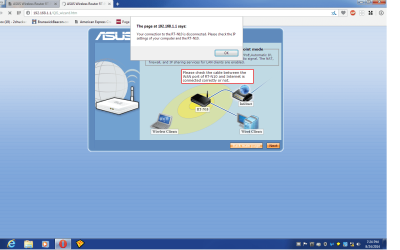
Here is where i am at , when i unplug the ethernet cable from the router i get wireless , thank you , thats a improvement .
Again,
I thought this PC was previously always operating wireless? Why would there now be an ethernet cable connecting it to the router, which wasn't there before? Was this done only after the wireless connectivity mysteriously disappeared, to just get something to work?
Was that cable going from PC to the router (correct), or from PC to the modem (incorrect)?
And if you've now disconnected the recently attached ethernet cable going from PC to router (presumably once again making things look like they always used to be) and you've not changed anything else, how is it that suddenly you once again have wireless connectivity whereas you didn't have it earlier (when you started this thread)??
Maybe it was the re-boot after removing the ethernet cable going to the router that kick started everything back to the way it always used to look. Don't know.
My modem must be very different than what your used to , there is no coax option
My mistake, if you are on DSL from the phone company rather than Broadband from a cable company. I was describing a cable modem, which has an RF screwon connector for coax. If you have a DSL modem from the phone company it would get a telephone wire, not a coax. Sorry for the confusion.
Ok. Are you saying everything is now once again working perfectly?
And the only thing you did is unplug the ethernet cable from the desktop PC? That cable must have been connected to something at the other end. What was it?
Please tell me what the other end of the ethernet cable was connected to... one of the 1/2/3/4 LAN ports on the router? Or was it connected to the ethernet port on your DSL modem?? Or what?
So just to confirm, everything is now working perfectly again... in wireless mode?? Case closed? Problem completely solved? No lingering mysteries or questions?