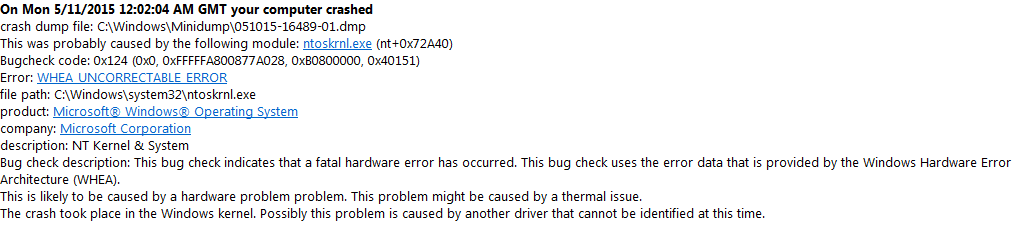
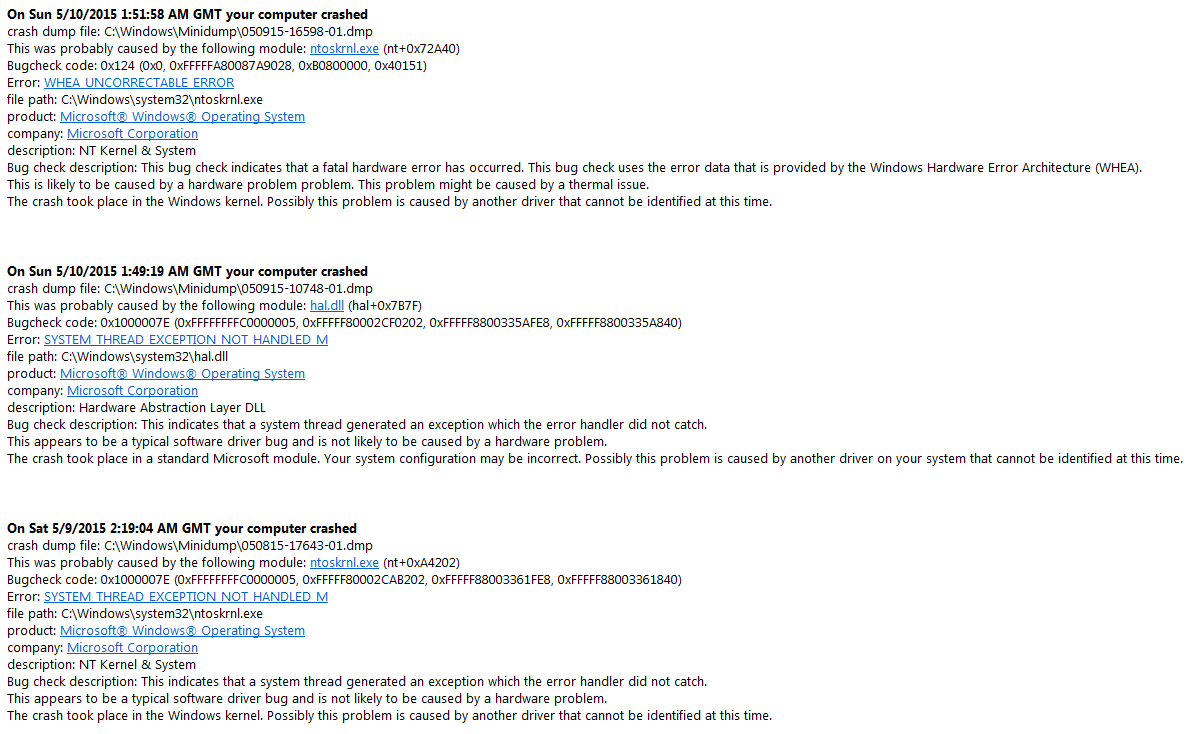
Welcome to 7F. You've received two types of dumps, 0x124 and 0x1000007E. The 0x124s usually indicate a hardware error but often give no clue as to what the problem is. Fortunately yours point towards
audiodg.exe.
Code:
WHEA_UNCORRECTABLE_ERROR (124)
A fatal hardware error has occurred. Parameter 1 identifies the type of error
source that reported the error. Parameter 2 holds the address of the
WHEA_ERROR_RECORD structure that describes the error conditon.
Arguments:
Arg1: 0000000000000000, Machine Check Exception
Arg2: fffffa8008f15028, Address of the WHEA_ERROR_RECORD structure.
Arg3: 00000000b0800000, High order 32-bits of the MCi_STATUS value.
Arg4: 0000000000040151, Low order 32-bits of the MCi_STATUS value.

Debugging Details:
------------------


BUGCHECK_STR:  0x124_AuthenticAMD

CUSTOMER_CRASH_COUNT:  1

DEFAULT_BUCKET_ID:  WIN7_DRIVER_FAULT

PROCESS_NAME:  [COLOR=Red]audiodg.exe[/COLOR]

CURRENT_IRQL:  f

ANALYSIS_VERSION: 6.3.9600.17029 (debuggers(dbg).140219-1702) amd64fre
This makes sense when looking at the 0x1000007E which is blaming your
Logitech G Series headset. The driver is a couple of years old and could do with updating, check for an updated version
here.
Code:
BugCheck 1000007E, {ffffffffc0000005, fffff80002cab202, fffff88003361fe8, fffff88003361840}

[COLOR=Red]*** WARNING: Unable to verify timestamp for ladfGSCamd64.sys
*** ERROR: Module load completed but symbols could not be loaded for ladfGSCamd64.sys[/COLOR]
Probably caused by : ladfGSCamd64.sys ( ladfGSCamd64+52cc )

Followup: MachineOwner
---------

4: kd> lmvm ladfGSCamd64
start             end                 module name
fffff880`06b4a000 fffff880`06bac880   ladfGSCamd64 T (no symbols)
    Loaded symbol image file: ladfGSCamd64.sys
    Image path: ladfGSCamd64.sys
    Image name: ladfGSCamd64.sys
    Timestamp:        [COLOR=Red]Mon Apr 15 19:39:12 2013[/COLOR] (516C4950)
    CheckSum:         0006DEE3
    ImageSize:        00062880
    Translations:     0000.04b0 0000.04e4 0409.04b0 0409.04e4
Update the driver and test the system, report back with the results.