Hey there!
I tried to set up a dualboot of 7 and XP, so I made a new partition from XP (named S: ) and installed 7 there.
It finished installing all right and booted to 7, but when I restarted no boot manager appeared and I could only run XP.
So I decided to follow the steps from Method 2 here
http://www.sevenforums.com/tutorials/8057-dual-boot-installation-windows-7-xp.html
but I must have screwed something up very badly 'cause I can only access 7 now.
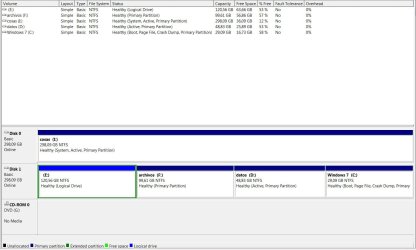
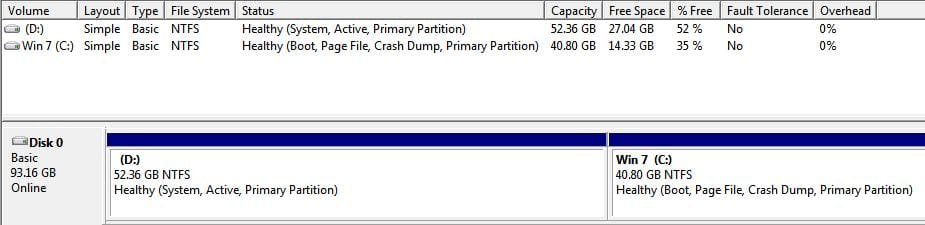
I went into the disk management tool and things have gone weird there: S: drive is now labeled C: (and I can't change it), and my XP drive (that was C: ) is now a logical drive (wtf?) labeled E:
Any suggestions on how to fix this?
Thanks in advance
I tried to set up a dualboot of 7 and XP, so I made a new partition from XP (named S: ) and installed 7 there.
It finished installing all right and booted to 7, but when I restarted no boot manager appeared and I could only run XP.
So I decided to follow the steps from Method 2 here
http://www.sevenforums.com/tutorials/8057-dual-boot-installation-windows-7-xp.html
but I must have screwed something up very badly 'cause I can only access 7 now.
I went into the disk management tool and things have gone weird there: S: drive is now labeled C: (and I can't change it), and my XP drive (that was C: ) is now a logical drive (wtf?) labeled E:
Any suggestions on how to fix this?
Thanks in advance
My Computer
- OS
- XP (screwed up), 7